Landing page designers who work at a desk
If you want to view your design, preview and references side by side, weigh up the built-in display space against any external monitor you already have.


For landing page designs in Figma, a laptop that supports the browser and operating system you use is often enough; Figma alone doesn’t call for an especially powerful graphics chip, as the Figma Help Centre explains. If you mainly work at a desk, you may prefer a larger built-in display, while a more compact laptop is easier to carry around. For additional image editing, check the requirements of the software you use and the specifications of the exact model. Adobe recommends at least 8 GB of RAM for Photoshop 27.x, and 16 GB or more.
If you want to view your design, preview and references side by side, weigh up the built-in display space against any external monitor you already have.
If you regularly carry your laptop between your room and university, consider its screen size and portability alongside the connections available at your workstation.
If you edit images as well as work on landing page layouts, check the memory requirements of the specific applications you use. Adobe recommends at least 8 GB of RAM for Photoshop 27.x, and 16 GB or more.
| Consideration | What to check | Who should consider it? |
|---|---|---|
| Display space | Screen size and the exact panel variant; if you use an external monitor, check the video output and any adapters you need. | If I want to arrange my design, preview and references on screen at the same time, usable display space matters. Around 33% of consumers put this first. |
| Software and memory | The applications you plan to use, their current requirements and the specifications of the exact model variant. | If you use image-editing software or several applications alongside your browser, check compatibility and choose an appropriate amount of memory. Around 27% of consumers prioritise software and multitasking. |
| Portability | Dimensions, weight, charger and the conditions under which the manufacturer measured battery life. | If I regularly take my laptop to university, a device that’s easy to carry matters more than having as much built-in workspace as possible. Around 20% of consumers prioritise portability. |
| Cost and value | Check what device you already have and what software you actually need before comparing offers and their exact specifications. | If you only want to buy the features your workflow needs, weigh up the value of each additional configuration. Around 20% of consumers put cost and value first. |
Display, memory and connections can vary between configurations within a range. This matters especially if you need a particular panel type or connection.
Compare the full model number and the specifications of the display actually on offer, not just the range name.
The Figma Help Centre describes Figma as mainly browser-based. Additional applications, such as image-editing software, may have their own system requirements.
First decide which software you’ll use and what for, then check the exact specifications against its requirements.
A higher-spec configuration may offer more than your workflow actually needs.
Apple gives separate battery-life figures for wireless web browsing and video streaming on the MacBook Air M5. These don’t tell you how long the battery will last during your design work.
Compare battery-life figures only after checking the test conditions, and think about how often you’ll actually work on the go.
The MacBook Air M5 is a compact macOS option if the software you need runs on macOS.
The IdeaPad Slim 5 16IAH10 is a Windows laptop range with options for a larger built-in screen.
The OmniBook 5 16-AF1000 range offers a choice of processor, memory and display configurations for working with a larger built-in screen.
The Vivobook 16 (M1605) range includes models suited to working at a desk.
The Swift 16 AI SF16-51 is a 16-inch range with OLED options.
This Joybuy selection includes laptops with large built-in displays for working at a desk, as well as models with specified memory and storage for additional applications.
 No image available
The 16-inch display is well suited to designs and previews at a desk.
32 GB DDR5 RAM and 512 GB PCIe SSD; HDMI 2.1 and Thunderbolt 4. The listed weight is 1.7 kg.
 No image available
The 16-inch display gives you built-in space for working at a desk.
16 GB RAM and 512 GB SSD; German keyboard layout.
 No image available
The 16.2-inch display gives you built-in space for designs and previews; according to the Figma Help Centre, Figma can generally be used in a browser on macOS.
24 GB unified memory and 1 TB SSD; HDMI and three Thunderbolt 5 ports. The listed weight is 2.14 kg.
The product description states that the power adapter is not included.
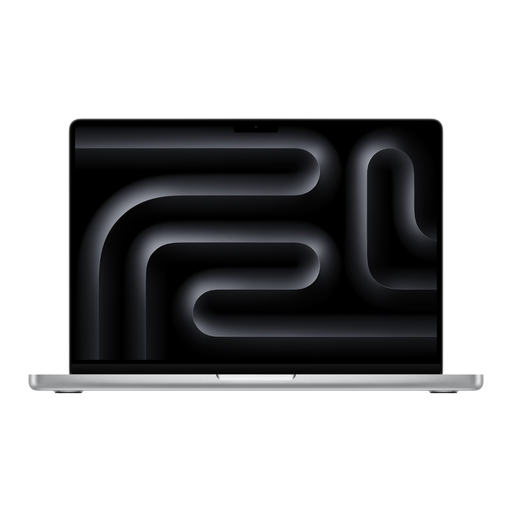 No image available
The 16.2-inch display gives you built-in space for designs and previews; according to the Figma Help Centre, Figma can generally be used in a browser on macOS.
48 GB unified memory and 1 TB SSD; HDMI and three Thunderbolt 5 ports. The listed weight is 2.14 kg.
The product description states that the power adapter is not included.
 No image available
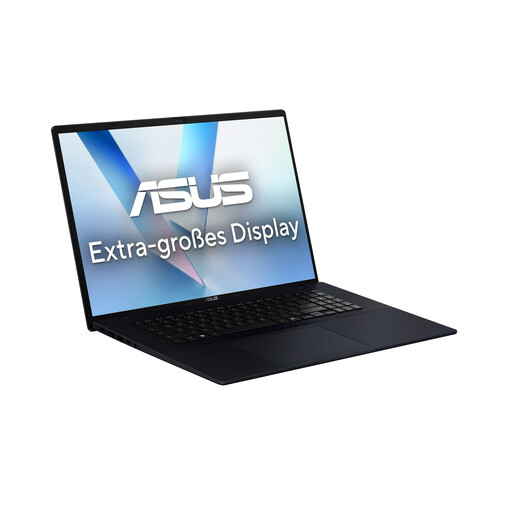
The 18-inch display offers plenty of built-in space for designs and previews at a desk.
16 GB RAM, 1 TB SSD and 100% sRGB colour gamut coverage; HDMI 2.1 and USB-C. The listed weight is 2.6 kg.
Not for Figma alone: the Figma Help Centre describes it as mainly browser-based, with modest graphics requirements for typical use. Check which browsers and operating systems it supports; additional software may have different requirements.
Check that your monitor’s input matches the video output on the exact laptop variant, and allow for any adapters you may need. Lenovo lists HDMI and USB-C with DisplayPort support for the IdeaPad Slim 5 16IAH10; Apple lists Thunderbolt 4/USB-C with DisplayPort for the MacBook Air M5.
Adobe lists 8 GB of RAM as the minimum for Photoshop 27.x and recommends 16 GB or more. These figures apply to Photoshop and aren’t a general minimum requirement for every landing page project.
When you buy from a business seller in the EU, you generally have a statutory guarantee of at least two years from the date you receive the goods; a voluntary manufacturer’s warranty doesn’t replace it. For online purchases where the right to cancel applies, the usual cancellation period is 14 days from delivery. Exceptions and conditions, such as return postage costs, may apply; refer to the European Union’s information on guarantees and cancellation rights.