What should you look for when buying?
First, check which school software and file formats the laptop needs to support. Then compare its size, battery life and offline access with what you need for a typical train journey.
| Consideration |
What to check before buying |
Who is it important for? |
| Software and file compatibility |
Check with your school which programmes, operating system versions and file formats you’ll need. |
If I have to use specific school programmes and file formats, I check they’re supported before buying a device. Around 31% of consumers rate software and file compatibility as their top buying consideration. |
| Portability and power |
Compare dimensions and weight. Consider battery tests for similar tasks, as well as the power adapter and what’s included with the specific version. |
If I’m working at my train seat and can’t count on having my own power socket, I look for a portable device with suitable charging options. Around 25% of consumers prioritise portability and being able to work without relying on a power socket. |
| Offline access |
Test whether you can work on your actual files and apps without an internet connection, and sync them afterwards. |
If I need to work on lesson materials when my connection drops, I make the files I need available offline beforehand. Around 25% of consumers prioritise offline access to their work materials. |
| Screen readability and input |
Compare screen size, keyboard and desk space. If you’ll be using a stylus, check that it’s supported and whether one is included. |
If I’m writing longer documents or comparing several resources, I need enough usable space at my seat to see everything clearly. Around 19% of consumers rate screen size and input as their top buying consideration. |
Joybuy products for working on the go
The following Joybuy products are compact devices for working at your train seat. Before buying, check that the school software you need and the input features you require are supported by the specific version.
 No image available
Microsoft Surface Pro 11, 13-inch, Snapdragon X Plus, 16 GB, 512 GB
An option if you’re looking for a compact touchscreen device for working on the go. Check that it’s compatible with your school software before you buy.
View at Joybuy
 No image available
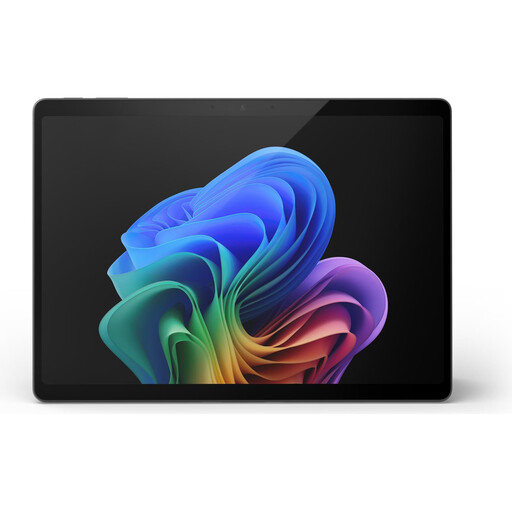
Microsoft Surface Pro 11, 13-inch, Snapdragon X Elite, 16 GB, 512 GB
This compact touchscreen version may suit you if you want to work on the go. Check that the applications and file formats you need meet your school’s requirements.
View at Joybuy
 No image available
Microsoft Surface Pro 12, Core Ultra 5, 16 GB, 512 GB, Platinum
A compact touchscreen option for working on the go. Check that this specific configuration and the input features you need suit the way you work.
View at Joybuy
 No image available
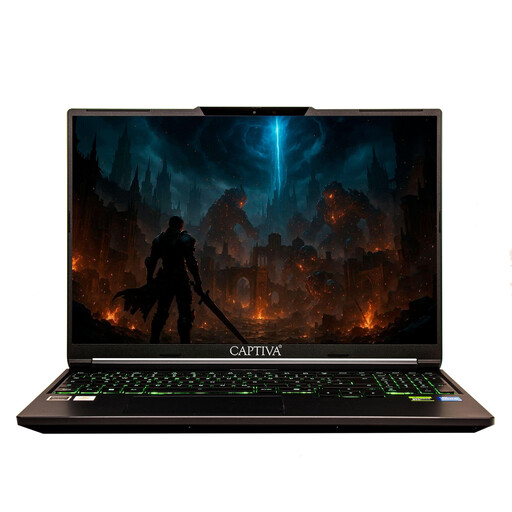
Captiva Power Starter, 14-inch, AMD Ryzen 7 255, 16 GB, 500 GB SSD, Windows 11 Home
This 14-inch model is an option for working on documents and lesson materials on the go. Check that Windows 11 Home meets the requirements of your school software.
View at Joybuy
 No image available
Samsung Galaxy Book6 Enterprise Edition, 14-inch, Intel Core Ultra 7 355, 32 GB LPDDR5X RAM, 512 GB NVMe SSD, Windows 11 Pro, Mocha Gray, RJ45
This 14-inch version is an option for working on the go with Windows 11 Pro. Before buying, check that its specific features meet your school’s software requirements.
View at Joybuy
Frequently asked questions
Can I rely on Wi-Fi and my own power socket on an ICE train?
No. Don’t assume you’ll have either when preparing lessons. Deutsche Bahn says Wi-Fi speed depends, among other things, on the mobile connection and the number of passengers. In second class, there’s one power socket per pair of seats, while selected train models have one per seat. So prepare the files you need before your journey.
How do I prepare Google Drive files for offline use on a Chromebook?
Set up offline access and mark the files or folders you need as available offline. Google recommends checking that they’re ready and testing the apps you’ll need, as some apps don’t work offline.
What should I consider when handling pupils’ personal data on a laptop?
Ask your school or the relevant department which devices, storage locations and procedures are approved. The General Data Protection Regulation requires appropriate technical and organisational safeguards, and specific school rules may vary. Deutsche Bahn describes its onboard Wi-Fi as a public network. Germany’s Federal Office for Information Security recommends using a VPN to protect data in transit; this doesn’t replace the need for your school’s approval.
What rights and extra costs should I consider when buying a laptop?
According to Verbraucherzentrale, online purchases generally come with a 14-day right to cancel. Your statutory consumer rights and any voluntary guarantee are separate. Also check whether the power adapter and any required adapters are included with the specific version: for the ASUS Zenbook 14 OLED UX3405CA-QL205W we checked, ASUS says no power adapter is included.


