Choose a laptop based on your layout software and whether you mainly work at a fully equipped desk or directly on the built-in display. If you move between desks, look for the right ports and a usable external monitor; without a dedicated monitor, the laptop’s screen size matters more. A dedicated graphics card isn’t a general minimum requirement for InDesign, and it isn’t automatically worth buying for this purpose alone.
Which approach is right for you?
Working directly on your laptop
If you often edit magazine pages without an external monitor, you’ll need enough room to see both the page and the tool panels. Compare the display size and resolution of the specific configuration. Adobe recommends a resolution of 1920 × 1080 pixels for InDesign on Windows.
Working at different desks
If you move between desks in a co-working office, check that your laptop’s ports are compatible with the monitors and input devices available there. Germany’s Federal Institute for Occupational Safety and Health also covers the regular use of portable display devices at different locations within workplaces in its ASR A6 guidance.
Layout alongside other creative work
If you regularly do demanding image, video or 3D work as well as page layout, check the software requirements for those applications separately. Adobe recommends 16 GB RAM for current versions of InDesign on Windows; other programmes may have additional requirements.
What should you look for when buying?
| Priority |
What to check |
Who it matters most to |
| Display for pages and colour |
Check the size and resolution of the specific model. When assessing print output, consider the colour management and print workflow too. |
If I need to work on layouts without an external monitor, I want a clear view of both the page and the tool panels. Around 33% of consumers put the built-in workspace first. |
| Connecting at the office desk |
Check that the video ports, dock and power supply are compatible with the equipment at the desks you’ll actually use. |
If I move between desks, I want to be able to use the monitors and input devices already there. Around 25% of consumers prioritise connecting to their workspace. |
| Layout and other programmes |
Compare the operating system, memory and SSD with the requirements of all the applications you actually use. For InDesign on Windows, Adobe recommends 16 GB RAM from version 21.3 onwards. |
If I use other image-editing or creative programmes alongside page layout, I want to take their requirements into account separately. Around 25% of consumers focus primarily on running their applications at the same time. |
| Carrying your laptop between desks |
Compare the dimensions and weight with the distances you’ll travel and the desk space available in the office. Assess manufacturers’ battery-life claims in light of their test conditions. |
If I regularly take my device with me, I want it to be easy to carry without losing sight of how much workspace I need. Around 17% of consumers prioritise portability. |
Common buying mistakes
-
Choosing a creator graphics card just for magazine layout
Adobe doesn’t list a dedicated graphics card as a general minimum requirement for InDesign. Creator and workstation ranges can also vary considerably between configurations.
First, check the requirements of your layout software and any additional image or video applications. Then decide based on the specific configuration.
-
Assuming a wide-gamut display guarantees print accuracy
A display specification alone doesn’t prove that its colours will match a particular printed result. Adobe describes a colour output workflow in InDesign that uses a selected printer profile.
Check how colours will be reviewed and matched for print, rather than relying on a gamut specification alone.
-
Checking only the laptop’s ports
The available monitor, dock and power supply all need to be compatible with the specific laptop configuration and the desk you’ll be using.
Check the equipment available at the desks where you’ll actually work before choosing a device or accessories.
Brands to consider
Apple
The MacBook Air is a macOS option for layout work at different desks or directly on your laptop.
- Apple lists 13- and 15-inch configurations, with different memory options depending on the model.
- Manufacturer specifications are no substitute for checking your layout software requirements or setting up a colour-managed print workflow.
Lenovo
The ThinkPad X9-15 Gen 1 is a Windows range for working on the laptop itself or with external office equipment.
- Lenovo’s product specifications list HDMI and Thunderbolt 4 for this range.
- Depending on the configuration, it comes with 16 or 32 GB of soldered, non-upgradable memory. Check the specific model and dock compatibility.
ASUS
The ProArt P16 is a Windows creator range for additional demanding creative work.
- The range includes several H7606 variants.
- The display, graphics and other specifications vary between models. Check the exact model number of the device on offer.
HP
The ZBook X G1i is a mobile Windows workstation for demanding creative applications; it isn’t a standard requirement for InDesign layouts.
- For the B72W4ET#ABD configuration, HP lists 32 GB RAM, a 1-TB SSD and dedicated graphics.
- These are manufacturer specifications for the configuration listed; check the product number against the specific offer.
Dell
The Pro Max 16 is another Windows workstation range to consider if your additional applications need this level of specification.
- Dell lists different graphics and display options for the PB16250 model.
- The model name alone doesn’t tell you exactly what’s included. Check the selected configuration before buying.
Joybuy laptops for magazine layout
The Joybuy models below include laptops with larger built-in displays and portable Windows devices for working at different office desks. Check each model’s specific configuration and make sure it suits your software and workspace.
 No image available
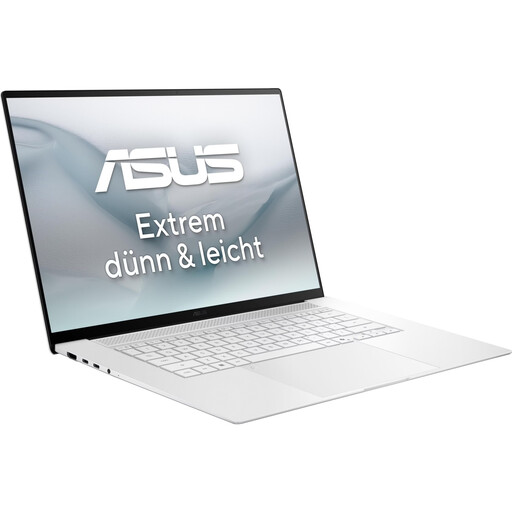
ASUS Zenbook S16 UM5606GA-SS335W, 16-inch
The larger built-in display may be useful for layout work without an external monitor.
16-inch OLED display with 2880 × 1800 pixels, 32 GB RAM and 1 TB SSD. The listed weight is 1,50 kg. The product title says that no power supply is included.
Joybuy
 No image available
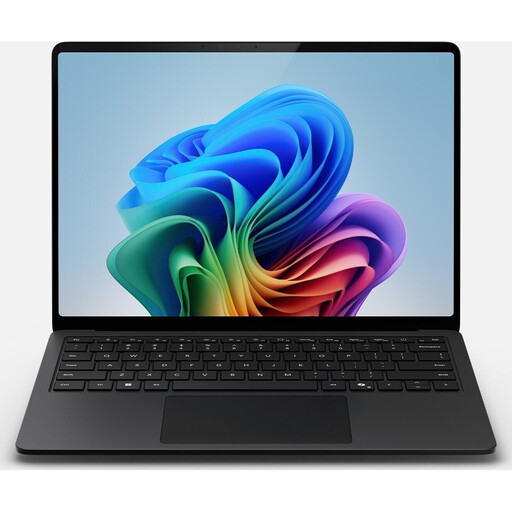
Microsoft Surface Laptop 7, Snapdragon X Plus, 16 GB / 512 GB
The listed specifications and weight make this worth considering when comparing devices for moving between workspaces.
13.8-inch display with 2304 × 1536 pixels in a 3:2 aspect ratio, 16 GB RAM and 512-GB SSD. The listed weight is 1,34 kg; USB 4.0 and Thunderbolt 4 are also listed.
Joybuy
 No image available
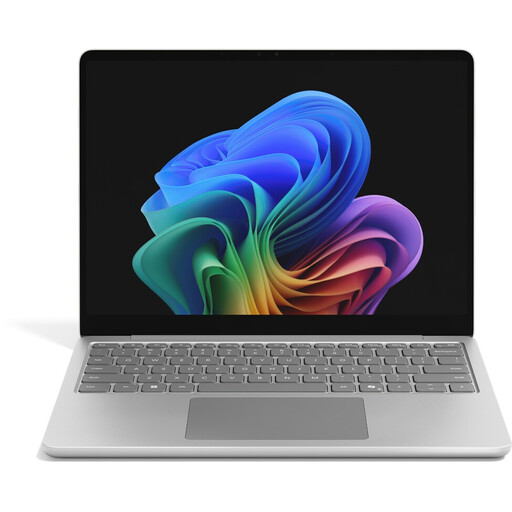
Microsoft Surface Laptop 8, Core Ultra 5, 24 GB / 512 GB
The listed memory may be worth considering if you run several applications at once; check it against their requirements.
13-inch touchscreen with 1920 × 1280 pixels in a 3:2 aspect ratio, 24 GB RAM and 512-GB SSD. The listed operating system is Windows 11 Professional.
Joybuy
 No image available
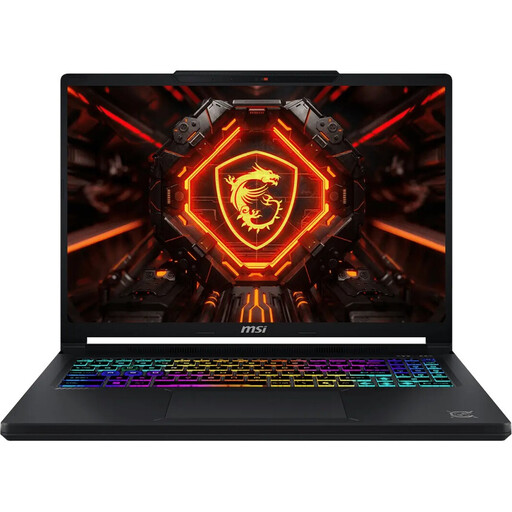
MSI Crosshair 16 Max HX E2WGXK-023
If you use additional creative applications, check whether this specific configuration meets their requirements.
16-inch QHD+ OLED display with 2560 × 1600 pixels, 16 GB DDR5 and 1 TB SSD. The title lists an NVIDIA GeForce RTX 5070 with 12 GB, Windows 11 Home and a 165 Hz refresh rate. The listed weight is 2,20 kg.
Joybuy
 No image available
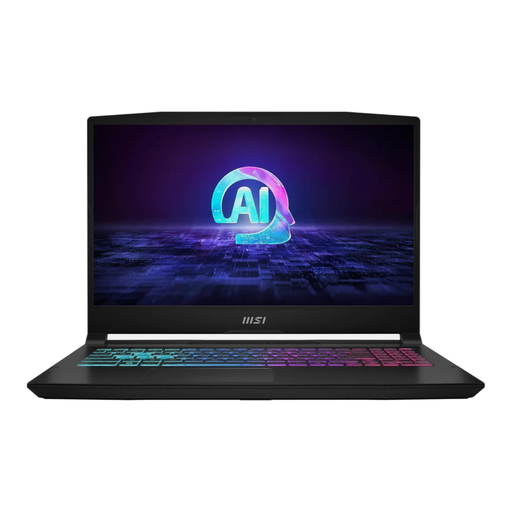
MSI Katana A15 AI B8VG-459, 16 GB / 1 TB
The listed ports are useful to compare with the equipment at your co-working desk.
15.6-inch display with 1920 × 1080 pixels, 16 GB DDR5 and 1-TB SSD. HDMI 2.1 and USB-C with DisplayPort are listed. The stated weight is 2,25 kg, and the keyboard layout is German QWERTZ.
Joybuy
Frequently asked questions
Do I need a dedicated graphics card for InDesign?
No. Adobe doesn’t list one as a general minimum requirement for current versions of InDesign. Adobe does specify separate GPU requirements for optimal GPU performance, so check the requirements of any other programmes separately.
How do I set up my laptop at different office desks?
Check that your specific device’s ports are compatible with the monitors and docks available. For regularly used computer workstations, it’s also important to set up the screen and input devices appropriately. Germany’s ASR A6 guidance applies to the design of workplaces within its scope; it doesn’t recommend a particular laptop brand across the board.
Is a wide-gamut display enough to approve print colours?
No. That display specification alone doesn’t prove that the colours will match a particular printed result. Adobe describes colour management in InDesign using a selected printer profile. Agree the proofing and output process with everyone involved.
What are the rules in Germany for complaints and cancelling an online purchase?
For a consumer purchase of new goods that are faulty, you can generally assert your statutory rights against the seller within two years of receiving the goods; this is separate from any voluntary guarantee. For a standard online consumer purchase, the cancellation period is generally 14 days from receiving the goods, subject to legal exceptions. Different requirements may apply to business purchases.


