Choose your laptop based on how you work at a shared desk. For longer writing sessions, a screen that’s easy to read and a well-planned workstation matter most. If you regularly connect to shared equipment, you’ll also need the right ports for a monitor and peripherals. And if you often move between work locations, check the total weight including accessories, and make sure the museum’s IT team supports the operating system and software.
Which work setup is right for you?
For those who write a lot at a shared desk
If you spend long periods drafting and editing in the same spot, look for a screen that’s easy to read and a practical arrangement of your screen and input devices. Germany’s Federal Institute for Occupational Safety and Health (BAuA) covers digital work equipment and screen-based work as part of workstation design.
For those who move between office desks
If you regularly connect your laptop to shared monitors and input devices, make sure its connections and the process for plugging in and signing out suit the equipment at your workstation. c’t describes monitors, docks and input devices as typical equipment at shared workstations.
For mobile museum teams
If you carry your device between work locations, consider the total weight of your work equipment, including the power adapter and any necessary adapters. The BAuA highlights this weight when work locations change frequently; Germany’s Federal Office for Information Security (BSI) recommends locking access to your device when you leave your workstation.
What should you look for when buying?
The BAuA highlights the weight of your complete work setup when you move between work locations. For shared workspaces, c’t describes the monitors, docks and input devices already in place; the BSI recommends locking your device when you leave your workstation.
| Consideration |
What to check before buying |
Who it matters most to |
| Readability and writing posture |
Check how your writing software looks on screen, and plan your screen and input devices together. |
If I read and edit long texts, I want a clear display and a comfortable writing position. Around 36% of consumers put readability and typing comfort first. |
| Connecting at a shared desk |
Check the ports on the exact configuration against the dock, monitor and power supply. |
If I often move between desks, I want to connect to the equipment already there without a lot of trial and error. Around 29% of consumers prioritise easy connections at a shared desk. |
| Portability and battery life |
Compare the weight of the laptop and the accessories you need; treat manufacturers’ battery-life figures as estimates. |
If I often carry my device between work locations or sometimes work without a mains socket, I want to choose a weight and power setup that suits my routine. Around 21% of consumers put portability first. |
| Software and data security |
Check which operating system and programmes the museum’s IT team approves, and remember to lock your device. |
If I handle work data, I want to know in advance whether my programmes and IT access will work. Around 14% of consumers prioritise software access and data protection. |
Common buying mistakes
-
Assuming a USB-C connector means it’s compatible with your dock
Having the right type of connector doesn’t guarantee that your monitor, peripherals and charging will work as needed with the dock you already have.
Check the dock and monitor against the laptop’s full model configuration before you decide.
-
Looking only at screen size
A laptop’s screen and built-in keyboard are connected, so you can’t position them independently.
Consider the screen and your workstation setup together, especially if you regularly write for long periods.
-
Confusing the warranty, your statutory rights and what’s included
Germany’s consumer advice centre distinguishes statutory rights from a voluntary warranty; what’s included can vary from one offer to another.
Before buying, check whether a power adapter and any necessary adapters are included, and read the information about the seller and service terms.
Key brands at a glance
Lenovo
The ThinkPad E series offers a Windows business option, although the exact features depend on the configuration. Lenovo Germany lists the ThinkPad E14 Gen 7, product number 21SX000RGE, as a 14-inch configuration with a German keyboard.
- For this configuration, Lenovo lists 16 GB RAM, a 512 GB SSD and a matt display with a resolution of 1,920 × 1,200 pixels.
- These details don’t necessarily apply to other E14 configurations. General manufacturer claims about portability or battery life aren’t independent test results.
HP
The EliteBook 840 G11 is a Windows business option. HP’s German website describes configuration A26QBEA#ABD.
- HP lists Windows 11 Pro, 32 GB RAM and a 14-inch display for this configuration.
- These details apply to A26QBEA#ABD; claims about security and battery life come from the manufacturer and can’t automatically be applied to other configurations.
Dell
The Dell Pro 14 PC14250 is another Windows business model to consider for a shared workspace.
- Dell lists it as a 14-inch laptop with configurable specifications.
- Dell notes that the actual specifications may vary depending on the configuration. The PC14255 and Pro 14 Plus PB14250 are different models.
Apple
The 13-inch MacBook Air with M5 is a macOS option if it’s compatible with your programmes and IT setup.
- For this version, Apple lists two Thunderbolt 4 ports and battery life of up to 18 hours.
- The battery-life figure comes from the manufacturer; it isn’t a measure of how long the battery will last in your own working day. The type of port alone doesn’t confirm compatibility with your existing dock.
Joybuy products for writing and shared workspaces
This selection features Windows laptops with documented display and port specifications for writing and shared desks.
 No image available
Acer TravelMate TMP216-41-TCO, 16-inch, 16 GB RAM, 512 GB SSD
The ports listed may be useful at a shared workstation; check they’re compatible with your monitor and dock.
16-inch IPS display with WUXGA resolution (1,920 × 1,200 pixels), AMD Ryzen 3 PRO 7335U, 16 GB DDR5, 512 GB SSD and Windows 11 Pro Education. Listed ports include USB4, HDMI 2.1 and RJ-45.
View at Joybuy
 No image available
Lenovo ThinkPad E16 Gen 3 21ST, 32 GB RAM, 1 TB SSD
For longer writing sessions, the anti-glare display and German QWERTZ keyboard listed are useful features to consider.
16-inch WUXGA IPS display, AMD Ryzen 7 250, 32 GB RAM, 1 TB SSD and Windows 11 Pro. Listed ports include USB4-C, HDMI 2.1, USB-A and RJ-45.
View at Joybuy
 No image available
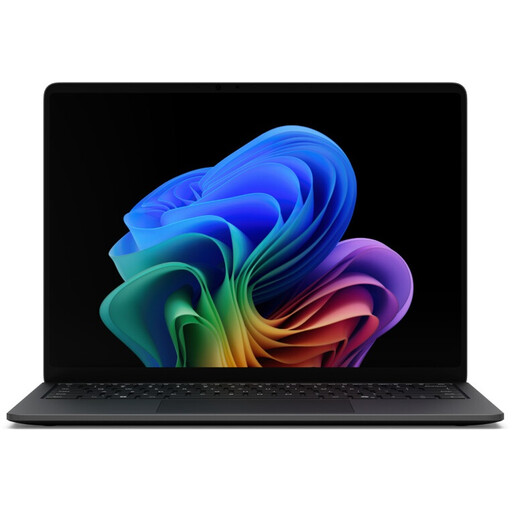
Microsoft Surface Laptop 8, Core Ultra 5, 16 GB RAM, 512 GB SSD, Black
The USB and Thunderbolt ports listed may be useful when moving between desks; check they’re compatible with your dock and monitor.
13.8-inch touchscreen with a resolution of 2,304 × 1,536 pixels, 16 GB RAM and 512 GB SSD. Thunderbolt 4 and USB 4.0 are listed; the weight is given as 1.3 kg.
View at Joybuy
 No image available
Microsoft Surface Laptop 8, Core Ultra 5, 24 GB RAM, 1 TB SSD, Platinum
If you need a touchscreen and a Windows operating system, check the specifications against the museum IT team’s requirements.
13-inch touchscreen with a resolution of 1,920 × 1,280 pixels, Intel Core Ultra 5, 24 GB RAM, 1 TB SSD and Windows 11 Pro.
View at Joybuy
 No image available
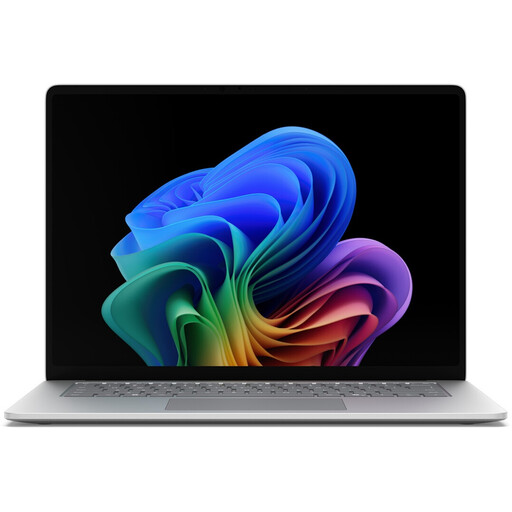
Microsoft Surface for Business, 8th Edition, Core Ultra 5 335, 16 GB RAM, 512 GB SSD
The connections listed are worth checking for a shared workspace; make sure they’re compatible with the monitor and dock on site.
15-inch touchscreen with a resolution of 3,270 × 2,180 pixels at 120 Hz, Intel Core Ultra 5 335 at 2.2 GHz, 16 GB RAM, 512 GB SSD and Windows 11 Pro. Thunderbolt 4 and USB 4.0 are listed as ports.
View at Joybuy
Frequently asked questions
Is the built-in screen suitable for longer writing sessions?
It depends on how long you’re working and how your workstation is set up. If you regularly work at a screen, check whether you can position the display and input devices comfortably. Screen size alone won’t answer the question.
How do I set up my laptop at a shared desk?
First, check that the dock, monitor and input devices are compatible with the ports on the exact laptop configuration. Lock your device when you leave the desk; the BSI recommends doing so even if you’re only away briefly.
Will I need to pay extra for a power adapter, accessories or servicing?
That depends on the specific offer and the equipment already available. Check what’s included and whether you need any adapters. The MacBook Air M5 described on the Joybuy website doesn’t include a power adapter. Germany’s consumer advice centre points out that statutory rights and a voluntary warranty aren’t the same thing.
What rules apply to work data and screen-based work in Germany?
The General Data Protection Regulation governs the processing of personal data. Whether your draft contains this type of data, and which internal museum policies apply, depends on its content and the organisation. ASR A6 sets out its scope for fixed-location screen-based work in workplaces, including work on portable devices. Whether it applies to your specific workstation depends on how you use it.


