2D tileset creators
If you draw and organise reusable pixel-art tiles, consider how clearly you can see the grid, tools and colours on the display, and whether you have enough workspace.


If you mainly draw pixel-art tiles, choose your laptop based first on its display, how much space it takes up and how easy it is to carry. The task of creating tilesets alone doesn’t point to any particular class of gaming GPU. Aseprite and the Godot Engine document working with tilemaps and TileSets. If you also play games or work on larger engine projects, check the requirements of the software you actually use. Unity recommends at least 8 GB RAM for its Editor and notes that larger, more complex projects may need more. More gaming performance doesn’t automatically mean longer battery life: CHIP measured just over three hours of typical use on the Lenovo LOQ 15IRX10 83JE001RGE.
If you draw and organise reusable pixel-art tiles, consider how clearly you can see the grid, tools and colours on the display, and whether you have enough workspace.
If you use a game engine or play more demanding games as well as creating tilesets, choose hardware that can handle these additional programmes and projects.
If you use the same laptop in your student room and at university, consider not only the laptop’s weight but also its power adapter, battery life for work and the space available on your desk.
First, decide which programmes and games you actually use. Then choose a display, specification and level of portability to suit your workspace and daily routine.
This table compares your options based on what matters most when choosing a laptop for creating tilesets in a student room.
| Priority | What to check before buying | Who is it important to? |
|---|---|---|
| Display and drawing space | Resolution, screen finish and the documented colour gamut for the complete model variant, as well as the space it takes up. | If I edit pixel-art tiles, I want to see the grid and colours clearly on a display with enough room to work. That’s why around 29% of consumers put the display first. |
| Gaming and engine projects | Check the requirements of the software and games you use against the processor, RAM, graphics and SSD in the exact variant. | If I play games or work on larger engine projects as well as drawing, the specification needs to suit those tasks too. That’s why around 23% of consumers prioritise gaming and engine performance. |
| Choosing the right specification | Compare the full model number and specification; don’t treat a place in a gaming ranking as a rating for tileset work. | If I mainly use my laptop to create tilesets, I want to choose features that suit my programmes. That’s why around 18% of consumers pay particular attention to getting the right specification. |
| Desk space and ventilation | Allow for the laptop’s dimensions and space for the power adapter; keep the vents clear while it’s in use. | If my desk is small, I need a workspace with room for both the laptop and power adapter, while keeping the vents unobstructed. That’s why around 18% of consumers pay particular attention to space and heat dissipation. |
| Portability and battery life | Check the weight of the laptop and power adapter, along with independent battery tests under comparable conditions; don’t mistake a Wh rating for battery life. | If I regularly take my laptop to university, weight and the ability to work away from a socket matter to me. That’s why around 12% of consumers prioritise portability and battery life for work. |
Each percentage refers to consumers who consider the stated priority the most important factor in this buying decision. Treat these figures as a rough guide to the scenario described, not as survey results or market shares.
CHIP rates gaming laptops, not laptops specifically for creating pixel-art tiles. A ranking therefore won’t tell you whether the display and specification suit your drawing software.
Consider the requirements of your drawing tasks separately from those of your games and engine projects.
Manufacturer specifications for a product range may describe the maximum available. The display, RAM and GPU depend on the individual variant.
Before buying, compare the full model number with the details of the specific listing.
A figure in Wh describes battery capacity, not how long it will last with your usage. CHIP measured just over three hours of typical use on the Lenovo LOQ 15IRX10 83JE001RGE. This result applies to the model and test method used.
Compare battery tests based on similar usage, and remember to factor in the power adapter when travelling.
Blocked vents can affect heat dissipation, as ASUS explains in its care guidance.
Check where the vents are on the model you choose and keep them clear while it’s in use.
The TUF Gaming A16 variant FA608UM-RV138W has specific display and gaming specification details you can use for comparison.
Legion 5 and LOQ are different gaming laptop ranges. Display and battery claims should match the full model variant.
The Nitro V 15 range includes gaming laptops. Check the exact configuration before you buy.
The Katana 15 HX B14WFK-487 is a clearly identified variant you can compare for its display, weight and gaming specification.
The OMEN 16 range is another 16-inch gaming line to consider when comparing drawing space and gaming specifications.
This Joybuy selection features laptops for creating tilesets, with the option of additional gaming or engine use. Exact display and hardware specifications vary by model variant.
 No image available
The stated combination of display and gaming hardware may suit tileset work alongside gaming or engine projects. Check that the specification meets the needs of your programmes.
14.5-inch WUXGA IPS display with 1920 × 1200 pixels and a matte finish; Ryzen AI 7 350; RTX 5050 with 8 GB GDDR7; 16 GB DDR5 RAM; 1000 GB PCIe Gen4 SSD.
 No image available
This variant pairs a matte display with gaming hardware. For games and engine projects, check whether the stated configuration suits the applications you use.
14.5-inch WUXGA IPS display with 1920 × 1200 pixels and a matte finish; Ryzen AI 5 340; RTX 5050 with 8 GB GDDR7; 16 GB DDR5 RAM; 1000 GB PCIe Gen4 SSD.
 No image available
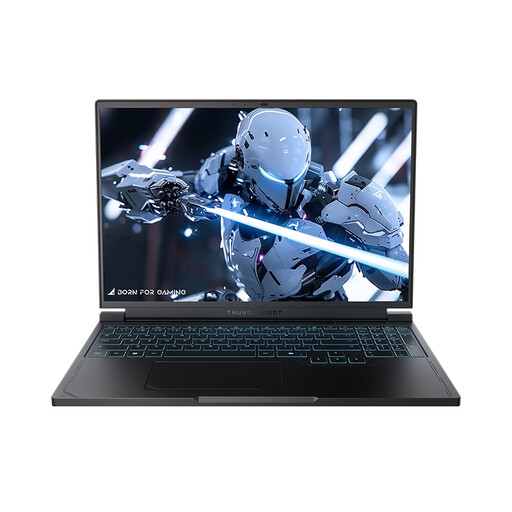
The stated 16-inch display gives you more room to work, but takes up desk space. Keep the vents clear when gaming or using the laptop intensively.
16-inch QHD+ display with 2560 × 1600 pixels and 240 Hz; Ryzen 7 7745HX; RTX 5060; 16 GB DDR5 RAM; 1 TB SSD.
 No image available
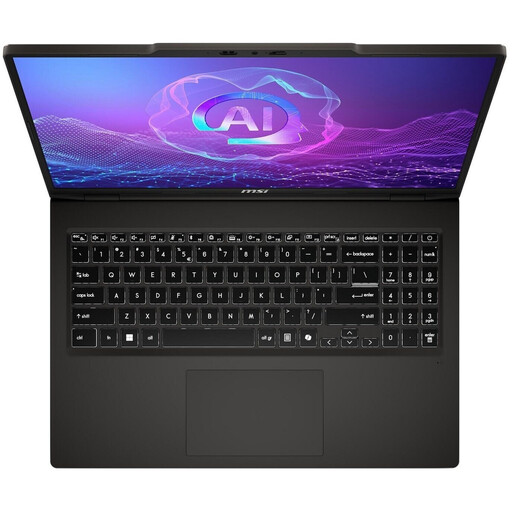
You can assess the stated OLED display and additional gaming hardware for a mix of tileset work and other applications. Keep the vents clear during intensive use and use the specified 120-W adapter.
16-inch OLED display with 2048 × 1280 pixels; Ryzen AI 7 350; RTX 5050; 16 GB RAM; 1 TB SSD.
 No image available
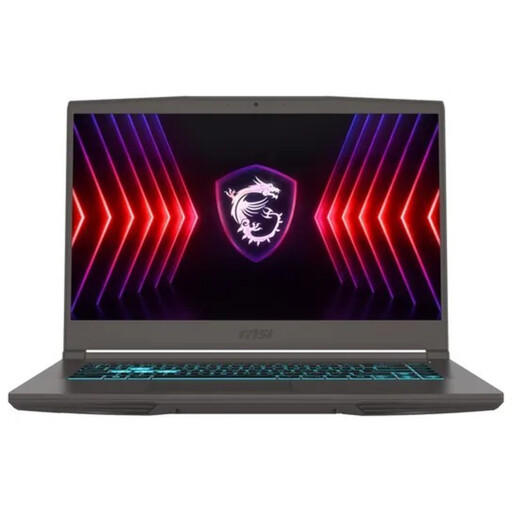
The anti-glare IPS-level display is worth considering in relation to your workspace. According to the product description, no operating system is pre-installed, so you’ll need to allow for the setup required.
15.6-inch Full HD IPS-level display with anti-glare and 144 Hz; Core i5-13420H; RTX 3050; 16 GB RAM; 512 GB SSD.
The documented tileset feature alone doesn’t point to any particular gaming graphics card. Aseprite describes tiles as reusable images in a tilemap. Any additional hardware requirements depend on the other programmes and games you actually use.
First, decide which engine you’ll use and how large your project will be. Unity recommends at least 8 GB RAM for the Unity Editor and notes that larger, more complex projects may need more. This isn’t a general minimum requirement for every laptop used to draw tilesets.
Allow space for both the laptop and its power adapter, and keep the vents clear. ASUS notes that blocked vents can affect heat dissipation; also follow the guidance for the specific model.
According to Verbraucherzentrale, consumers who buy online generally have a 14-day right to cancel; exceptions and the exact start of the cancellation period should be taken into account. Statutory warranty rights for faulty goods are claims against the seller. A guarantee is an additional voluntary service with its own terms and conditions.
Electrical waste must not go in household rubbish. The German Environment Agency lists recycling centres and suitable take-back points among the options. Where possible, removable batteries should be handed in separately.