What matters when you’re writing?
Start by checking which writing software and operating system you need. Then decide how much space you want for your outline and dialogue, and how often you’ll be taking your laptop with you.
| What matters |
What to look for when buying |
Who is it important to? |
| Planning scenes |
Try a sample script in your writing software and check whether you can organise its sections clearly. |
If I often rearrange scenes, I want to be able to organise the outline to suit my manuscript. For around 36% of consumers, outlining is the top priority. |
| Writing long stretches of dialogue |
Check the German keyboard layout and try the actual keyboard. View your text at the font size you usually use. |
When writing long stretches of dialogue, I want a suitable keyboard and text that’s easy to read. Around 29% of consumers put writing comfort first. |
| Working on the go |
Compare the weight of the exact model and independent battery tests with a clearly explained methodology. Video playback figures are not the same as writing time. |
If I write in different places, how easy the device is to carry matters to me. Around 21% of consumers give portability top priority. |
| Using software |
Check the programme version, operating system and licence terms. For Final Draft 13, confirm the Windows 10 requirement directly with the supplier. |
If I need to use a particular writing application, I want to check that it’s compatible before choosing a device. Around 14% of consumers prioritise software compatibility. |
Joybuy products for more writing space
This selection features larger Windows laptops with displays of 16 inches or more, for writers who want plenty of space to work on outlines and dialogue.
 No image available
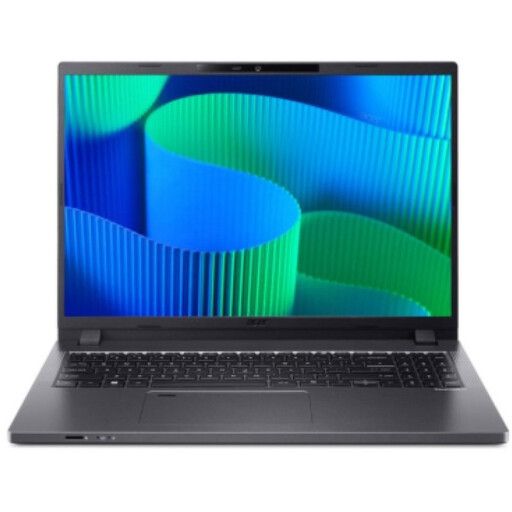
Acer TravelMate TMP216-41-TCO, 16-inch
The 16-inch display gives you room to work on your manuscript and outline.
WUXGA resolution of 1920 × 1200 pixels, AMD Ryzen 3 PRO 7335U, 16 GB DDR5, 512 GB SSD and Windows 11 Pro Education.
View at Joybuy
 No image available
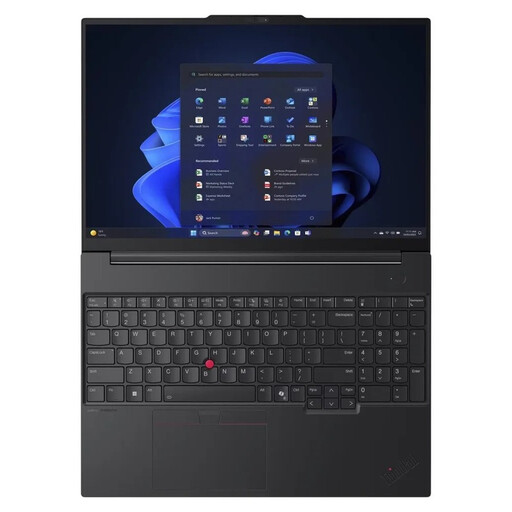
Lenovo ThinkPad E16 Gen 3 21ST
The 16-inch display is a good fit if you’d like more room for text and outlining while you write.
AMD Ryzen 7 250, 32 GB RAM, 1 TB SSD and Windows 11 Pro. The description specifies a backlit German QWERTZ keyboard.
View at Joybuy
 No image available
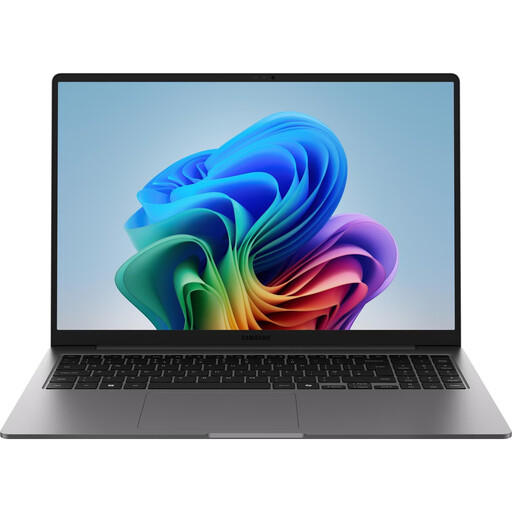
Samsung Galaxy Book6 Enterprise Edition, 16-inch
The 16-inch format gives you more room to work on your manuscript and outline.
WUXGA resolution of 1920 × 1200 pixels, Intel Core Ultra 7 355, 16 GB LPDDR5X, 512 GB NVMe SSD and Windows 11 Pro. The description specifies a backlit QWERTZ keyboard.
View at Joybuy
 No image available
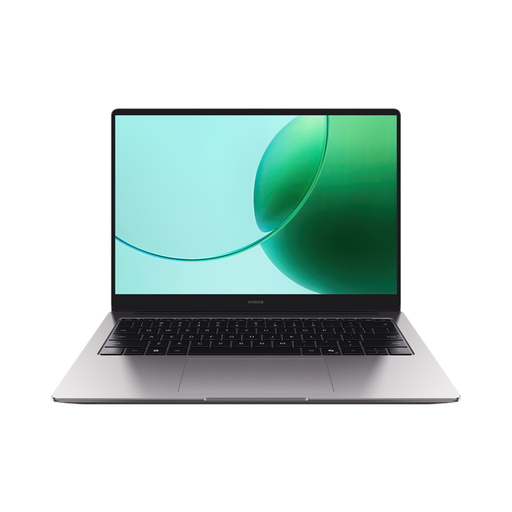
HONOR MagicBook X16 AMD 2025
The 16-inch display is a good option for writers who want to work on text and outlines on a larger screen.
AMD Ryzen 5 6600H, 16 GB RAM and 512 GB SSD. The title and description specify a German keyboard.
View at Joybuy
 No image available
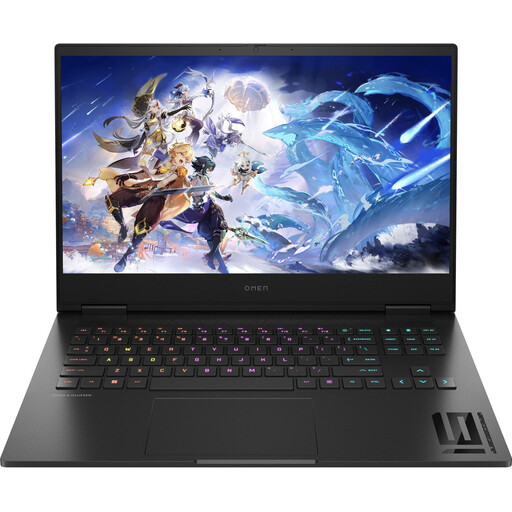
HP OMEN 16, 16.1-inch
The 16.1-inch display gives you room to work; its listed weight is worth bearing in mind if you’ll be carrying the laptop around often.
Matte Full HD display, 16 GB RAM and 512 GB SSD. The description specifies a German keyboard and a weight of 2.39 kg.
View at Joybuy
Frequently asked questions
Do I need specialist screenwriting software to organise sections?
No, not necessarily. Word for Windows can show and move sections in the Navigation pane using heading styles. Scrivener offers the Binder, Corkboard and Outliner to help organise parts of a project. Try outlining a sample based on the way you structure your own scenes.
Does Final Draft 13 run on a Chromebook?
No. Final Draft explicitly states that Chromebooks are not supported. For Windows, the product page lists Windows 11 or later, while the support article says Windows 10 or later. If you want to use Windows 10, check the applicable requirement directly with the supplier.
How can I avoid losing my drafts?
Create backup copies as well as saving your working file, and check that you can restore them. The German Federal Office for Information Security notes that backups can help in situations such as device failure or theft.
Will I need a new Scrivener licence when switching from Windows to macOS?
The developer offers separate licences for macOS and Windows, as well as a bundle for both platforms. Before switching, check which licence you already have and which platform it covers.
What rights do I have when buying a laptop from a retailer in Germany?
If a new device is faulty, you have statutory rights against the seller; a voluntary guarantee does not replace them. For online purchases, consumers generally have a 14-day right to cancel from the date they receive the goods, subject to the legal requirements and exceptions. The Verbraucherzentrale explains these differences and conditions.


