PDF plan reviewers
If you read, mark up and discuss drawings in PDFs, look for a clear display and a workflow that suits the PDF application you use. Adobe describes commenting and marking up as features of the relevant software.


A well-equipped office laptop is often all you need to review PDF plans and add comments. Focus on a clear, easy-to-read display and the connections you need at your workspace; a dedicated CAD graphics card isn’t essential in every case. If you also edit DWG files or BIM models locally, check the operating system, memory and graphics against the requirements for your specific software version. A larger display makes plans easier to view, but takes up more room at a desk you share.
If you read, mark up and discuss drawings in PDFs, look for a clear display and a workflow that suits the PDF application you use. Adobe describes commenting and marking up as features of the relevant software.
If you open DWG files or Revit models locally, take the specific software version and project size into account. Autodesk publishes separate system requirements for AutoCAD and Revit.
If you move between desks, the display, input devices and connections need to work with each workspace. The Federal Institute for Occupational Safety and Health notes that the total weight of work equipment becomes more significant when you frequently change your place of work.
First, work out whether you’ll mainly review PDFs or also edit CAD and BIM files locally. Then choose a display and connections to suit your shared workspace.
| What matters | What to check when buying | Who needs to consider this? |
|---|---|---|
| Reading plans clearly | Display size, resolution and finish on the specific model; check whether you can connect an external monitor if needed. | If I want to see drawing details clearly on my laptop, the display is my priority. Around 42% of consumers put plan readability first. |
| CAD/BIM performance | Software and version, operating system, project size, memory and the exact graphics configuration. | If I use AutoCAD or Revit locally, I check the laptop against the requirements for my version. Around 25% of consumers prioritise suitability for CAD or BIM work. |
| Changing desks | Available monitor and docking connections, as well as desk space, the power adapter and input devices at the workspace. | If I regularly move desks, I want to connect my laptop to the equipment already there without unnecessary setup. Around 17% of consumers focus primarily on moving between workspaces. |
| Digital annotations | PDF commenting features in the application you use; consider touch or pen input only if it suits your workflow. | If I mark up and discuss plans digitally, the software needs to support the way I add comments. Around 16% of consumers prioritise annotations in their plan-review workflow. |
The name alone doesn’t tell you which graphics card is included in a specific configuration. Lenovo lists integrated graphics for the ThinkPad P16s Gen 4 21RXCTO1WWDE1, while the Dell Pro Max 16 range offers different graphics options.
Compare the graphics card in the complete configuration with the requirements for your software version.
Whether you can use your laptop straight away at a desk also depends on the monitors, input devices and connections available there. HP states that the power adapter for variant DG0U6ET#ABD is sold separately.
Before buying, check what’s included and make sure the connections match the workspace you’ll actually use.
Autodesk’s requirements apply to specific versions of AutoCAD and Revit. PDF commenting, on the other hand, is a feature of the application you use and doesn’t, by itself, mean you need CAD hardware.
Start by noting the file formats and software you actually use, then check which configuration is right for you.
The ThinkPad E16 and P16s are 16-inch options with different configurations for viewing plans and office work.
The ZBook 8 workstation range is worth considering if you want to check a specific configuration for local technical applications.
The Pro Max 16 range includes configurations with integrated graphics and various NVIDIA RTX PRO options.
The ProArt P16 H7606 is a touchscreen option for anyone who needs a suitably equipped creative configuration as well as a device for reviewing plans.
Depending on the configuration and software, the following Joybuy laptops are suitable for reviewing PDF plans or certain CAD tasks.
 No image available
An option if you review plans on a 16-inch display and occasionally use AutoCAD 2026 on Windows.
Specifications include a matte WUXGA display, 32 GB RAM, HDMI and Thunderbolt 4. Autodesk recommends 32 GB RAM for AutoCAD 2026 on Windows.
 No image available
A more compact screen may suit you if you move between workspaces and are happy to have less drawing space built into the laptop.
This variant features a 14-inch 2.8K OLED touchscreen, 32 GB RAM and Thunderbolt 4. Autodesk recommends 32 GB RAM for AutoCAD 2026 on Windows.
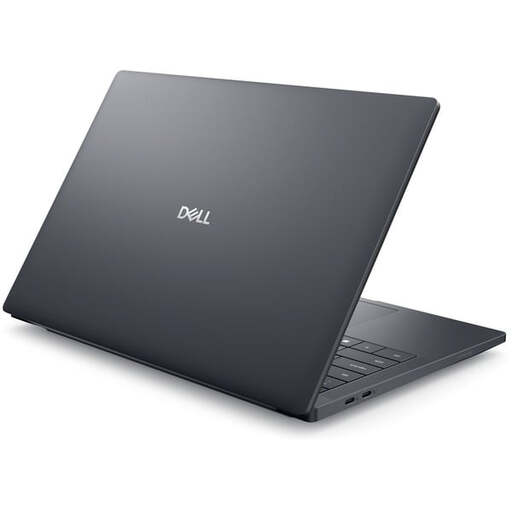 No image available
This configuration is worth considering if you’re looking for a mobile workstation for local CAD work. The right graphics option depends on your software and project.
Specifications include a 14-inch FHD+ display with an anti-glare finish, 32 GB RAM and an NVIDIA RTX PRO 2000 with 8 GB. Autodesk recommends 32 GB RAM for AutoCAD 2026 on Windows.
 No image available
The 15.6-inch touchscreen and 360° hinge offer different positions and ways to use the device when viewing plans.
For AutoCAD 2026 on Windows, Autodesk lists 8 GB RAM as the minimum and 32 GB as the recommended amount; this configuration is listed with 8 GB RAM.
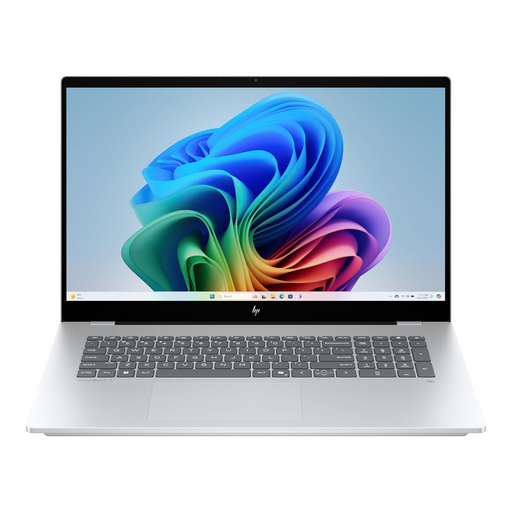 No image available
The 16-inch display may suit you for viewing plans on the laptop itself if you’re looking for a convertible with touch controls.
This variant features HDMI, Thunderbolt 4 and 16 GB RAM. Autodesk recommends 32 GB RAM for AutoCAD 2026 on Windows.
Not just because the files are in PDF format. Adobe describes commenting and marking up as features of PDF software. First, check that the display and workflow suit you. If you also use CAD or BIM software locally, you’ll need to meet its specific requirements.
Check which external monitors and input devices are available at your desk and whether you can connect them. The Federal Institute for Occupational Safety and Health’s ASR A6 applies to display screen equipment in workplaces, including portable devices. It covers workspace design and isn’t a general minimum specification sheet for every laptop bought for personal use.
Check what’s included with the specific variant: HP states that the power adapter for the ZBook 8 G1i 16 DG0U6ET#ABD is sold separately. Your statutory rights against the seller and a voluntary warranty are different things. The consumer advice organisation Verbraucherzentrale describes a right to cancel of generally 14 days for relevant distance-selling contracts with consumers; this doesn’t establish whether that right applies to a particular business purchase.
As part of its market surveillance, the Federal Network Agency checks, among other things, that CE marking is correct, the product can be identified and the manufacturer’s information is accurate.