For a sewing machine guide with reference images, start by looking for a comfortable workspace, the right ports and enough storage. If you regularly edit photos, also check the requirements of the software you use and the display on the specific laptop configuration. Adobe recommends at least 16 GB of RAM and a screen resolution of 1920 × 1080 pixels for Photoshop 27.x, but these aren’t requirements for simply writing or adding images. A larger display makes it easier to work with text and images side by side, while a more compact device may be handier if you move around often. Huawei lists a 16-inch display for the MateBook D 16 2024, while Apple lists a 13.6-inch display for the 13-inch MacBook Air M5.
Which workflows matter to you?
Guide writers
If you create longer guides using existing reference images and captions, a clear workspace and a comfortable typing experience are important. Microsoft Support describes Word’s image caption feature as a way to label images systematically in a document.
Writers who edit images
If you regularly edit reference photos, check the system requirements for your image-editing software and the display on the exact configuration you’re considering. Adobe recommends at least 16 GB of RAM and a screen resolution of at least 1920 × 1080 pixels for Photoshop 27.x.
Writers on the move
If you often write in different places, weigh a more compact screen against the space you need for text and images, as well as the ports you’ll need. Apple lists two Thunderbolt 4 USB-C ports for the 13-inch MacBook Air M5, while Huawei lists USB-A, USB-C and HDMI on the MateBook D 16 2024.
What should you look for when choosing?
| Purchase priority |
What to check |
Who is it most important to? |
| Working clearly with text and images |
Screen size and aspect ratio of the specific configuration; features of your document software. |
If I write longer guides and want a clear view of text, reference images and captions, workspace is my priority. Around 31% of consumers prioritise working with text and images clearly. |
| Editing reference photos |
Image-editing software and its current requirements; RAM and display on the configuration for sale. |
If I regularly edit photos rather than simply add them, I check the requirements of the specific software I use. Around 25% of consumers put photo editing first. |
| Writing on the move |
Dimensions, weight and screen size; the conditions behind the manufacturer’s battery-life claims. |
If I often change where I work, I want a device that’s easy to carry around. Around 19% of consumers prioritise writing on the move. |
| Connecting existing devices |
Check the plugs on your camera and storage devices against the ports on the specific configuration. |
If I transfer images from an existing camera or storage device, I want to make sure I have the right connections from the outset. Around 13% of consumers prioritise the ports they need. |
| Choosing the right specification |
Match the configuration to your actual software and port requirements. |
If I’m choosing a device for the way I actually work, I don’t want to pay for features I don’t need. Around 12% of consumers prioritise a specification tailored to their needs. |
Which assumptions should you avoid?
-
Assuming every configuration in a model range has the same display options
Lenovo Germany lists a matte IPS display with 45% NTSC for product number 83J0CTO1WWDE1. OLED options advertised for the IdeaPad range don’t automatically apply to this configuration.
Before you buy, check the product number and display specifications for the exact configuration on offer, especially if you need to judge colours.
-
Comparing only the number of ports
Two USB-C ports won’t necessarily take the plug from an existing USB-A camera or replace a card reader.
Make a note of the plugs on your devices and check them against the ports on the specific laptop configuration.
Depending on the devices you already own, you may also need an adapter or a card reader.
-
Applying photo-editing requirements to basic writing tasks
Adobe’s recommendation for Photoshop 27.x isn’t a general minimum requirement for writing a guide or adding existing images.
First decide whether you’ll regularly edit photos using more demanding software, then check that software’s requirements.
-
Assuming a configuration comes with everything you need
Dell Germany states that the Inspiron 14 2-in-1 configuration in question doesn’t include a power adapter.
Before you buy, check what’s included and the charging requirements for that exact device.
If a compatible power adapter isn’t included, you’ll need to budget for one separately.
Brands to consider
Apple
The MacBook Air M5 is a macOS option for writing on the move and viewing images.
- Apple lists a 13.6-inch display and two Thunderbolt 4 USB-C ports for the 13-inch configuration.
- Check you have the right connection for devices with different ports. Battery-life figures are based on the manufacturer’s stated test conditions.
Lenovo
The IdeaPad Slim 5i Gen 10 is a Windows option available with different display configurations.
- For product number 83J0CTO1WWDE1, Lenovo Germany lists 16 GB of RAM, a 512 GB SSD and a matte 14-inch IPS display with 45% NTSC.
- Optional OLED displays in the model range don’t mean that this specific configuration has an OLED display.
Huawei
The MateBook D 16 2024 is a larger Windows laptop with a range of port types.
- Huawei lists a 16-inch display with a 16:10 aspect ratio, as well as USB-A, USB-C and HDMI.
- Processor, battery and storage specifications vary across the range, so check the details of the specific configuration.
Dell
The Inspiron 14 2-in-1 7440 is a Windows option if a touchscreen is part of your workflow.
- For the configuration in question, Dell Germany lists a 14-inch touchscreen with 1920 × 1200 pixels, 16 GB of RAM and a 512 GB SSD.
- Dell states that this configuration doesn’t include a power adapter; check the details of the specific offer.
Laptops to consider at Joybuy
This selection focuses mainly on larger laptops for longer sessions working with text and images, plus a MacBook Air for writing on the move. Check the display, ports and software requirements against the way you actually work.
 No image available
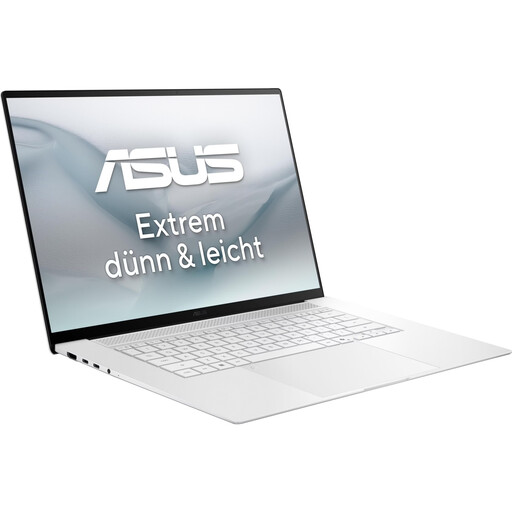
ASUS Zenbook S16 UM5606GA-SS335W, OLED, 32 GB/1 TB
The 16-inch display gives you more room to work with text and images. Joybuy’s product details also list an SD card reader, USB-A, USB-C and HDMI. The listed specifications include a resolution of 2880 × 1800 pixels, 32 GB of RAM and a 1 TB SSD. The product listing states that no power adapter is included.
View at Joybuy
 No image available
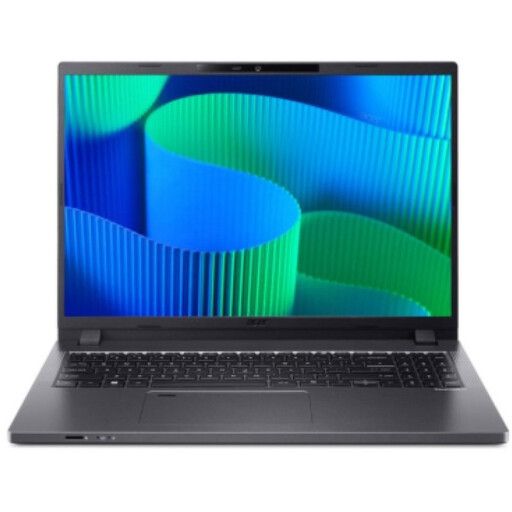
Acer TravelMate TMP216-41-TCO, Ryzen 3 PRO 7335U, 16 GB/512 GB
For longer documents with images, Joybuy lists a 16-inch WUXGA display with a resolution of 1920 × 1200 pixels, 16 GB of DDR5 RAM and a 512 GB SSD. Ports include USB4, USB 3.2 and HDMI 2.1; check that they’re compatible with your existing devices.
View at Joybuy
 No image available
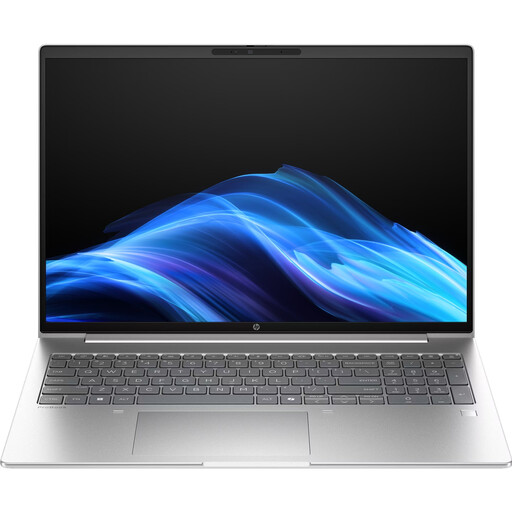
HP ProBook 4 G1a 16, Ryzen 5 230, 16 GB/512 GB
For working with text and images on a larger screen, Joybuy lists a 16-inch IPS display with a 16:10 aspect ratio and a resolution of 1920 × 1200 pixels. The product details include 16 GB of RAM, a 512 GB SSD, USB-A, USB-C and HDMI 2.1. Check that the ports work with your camera and storage devices.
View at Joybuy
 No image available
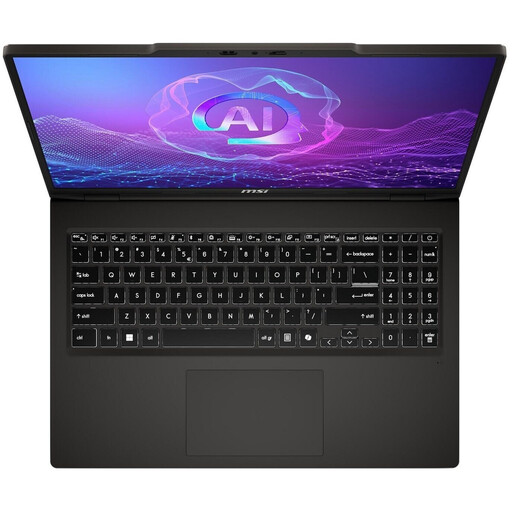
MSI VenturePro A16 AI+ A3HWEG-003, Ryzen AI 7 350, 16 GB/1 TB
For working with text and reference images, Joybuy lists a 16-inch OLED display with a resolution of 2048 × 1280 pixels, 16 GB of RAM and a 1 TB SSD. Ports include USB-C, USB-A and HDMI; check that the specific configuration suits your devices and image-editing software.
View at Joybuy
 No image available
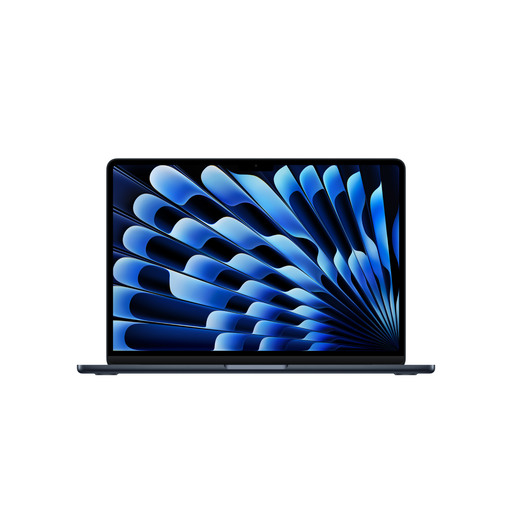
Apple 15-inch MacBook Air M5 (2026), 16 GB/512 GB, Midnight
For frequent trips between workspaces, Joybuy lists a weight of 1.51 kg and a German QWERTZ keyboard layout. The product details include a 15.3-inch display with a resolution of 2880 × 1864 pixels, 16 GB of memory, a 512 GB SSD and two Thunderbolt 4 USB-C ports. The product description states that no power adapter is included, so check what comes in the box.
View at Joybuy
Frequently asked questions
Do I need a laptop with 16 GB of RAM to work with reference images?
No, not just to add and caption existing images. Adobe lists 8 GB of RAM as the minimum for Photoshop 27.x and recommends 16 GB or more. For other programmes, check their individual requirements.
How can I keep a guide with lots of images manageable?
You can add captions to images in Word. Microsoft Support points out that large embedded image files can increase a document’s size and describes linking to images as a possible alternative. Check that your storage and sharing process works with linked files.
What should I check before connecting a camera or storage device?
Check that the plug matches the ports on the specific laptop configuration. Apple lists two Thunderbolt 4 USB-C ports on the MacBook Air M5, while Huawei lists USB-A and HDMI as well on the MateBook D 16 2024. This doesn’t mean either device has a built-in card reader.
Are a manufacturer’s warranty and your statutory rights for faulty goods the same thing?
No. The Verbraucherzentrale distinguishes between your statutory rights against the seller and an additional voluntary guarantee. For ordinary goods, Section 438 of the German Civil Code (BGB) generally sets a two-year limitation period from delivery; the specific conditions of your claim still apply.
Can I cancel an online laptop purchase in Germany?
According to the Verbraucherzentrale, consumers who buy at a distance generally have a 14-day right to cancel, starting from receipt of the goods. You must notify the other party to the contract. Check the conditions and exceptions that apply to your purchase, particularly if you’re not buying as a consumer.


