Running several VMs at once
If you regularly run several local guest VMs alongside the host, you’ll need to account for their combined memory and storage requirements. Microsoft Learn and Oracle explain how memory is allocated to virtual machines.


First, plan the memory requirements of the host and all the VMs you’ll run at the same time. Then check that the operating systems, hypervisor and features you need are compatible with the laptop. For Hyper-V, Microsoft specifies requirements including the right edition of Windows and suitable hardware. On Apple silicon, you’ll need to check support for each guest operating system and tool individually. An upgradeable laptop can give you room to handle a growing VM workload, while weight, ports and working at a shared desk remain important considerations of their own.
If you regularly run several local guest VMs alongside the host, you’ll need to account for their combined memory and storage requirements. Microsoft Learn and Oracle explain how memory is allocated to virtual machines.
If you need a specific guest operating system, Hyper-V or nested virtualisation, first check the host architecture, Windows edition and software support. Microsoft documents the requirements for Hyper-V and the limits of support for Windows on certain Mac configurations.
If you work at shared desks, you’ll need to consider not just VM headroom but also the laptop’s footprint, ports and how to protect work data from prying eyes. Your organisation’s rules are relevant when handling work data.
A good fit if: you want to use Hyper-V and local Windows or Linux VMs. Microsoft specifies Windows 11 Pro or Enterprise, along with other hardware requirements.
Consider: Check the Windows edition, SLAT, whether hardware virtualisation is enabled and how much storage is free. Having a suitable edition alone doesn’t guarantee enough headroom for several guest VMs.
A good fit if: the number or size of your local VMs could grow and you’d like to upgrade the memory later. Framework specifies support for up to 96 GB DDR5-5600 on the DIY edition of the Laptop 13.
Consider: With a DIY edition, check the exact component selection and what’s included. Upgradeability says nothing about fan noise under sustained VM workloads.
A good fit if: macOS is your preferred host and the guest operating systems and tools you need are explicitly supported.
Consider: Microsoft’s documented Parallels information covers M1, M2 and M3 Macs and doesn’t confirm the same level of support for an M5 Pro model. Also check the licence and feature set for your specific configuration.
| Buying consideration | What to look for | Who is this important to? |
|---|---|---|
| RAM and storage | Plan for host applications, VMs running at the same time and virtual disks together. Microsoft Learn and Oracle explain the physical memory and disk space requirements for VMs. | If I run several guest VMs at once, I want to allow enough memory for the host and VMs, as well as space for their virtual disks. Around 31% of consumers say headroom for running VMs in parallel is their main buying consideration. |
| Architecture and features | List the guest architecture, hypervisor and features you need. Check support for the specific model and software version. For Hyper-V, Microsoft specifies Windows 11 Pro or Enterprise, along with other requirements. | If a particular VM feature or guest architecture is essential, I want to confirm compatibility before buying. Around 25% of consumers make this their main consideration. |
| Working at a shared desk | Look for verifiable noise measurements under sustained load and check your organisation’s rules for protecting work data from prying eyes. | If other people are working nearby and I’m viewing work data, I want to make sure the workspace is suitable and visible information is handled appropriately. Around 19% of consumers prioritise suitability for the office environment. |
| Portability and ports | Compare the weight and dimensions, as well as the specific ports you need for a monitor, network connection and charging. | If I move between desks, I want to be able to carry and connect my laptop and the peripherals I need without hassle. Around 13% of consumers place particular importance on moving between workspaces. |
| Upgradeability and future costs | Check everything included in the box and the specific RAM, SSD and operating system options. Also check the licence requirements for the guest VMs you plan to run. | If I might add components later or set up several guest VMs, I want to know in advance what’s included and which software licences I’ll need. Around 12% of consumers make this their top priority. |
The host also needs physical memory. If you start several guest VMs at once, you’ll need to account for their combined allocations as well as the host applications.
Before comparing models, make a note of all the VMs you plan to run at the same time and how much memory each will need.
If you don’t allow enough headroom, you may need to upgrade the RAM later or replace the laptop sooner.
Microsoft specifies Windows 11 Pro or Enterprise for Hyper-V, along with other hardware requirements. Having the right edition alone doesn’t guarantee that every planned VM configuration will work.
Before relying on Hyper-V, check the edition installed on the specific laptop, SLAT and whether hardware virtualisation is enabled.
If the installed edition isn’t suitable, you’ll need to consider a different Windows edition or another virtualisation plan.
Microsoft’s documented Parallels information covers specific Mac chips and software versions. It doesn’t automatically confirm support for every guest architecture or feature.
Check the chip, hypervisor version, guest architecture and features you need individually.
You may need a separate licence for a Windows VM on a Mac. Check the licensing model and tool support for your planned configuration.
With a DIY edition, you may need to choose the components and operating system yourself. A slim laptop may also lack some of the ports you need.
Check what’s included and make sure the ports meet your needs for a monitor, network connection, charger and other peripherals.
A DIY edition may involve extra choices and setup steps before your VM environment is ready to use.
The ThinkPad P14s Gen 6 AMD is an example of a Windows Pro configuration with an extensive feature set.
The Dell Pro Max 14 range offers a configurable x86 option for running Windows VMs on the move.
The Framework Laptop 13 with AMD Ryzen AI 300 Series is aimed at buyers who want to choose components and ports themselves or change them later.
The 14-inch MacBook Pro with M5 Pro is a macOS host option if it’s compatible with the guest operating systems and tools you plan to use.
The ZBook Power 16 G11 is an example of a larger Windows Pro workstation option for buyers who value more screen space.
This selection of Joybuy products includes Windows laptops with Windows 11 Pro for local VM workloads. Check that the specific RAM and SSD configuration meets the needs of your guest VMs running at the same time and the software you need.
 No image available
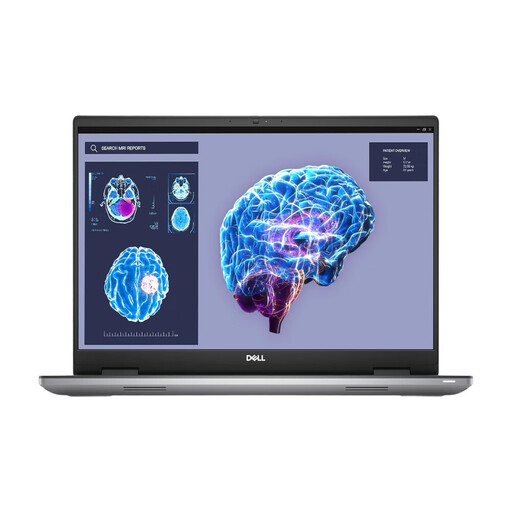
A Windows 11 Pro configuration for buyers planning to run local VMs and wanting a larger screen.
32 GB RAM, 1 TB SSD, matte 16-inch display and stated weight of 2,04 kg.
 No image available
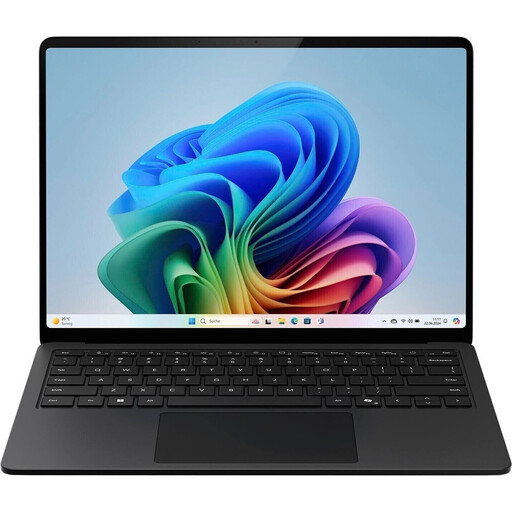
A Windows 11 Pro configuration for local VMs, provided you check the ports and suitability for a fixed workspace before buying.
32 GB RAM, 1 TB SSD and HDMI. Its stated weight of 4,15 kg may make frequent moves between workspaces more difficult.
 No image available
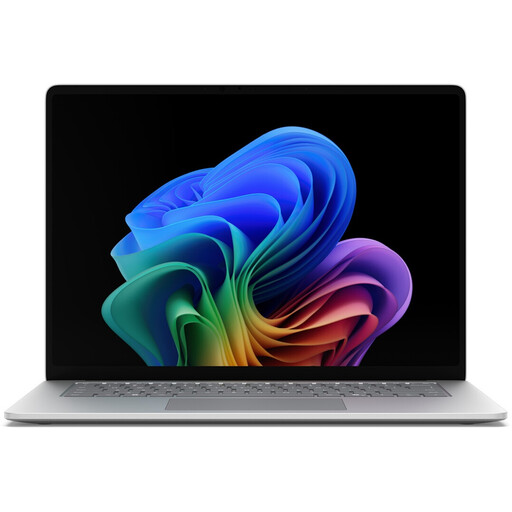
A Windows 11 Pro option for working at different desks, provided the VMs you plan to run can make do with the available memory.
16 GB RAM, 512 GB SSD, 15-inch display, two USB-4.0 ports and stated weight of 1,66 kg. The memory is shared between the host and guest VMs.
 No image available
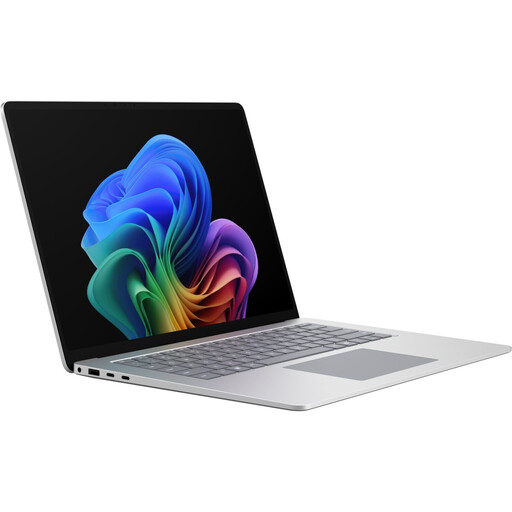
A Windows 11 Pro configuration for moving between office desks. Check whether 16 GB RAM is enough for the host and the guest VMs you plan to run.
16 GB RAM, 512 GB SSD, 15-inch touchscreen with 3270 × 2180 pixels and 120 Hz, two USB-4.0 ports, Wi-Fi 7 and Bluetooth. Stated weight is 1,67 kg.
 No image available
A Windows 11 Pro configuration for local VMs, provided the available memory meets the needs of the guest VMs you plan to run.
16 GB RAM, 512 GB SSD and 65 W power supply; Platinum is the stated colour option. Memory must be shared between the host and VMs running at the same time.
It depends on the host applications and the guest VMs you run at the same time. Add up their planned RAM allocations and leave some headroom for the host. A general Windows minimum requirement won’t tell you what’s right for your combination of VMs. Microsoft Learn and Oracle explain the memory requirements of hosts and virtual machines.
First, check the Windows edition, SLAT and whether hardware virtualisation is enabled. Microsoft explains how to check this with “msinfo32” and how to enable it as a Windows feature. You’ll also need enough physical memory and space for virtual disks.
Not based on the MacBook specifications alone. Microsoft’s documented information about Parallels and Windows 11 Arm covers M1, M2 and M3 Macs and notes certain limitations, as well as the need for a separate Windows 11 Pro licence. Check support for your specific M5 Pro, Parallels and guest configuration with the relevant provider.
When personal data is processed, controllers and processors must implement appropriate technical and organisational measures that reflect the risks, as required by the GDPR and explained by the Federal Commissioner for Data Protection and Freedom of Information. This doesn’t mean there’s a blanket requirement to use a particular laptop or privacy screen. Check your organisation’s rules for devices and VM data.
Under section 312g of the German Civil Code (BGB), consumers generally have a right to cancel distance-selling contracts; section 355 of the BGB specifies a 14-day period. Exceptions and when the period begins in individual cases must also be taken into account. A purchase made mainly for commercial or self-employed activities isn’t necessarily a consumer purchase.