Joybuy products on this topic
These Joybuy products are humanoid robots and robotics development platforms. In particular, check that the intended user and the actual programming features suit your first project.
 No image available
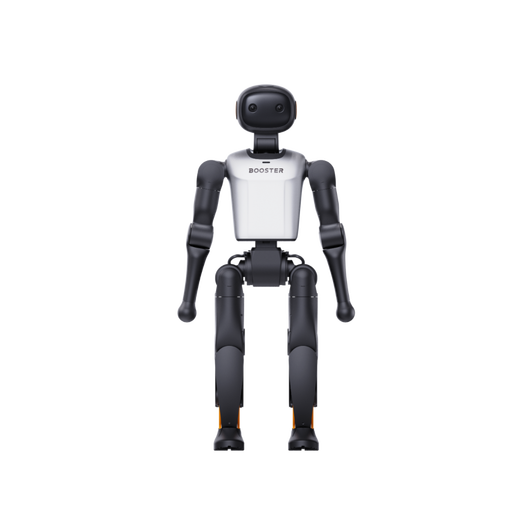
Booster Robotics K1 Geek Humanoid Robot, 48 TOPS AI, 22-DoF
The description is aimed at developers, researchers and technology enthusiasts, and mentions programming complex tasks and experimenting with AI algorithms.
The product name specifies 48 TOPS AI and 22-DoF.
Joybuy
No image available
Booster Robotics K1 Edu Humanoid Robot, 117 TOPS AI, 22-DoF
The description names developers, researchers and technology enthusiasts as its intended users, and mentions programming and experimenting with AI algorithms.
The product name specifies 117 TOPS AI and 22-DoF.
Joybuy
 No image available
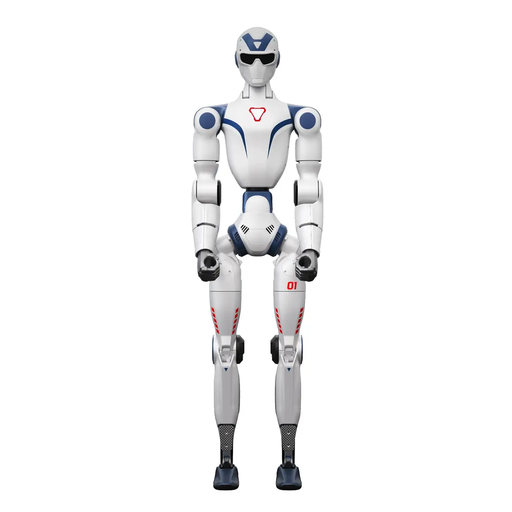
Unitree R1 Edu Blue and White
The description mentions software APIs and development tools for programming tasks.
Important safety information: according to the safety guidance, this device is not a toy, is unsuitable for anyone under 14 and should be kept out of children’s reach.
Joybuy
Frequently asked questions about programmable learning robots
Is laying out colour cards the same as coding in an app?
No. With Sphero indi, these are different ways of using the robot. Colour cards let you map out a course using its existing responses; in Sphero Edu Jr, you can also choose which movements, lights and sounds each colour triggers.
Could a screen-free robot still need an app later on?
Yes, for maintenance. Sphero says indi can be used without an app, but devices with out-of-date or invalid firmware need an update through Sphero Edu Jr. So app-free everyday use doesn’t necessarily mean app-free maintenance.
What devices does Sphero Edu Jr require?
Sphero specifies iOS 15 or later, or Android 8.0 or later, and Bluetooth LE 4.0. German is supported. Meeting these minimum requirements doesn’t guarantee compatibility with every Android hardware combination. On Amazon Fire devices, disabled location permissions in child profiles may prevent the app from finding the robot.
What can I check if Botley 2.0 doesn’t carry out the sequence I entered?
According to Learning Resources, point the remote programmer directly at Botley, move closer if necessary and check for low batteries. Bright ambient light can affect transmission. Press the CLEAR button to erase stored commands before entering a new sequence.
What do the CE mark and recommended age tell you when buying in Germany?
For toys sold on the German market, the Federal Office of Consumer Protection and Food Safety lists information about the manufacturer or importer in the EU, instructions for use, any applicable warnings and the CE mark. CE is the manufacturer’s own declaration of conformity, not an independent product test. A recommended age does not replace the specific warnings for the product.


