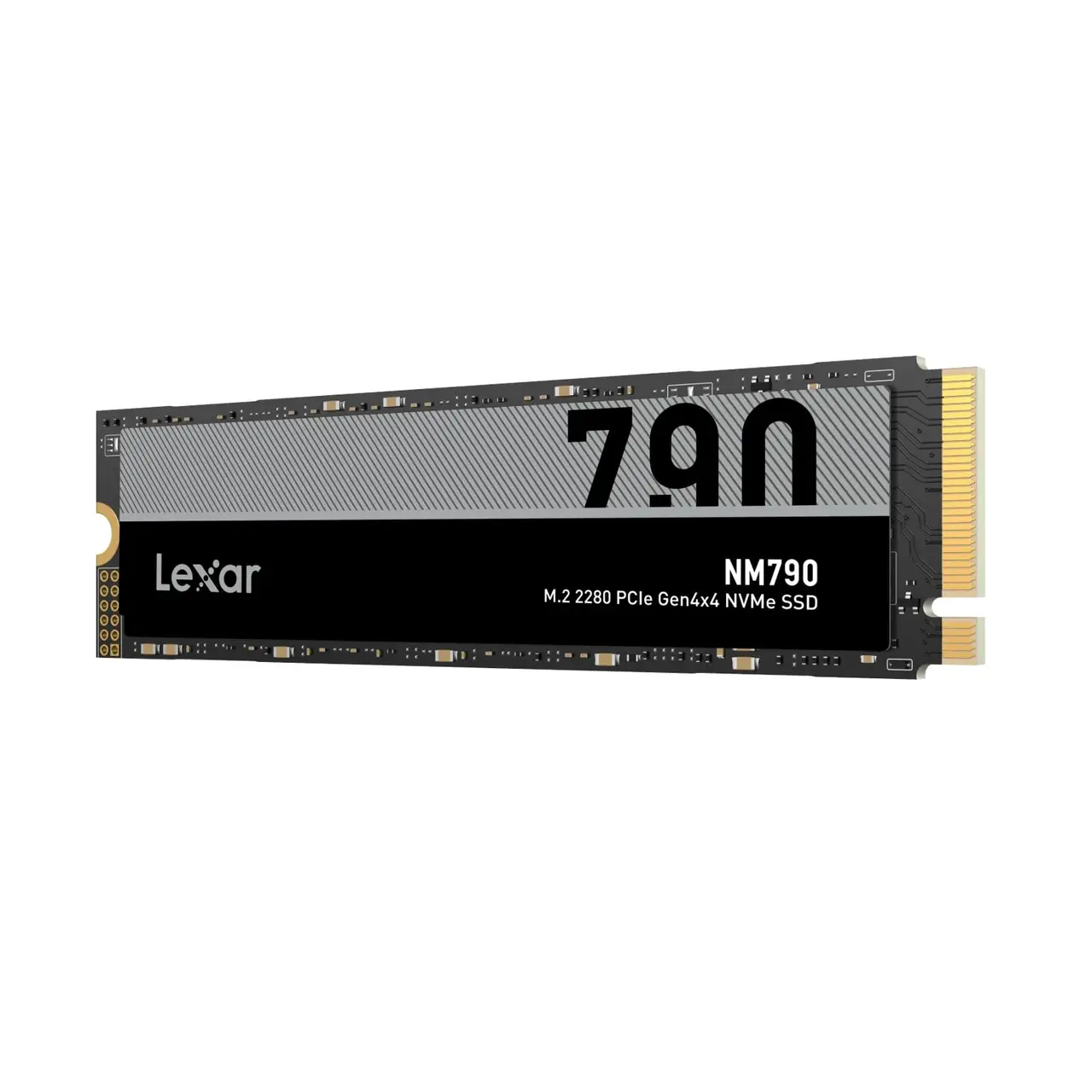
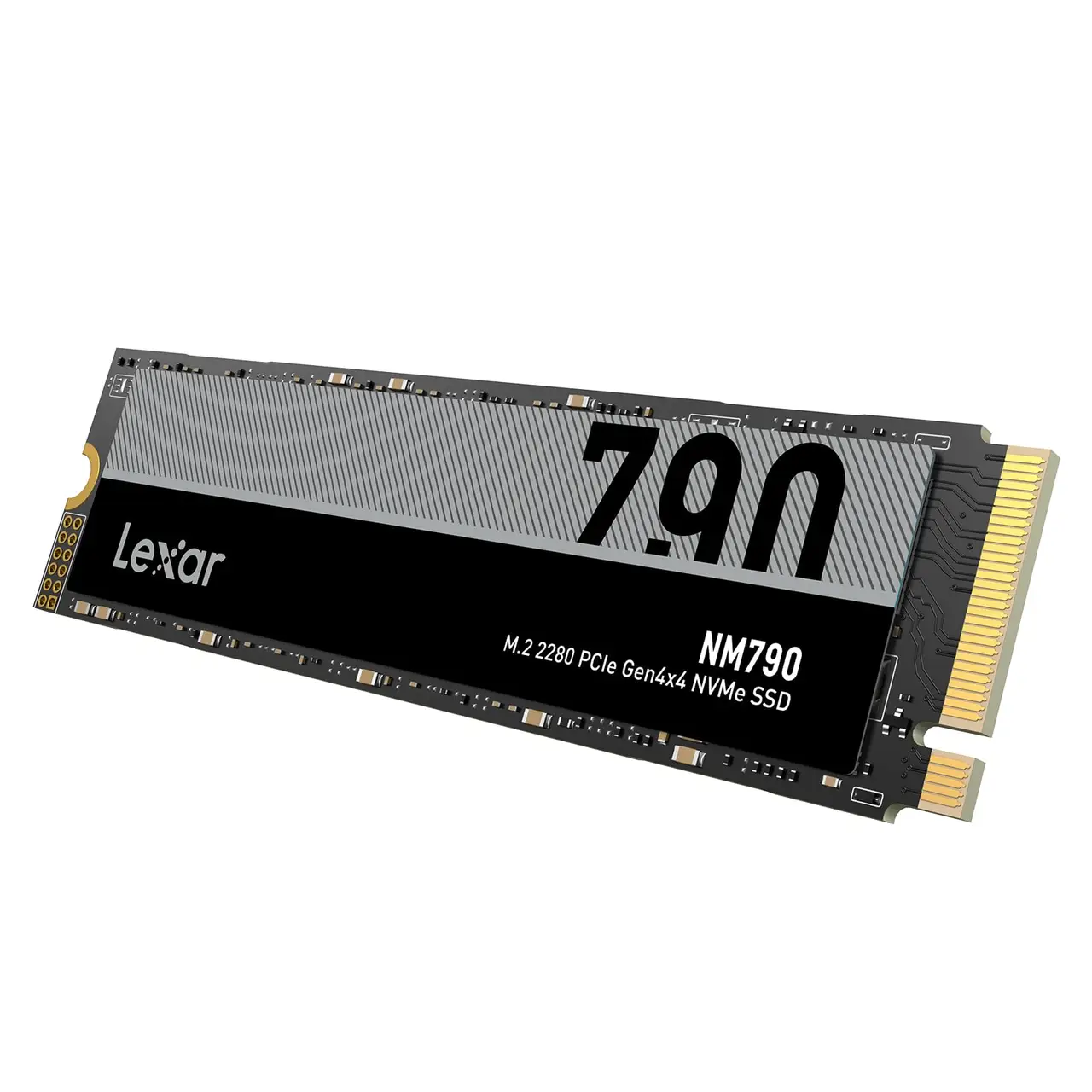
The Lexar NM790 2TB is a PCIe 4.0 NVMe M.2 SSD for adding fast storage to a compatible desktop or laptop. It offers sequential speeds of up to 7,400 MB/s read and 6,500 MB/s write, with no moving parts for silent operation. Use it for expanding space for games and creative projects; it can also expand PlayStation 5 storage when fitted with a suitable heatsink and installed in line with console requirements. A practical choice for gamers and creators with a compatible M.2 slot.
How to Choose the Right Internal Solid State Drive (SSD)
Choosing an internal SSD starts with checking what your computer supports, then matching capacity and performance to how you use it. Confirm the physical fit and connection before comparing specifications, as not every SSD works with every PC or laptop.
Key Features to Consider
Use these three checks to narrow down your options and avoid buying a drive that will not fit or meet your needs.
- Compatibility and fit: Check your device’s manual or motherboard specifications for the supported SSD form factor (such as M.2 or 2.5-inch) and interface. An M.2 slot may support SATA, NVMe, or both, so verify the connection type and, for NVMe, the supported PCIe generation before you buy.
- Capacity and speed: Choose enough SSD storage capacity for your operating system, applications, games, and files, allowing room for future use. NVMe drives can offer faster transfer speeds than SATA models, but check that your system supports the drive’s interface and consider whether your everyday tasks will benefit from the extra performance.
- Endurance and cooling: Compare the manufacturer’s endurance rating, often shown as TBW (terabytes written), and the warranty when assessing long-term suitability, especially for frequent large file transfers. For a fast NVMe drive, check available clearance and cooling in your device, as some systems may require or include a heatsink to manage heat.
Make Room for More: Speed Up Your Game and Creative Setup
PCIe Gen4 Speeds for Fast, Responsive Storage
Bring your games and creative projects onto a drive built for impressive transfer speeds. The Lexar NM790 uses a PCIe Gen4x4 NVMe interface to deliver sequential read speeds of up to 7,400 MB/s and write speeds of up to 6,500 MB/s. That high-speed performance gives compatible systems a capable storage upgrade, helping you move large files and access stored content with speed. With 2TB of capacity, there is plenty of room to build a library of games, media and project files alongside fast NVMe storage.
2TB of Space for Games and Creative Projects
Give your digital library space to grow with 2TB of storage in a compact internal SSD format. The Lexar NM790 is designed for compatible desktops and laptops equipped with an NVMe M.2 slot, making it a versatile choice for expanding a computer’s storage. Keep games, creative work and everyday files together on a fast drive, with PCIe Gen4x4 performance ready to support your setup. Check your system’s compatibility and installation guidance to make the most of this high-capacity upgrade.
A Quiet Upgrade for PC and PlayStation 5 Storage
Enjoy storage that fits neatly into a compatible setup and works in silence. The Lexar NM790 has no moving parts, supporting quiet operation as you play, work or create. It can also expand PlayStation 5 storage when installed with a suitable heatsink and in accordance with the console’s requirements. This gives you another way to make room for games, while its PCIe Gen4x4 NVMe interface and 2TB capacity bring fast, generous storage to compatible desktop and laptop systems too.
NVMe SSD: Who It Suits
Desktop PC Gamers
When your compatible desktop gaming PC is running out of room
for games, install this SSD in an NVMe M.2 slot and use its
fast PCIe 4.0 performance to help games load and files
transfer quickly. Its generous capacity gives you more space
for your game library, so you can spend less time deciding
what to uninstall.
PS5 Players Expanding Console Storage
When your PS5 is short on space for games, install this SSD
with a suitable heatsink and follow the console’s requirements
to expand internal storage. Its generous capacity lets you
keep more of your library installed, ready for your next
session.
Creative Project Users
When large creative projects are taking up space on a
compatible desktop or laptop, use this SSD in an NVMe M.2 slot
to store and access project files with fast PCIe 4.0
performance. The extra room helps keep the work you need close
at hand, so you can focus on your next project.
Laptop Storage Upgraders
If your compatible laptop has an NVMe M.2 slot and needs more
internal storage, this SSD adds space without introducing
drive noise. With no moving parts and silent operation, it
keeps your laptop storage upgrade quiet and gives you more
room for everyday files.
Frequently Asked Questions
How fast is the Lexar NM790 2TB SSD?
The Lexar NM790 2TB offers sequential read speeds of up to 7,400 MB/s and write speeds of up to 6,500 MB/s over PCIe Gen4x4 NVMe. These maximum speeds make it suited to gaming and large creative projects when your computer supports a compatible PCIe Gen4x4 M.2 slot.
Can I use the Lexar NM790 2TB in a PS5?
Yes, the Lexar NM790 2TB can expand storage in a PlayStation 5 when installed with a suitable heatsink and in line with the console’s requirements. Its M.2 2280 format and PCIe Gen4x4 NVMe interface are designed for compatible systems, so you can add space for games on a supported PS5.
How do I install the Lexar NM790 SSD safely?
Switch off your computer or console and disconnect it from power before installing or removing the Lexar NM790. The internal M.2 drive draws power through its slot, so it does not need a separate power connection. Use an anti-static wrist strap or touch earthed metal before handling it, then secure the SSD in a compatible slot.
Don't just buy, Joybuy
Discover more of your favourite brands on Joybuy with great deals