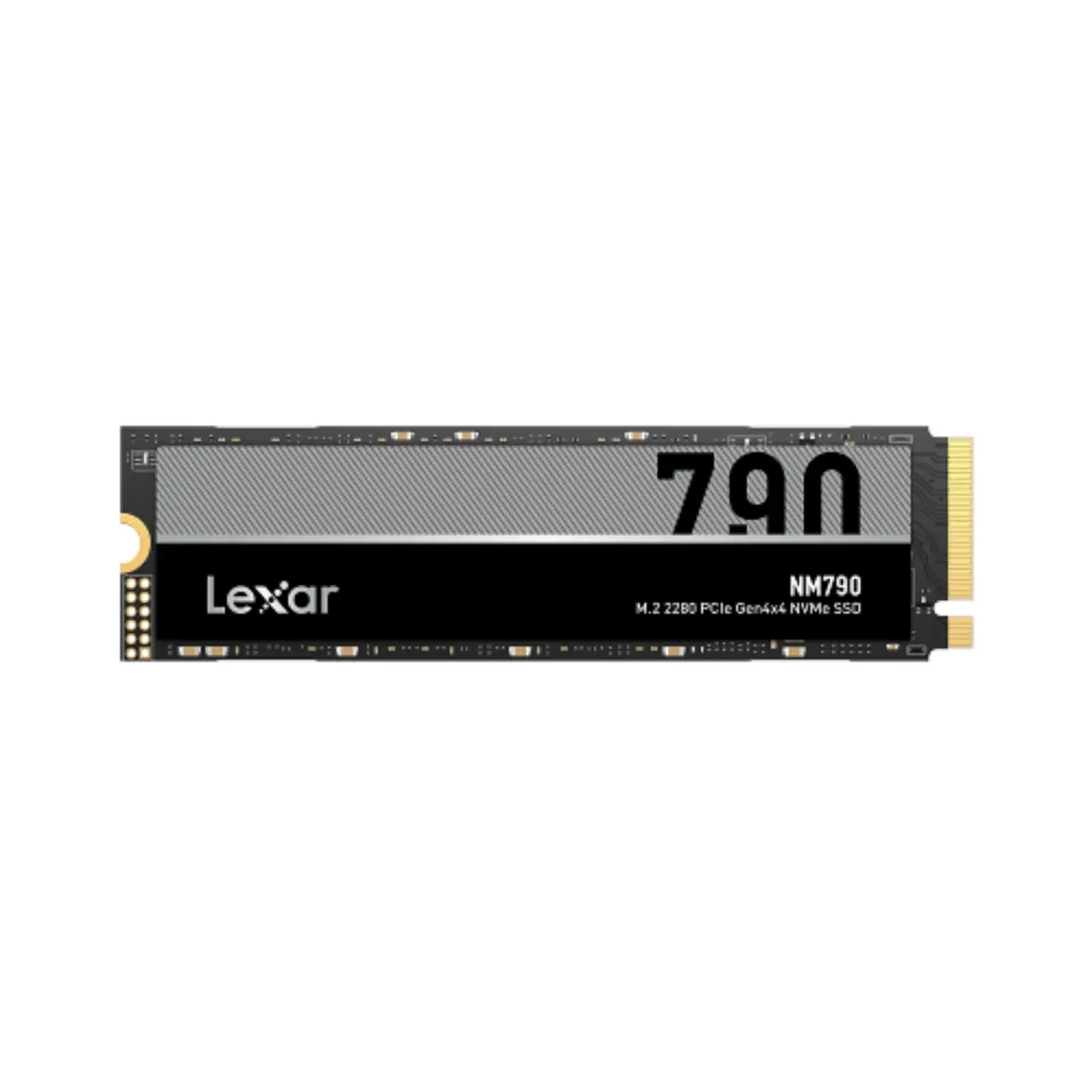
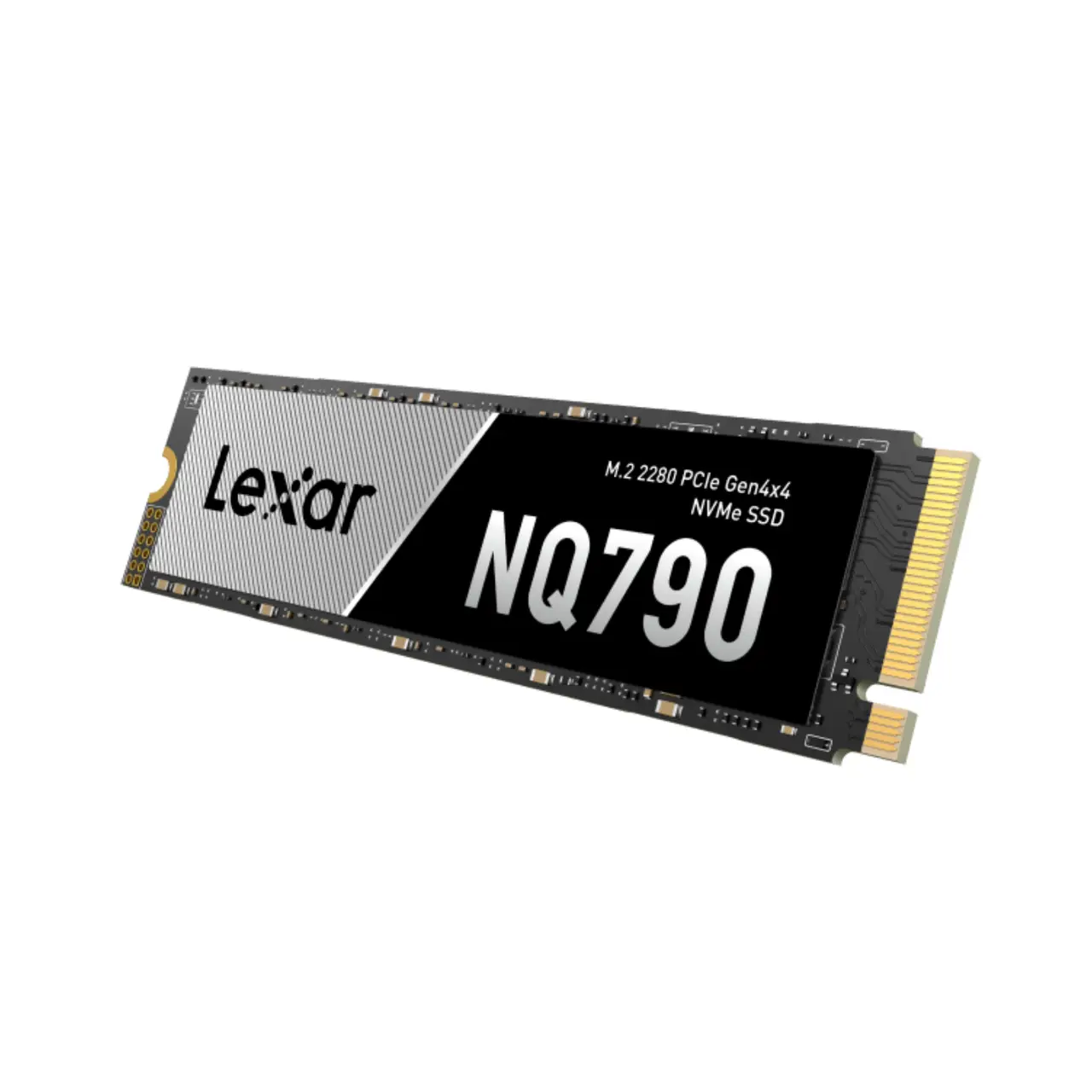
Give a compatible PC or PS5 a compact storage upgrade with the Lexar NQ790 1TB M.2 PCIe 4.0 NVMe SSD. It offers sequential read speeds of up to 7,000 MB/s and write speeds of up to 6,000 MB/s, with 3D QLC NAND, an SLC cache and Host Memory Buffer supporting responsive access and transfers. Use it for everyday computing, demanding applications or extra PS5 storage; a heatsink is required for PS5 use. It suits users seeking a 1TB M.2 2280 drive for a compatible system.
How to Choose the Right Internal SSD
Start by checking what your desktop PC or laptop supports, then compare capacity, performance and long-term reliability. The right internal SSD is one that fits your system and suits the way you store and use files.
Key Features to Consider
Check these three points before choosing a drive:
- Compatibility and fit: Check your device’s manual or mainboard specifications for the supported form factor and connection, such as M.2 NVMe over PCIe or 2.5-inch SATA. An M.2 drive must also match the supported length and interface; the connector alone does not guarantee compatibility.
- Capacity and performance: Choose enough SSD storage capacity for your operating system, applications, games and files, with room for future needs. Compare advertised read and write speeds, but check which PCIe generation your system supports, as an SSD may not reach its full speed in an older or slower slot.
- Endurance and warranty: For frequent large file transfers or other sustained workloads, compare the drive’s TBW (terabytes written) rating and manufacturer’s warranty. For everyday use, also consider independent reviews of real-world performance and reliability rather than relying on headline speed figures alone.
Tune Out, Stay Aware: Earphones Ready for Every Day
Adaptive Noise Cancelling and Smart Ambient Modes
The Lexar NQ790 1TB M.2 PCIe 4.0 NVMe SSD help you tailor your listening to the moment. Adaptive Noise Cancelling is designed to reduce surrounding distractions when you want to focus on music, while Smart Ambient modes let more of the world around you come through when staying aware matters.
Clearer Calls and Signature Sound
For hands-free conversations, 4-mic technology supports the earphones' calling capability, making it easier to take calls while travelling. When it is time to listen, Pure Bass Sound brings focused audio depth to all your content.
Up to 24 Hours of Battery and IP54 Protection
With up to 24 hours of total battery life, these earphones are built to support long listening routines. An IP54 water and dust resistance rating adds reassurance for gym sessions and everyday journeys.
M.2 NVMe SSDs For PC Upgrades And PS5 Storage
PC Users Running Demanding Applications
When demanding applications make your compatible PC feel less
responsive, this PCIe 4.0 x4 SSD’s fast read and write
performance helps keep data moving, while its SLC cache and
Host Memory Buffer support responsive access. You get a
smoother-feeling experience as you work.
PS5 Owners Needing More Game Storage
If your PS5 is running short on room, use this SSD with a
heatsink to add 1TB of storage. Its PS5 compatibility gives
you more space for your game library.
PC Users Who Regularly Transfer Large Files
When you regularly move large files on a compatible PC, this
SSD’s fast sequential reads and writes help speed up
transfers. You spend less time waiting for files to move.
Everyday PC Upgraders
If you’re upgrading a PC for everyday computing, the SLC cache
and Host Memory Buffer help this SSD access data responsively.
Routine tasks feel more fluid.
Frequently Asked Questions
Can I use the Lexar NQ790 1TB in a PS5?
Yes, the Lexar NQ790 1TB is listed as PS5-compatible when used with a heatsink. It is an M.2 2280 NVMe SSD with a PCIe 4.0 x4 interface, so it offers a compact storage upgrade for your console. Fit it with a heatsink to use it in a PS5.
How fast is the Lexar NQ790 1TB SSD?
The Lexar NQ790 1TB delivers sequential read speeds of up to 7,000 MB/s and write speeds of up to 6,000 MB/s. Its PCIe 4.0 x4 interface, 3D QLC NAND, SLC cache and Host Memory Buffer support quick file transfers and responsive everyday computing.
How do I install the Lexar NQ790 safely?
Install the Lexar NQ790 only when your computer is fully switched off and unplugged; on a laptop, discharge the battery first. Before handling the SSD, touch grounded metal or wear an anti-static wrist strap, and back up important data before upgrading. Let the drive cool before touching it after extended use, as its surface can exceed 70°C.
Don't just buy, Joybuy
Discover more of your favourite brands on Joybuy with great offers.