PS5 Players Expanding Console Storage
When your PS5 game library is taking up the console’s available storage, add this compatible internal SSD to keep more games installed and ready to play, giving you more room for your next download.


Give your PC or compatible PlayStation 5 more room for games and demanding workloads with the Lexar NQ790 4TB M.2 NVMe SSD. Its PCIe 4.0 x4 interface and NVMe 1.4 support deliver sequential read speeds of up to 7,000 MB/s and write speeds of up to 6,000 MB/s. With 3D NAND, HMB and SLC cache, it suits gamers and users who need fast storage for applications and intensive tasks; it also works with PCIe 3.0 systems and includes a five-year limited manufacturer warranty.
Start by checking what your computer supports, then compare capacity, speed and durability against how you plan to use the drive. A quick compatibility check can help you avoid buying an SSD that will not fit or work with your system.
These three checks can help you narrow down the right internal SSD for your setup and budget.
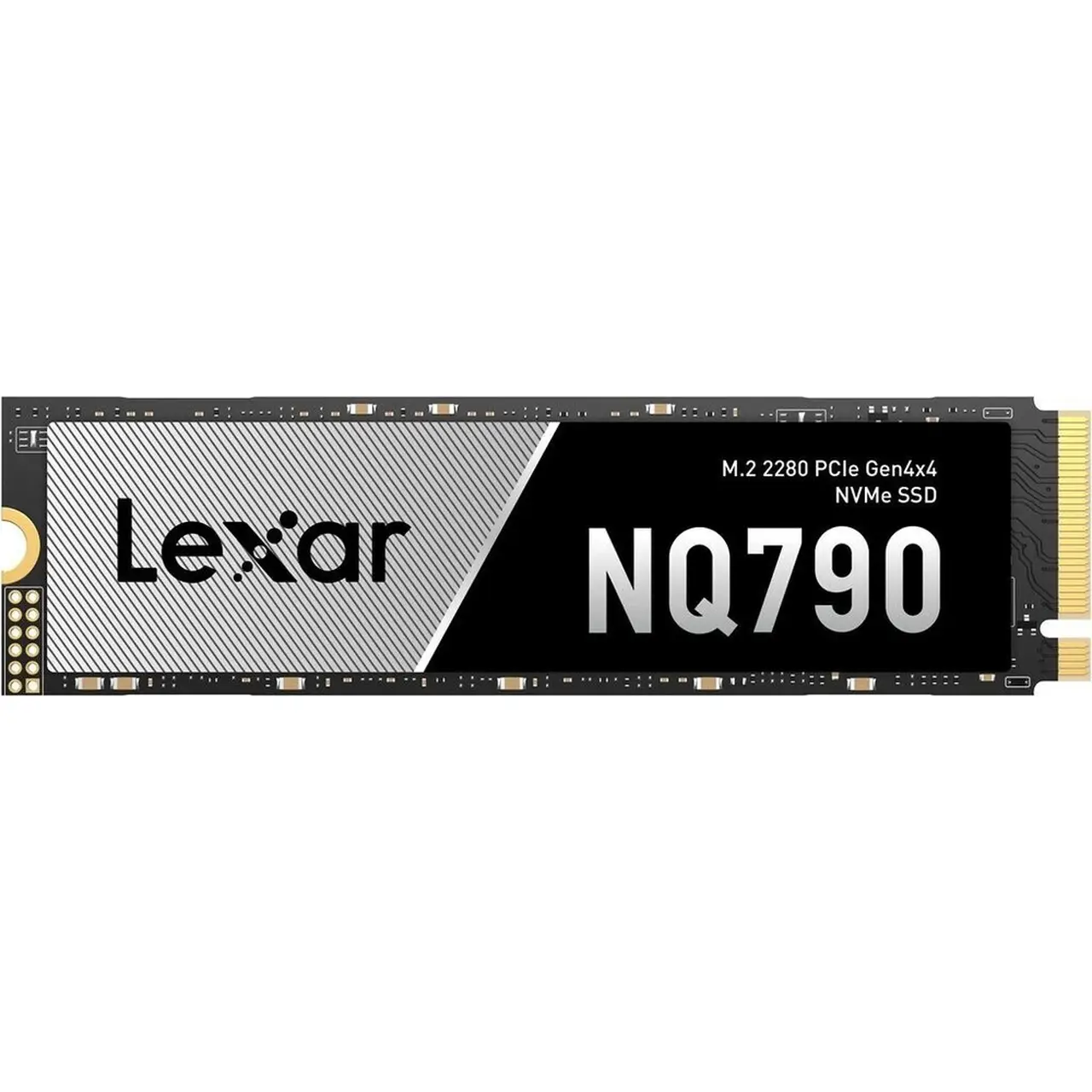
Bring games, applications and demanding workloads into a faster flow with the Lexar NQ790. Its PCIe 4.0 x4 interface and NVMe 1.4 support deliver sequential read speeds of up to 7,000 MB/s and write speeds of up to 6,000 MB/s, giving you quick access to files and responsive performance across everyday tasks. Whether you are launching a favourite game, moving large projects or working with data-intensive applications, this 4TB SSD offers a high-speed foundation for your setup.
Keep a generous library close at hand with 4TB of storage for games, applications, creative projects and other important files. The Lexar NQ790 is designed for PCs and PlayStation 5, making it a versatile choice for expanding storage across compatible systems. It also works with PCIe 3.0 systems, bringing flexible installation options to a range of builds. With ample capacity and fast NVMe performance in one internal SSD, you can organise more of the content you use and enjoy a streamlined storage upgrade.

Under the hood, 3D NAND, HMB and SLC cache technologies work together to support performance and durability. This thoughtful combination helps the Lexar NQ790 handle a broad mix of gaming, application and workload demands, while its spacious capacity gives you room to keep more of your digital world ready to access. For added reassurance as you build or refresh your system, the drive comes with a five-year limited manufacturer warranty, pairing modern storage technology with dependable long-term support.
When your PS5 game library is taking up the console’s available storage, add this compatible internal SSD to keep more games installed and ready to play, giving you more room for your next download.
If you want fast internal storage for your gaming PC, use this PCIe 4.0 NVMe SSD for your games and apps; its quick read and write performance helps reduce waiting when loading, while the ample capacity gives your library room to grow.
When your everyday work involves demanding applications, use the SSD as your internal drive to benefit from fast read and write performance; HMB and SLC cache support performance, while 3D NAND supports durability, helping you keep work moving with dependable fast storage.
If you’re keeping a PC with a PCIe 3.0 system and need more internal storage, this SSD works with that interface, so you can add ample space for games and applications without changing your platform.
The Lexar NQ790 4TB is compatible with PlayStation 5 as an internal M.2 SSD. Its 2280 form factor and PCIe 4.0 x4 NVMe interface provide 4TB of additional game storage, with sequential read speeds of up to 7,000 MB/s. Fit it in the console’s M.2 expansion slot to add space for games.
The Lexar NQ790 reaches sequential speeds of up to 7,000 MB/s read and 6,000 MB/s write on a compatible PCIe 4.0 system. It is also backward compatible with PCIe 3.0, so you can use the 4TB SSD in an older compatible system, although the interface may limit its transfer speeds.
Switch off your PC and protect the Lexar NQ790 from static discharge before handling it. Align its M.2 connector with the slot, insert the SSD at about a 30-degree angle, then press it down and secure it with the mounting screw. This careful fit helps protect the drive during installation.
Discover more of your favourite brands on Joybuy with great deals