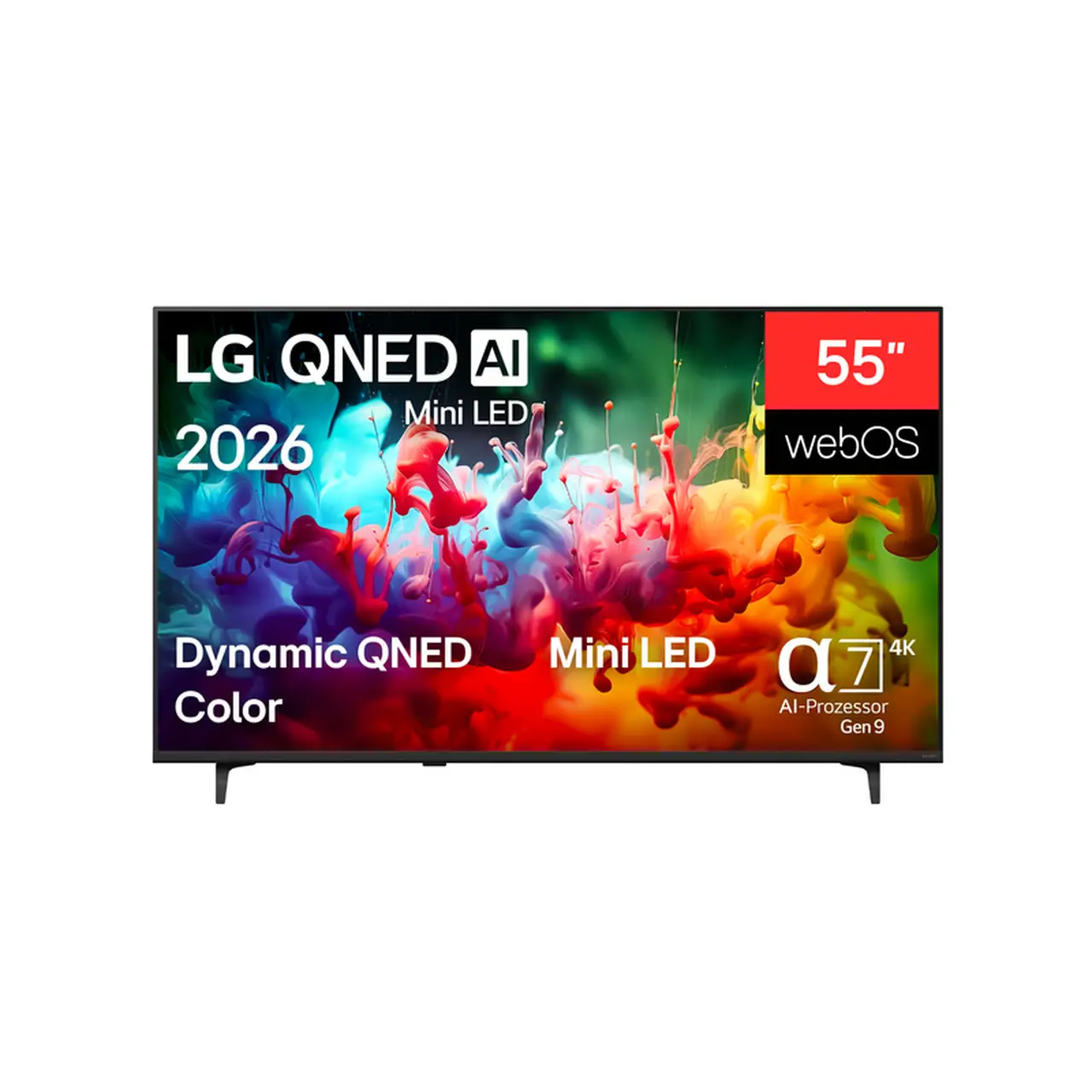
Bring films, sport, streaming and gaming together on the LG 55-inch 4K QNED Smart TV. Its Mini LED display, Dynamic QNED Colour and HDR10 and HLG support deliver detailed pictures, while the α7 Gen9 processor can upscale content and optimise picture and sound. FILMMAKER MODE offers a viewing option that preserves the filmmaker’s intended presentation. With webOS 26, voice control via the AI Magic Remote and smart-home integration, it suits households looking for an all-round TV for everyday viewing, apps and compatible devices. Game Optimizer adds HGiG, ALLM and VRR up to 60 Hz, and USB recording supports recording programmes to external storage.
How to Choose the Right Television
Start by considering where the television will go, how you watch and which devices or services you use. Comparing screen size, picture performance and connectivity can help you find a set that suits your room and everyday viewing.
Key Features to Consider
These three criteria are a practical starting point when comparing televisions:
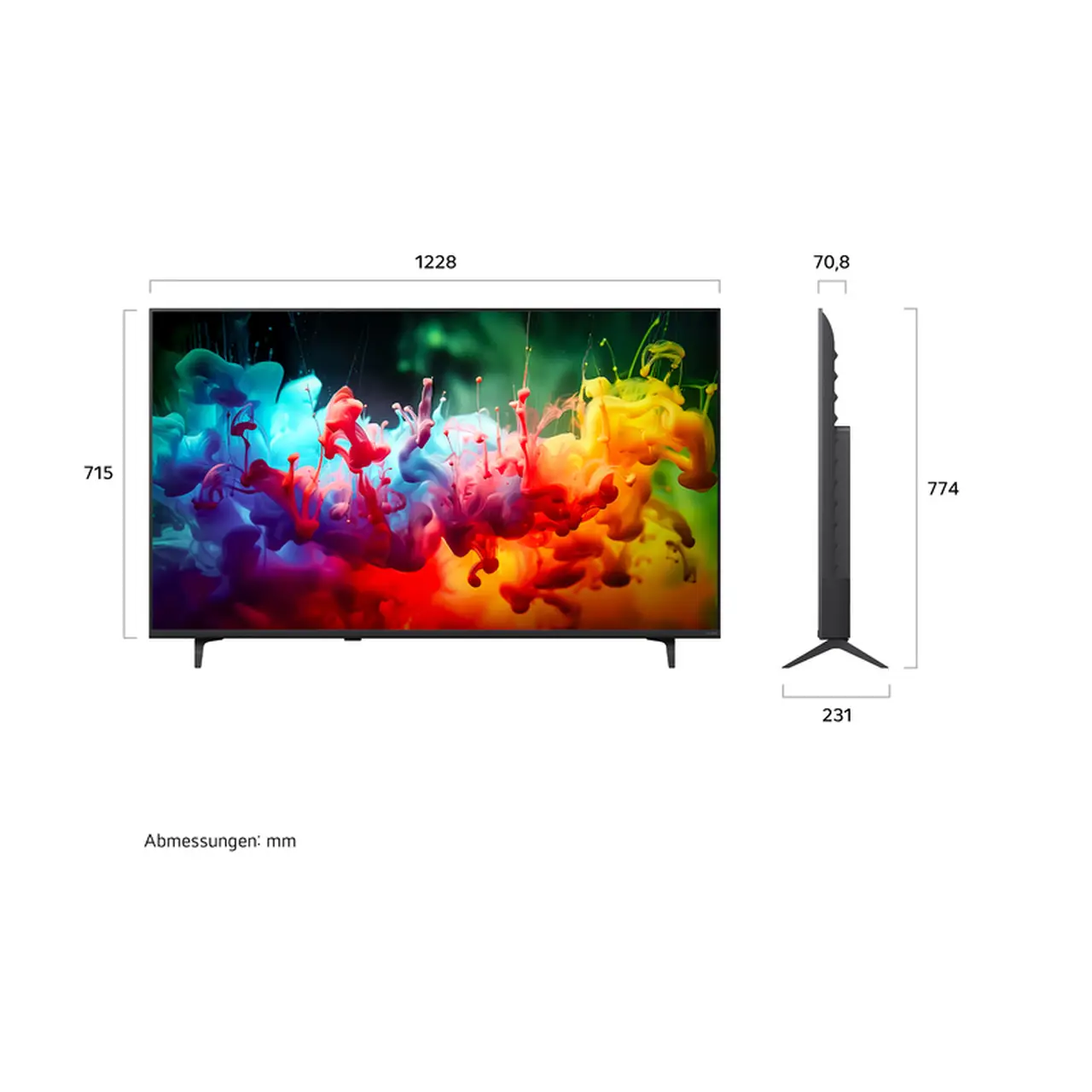
- Screen size and placement: Measure the available space and consider your usual viewing distance before choosing a screen size. Check the stand dimensions or VESA mounting compatibility too, and consider screen reflections and viewing angles in the room.
- Picture quality and refresh rate: Compare 4K resolution, HDR format support and panel technology, such as LED, QLED or OLED, rather than relying on a single specification. If you watch sport or play games, check the native refresh rate and gaming features; a higher figure can make fast motion look smoother.
- Smart features and connections: Check that the smart TV platform offers the streaming apps and updates you need, and look for enough HDMI and USB ports for devices such as a console, soundbar or Blu-ray player. For German TV reception, verify support for the broadcast tuner standards you use, such as DVB-T2 HD, DVB-S2 or DVB-C, and consider whether the built-in speakers will suit your room.
Bring Every Scene to Life with Smarter 4K Viewing
Vivid QNED Colour, Powered by AI
Make films, shows and live events feel more immersive with a 4K Mini LED QNED display and Dynamic QNED Colour, bringing detailed images and vivid colour to your viewing. Support for HDR10 and HLG adds another layer of visual detail, while the α7 Gen9 4K AI processor helps optimise picture and sound. AI upscaling enhances compatible content for the screen, and brightness adjustment based on ambient light helps tailor the picture to your surroundings. For cinema nights, FILMMAKER MODE offers a viewing mode designed to preserve the filmmaker’s intended presentation.
A Connected Hub for Streaming and Smart Home
Bring your favourite entertainment and compatible smart-home devices together with webOS 26. Browse apps and access streaming from the TV, with voice control through the AI Magic Remote adding a convenient way to interact. Smart-home integration lets you manage compatible devices from your screen, helping make the TV a useful part of everyday home life. From choosing something to watch to checking in on connected devices, the experience is designed to keep entertainment and helpful controls close at hand. It’s a flexible way to enjoy streaming, voice control and smart-home features in one place.
Gaming Features and Handy USB Recording
Make gaming part of your big-screen entertainment with Game Optimizer, which brings key settings together for easy access. Support for HGiG, ALLM and VRR up to 60 Hz helps make the TV ready for compatible games and consoles. Beyond gaming, USB recording lets you record TV programmes to external storage, giving you another way to enjoy broadcast viewing around your schedule. With streaming, gaming and everyday TV viewing brought together, this LG offers a versatile entertainment setup that can suit a range of moments at home.
Who The LG 4K QNED Smart TV Suits
Streamers And Everyday TV Viewers
When you want one screen for streaming and everyday viewing,
use webOS 26 to access your apps and voice control on the AI
Magic Remote to navigate more easily. The α7 Gen9 processor
upscales lower-resolution content and optimises picture and
sound, while ambient-light adjustment adapts brightness to
your room; smart-home integration also lets you manage
compatible devices from the TV. You get a more convenient,
comfortable viewing routine in one place.
Film Fans Who Value The Director’s Presentation
For a film night when you want the picture to stay true to the
filmmaker’s presentation, switch on FILMMAKER MODE. Dynamic
QNED Colour, HDR10 and HLG bring vivid colour and detail to
compatible content, so films are more engaging to watch at
home.
Casual Gamers Playing Supported Games
When you play supported games on your TV, Game Optimizer
brings together ALLM, VRR up to 60 Hz and HGiG. ALLM switches
to a low-latency mode, VRR helps keep gameplay smooth, and
HGiG supports more faithful HDR tone mapping in compatible
games, making play feel more responsive and visually
consistent.
Viewers Who Want To Record TV Programmes
When you cannot watch a TV programme at its broadcast time,
use USB recording to save it to external storage and watch it
later. You can fit more viewing around your routine without
missing the programmes you want to see.
Frequently Asked Questions
Is the LG 55QNED72B6B good for PS5 or Xbox gaming?
Yes, the LG 55QNED72B6B supports gaming features including ALLM, HGiG and VRR up to 60 Hz. Its native refresh rate is 60 Hz, making it suited to console gaming at up to that rate. Connect your console by HDMI and use Game Optimizer to access the available settings.
Can I use voice control and streaming apps on the LG 55QNED72B6B?
Yes, the LG 55QNED72B6B runs webOS 26, giving you access to streaming apps and connected devices from the TV interface. The included AI Magic Remote supports voice control, and the Home Dashboard can manage compatible smart-home devices. Connect the TV to Wi-Fi during setup to get started with its smart features.
How much space does the LG 55QNED72B6B need around it, and how should I clean the screen?
Keep at least 10 cm of clear space around the LG 55QNED72B6B so its ventilation slots can release heat. Before cleaning, switch it off and unplug it, then wipe the screen with a soft, dry microfibre cloth; do not spray liquid on the display. This helps you position and care for the TV safely at home.
Don't just buy, Joybuy
Discover more of your favourite brands on Joybuy and enjoy great offers.