
Lieferung heute & morgen

Qualitätsgarantie

Willkommens-Angebote freischalten: KOSTENLOSE Lieferung | Bis zu 80 % RABATT | Kostenlose 30-Tage-JoyPlus-Testphase
App herunterladen
For competitive gamers, especially in fast-paced FPS titles like Valorant or CS2, a lightweight wireless gaming mouse is more than just a peripheral—it's a direct link to the digital arena. However, the market is saturated with marketing buzzwords and exaggerated specifications that make an informed decision difficult. Before you invest, you should understand the most common pitfalls that often lead to a costly mistake.
As your Joybuy Product Recommendation Officer, I will filter the relevant information for you and show you what truly matters.
Many buyers focus on individual, heavily advertised features while overlooking crucial drawbacks. These three points often lead to disappointment:
Instead of being dazzled by marketing figures, you should focus on these three fundamental aspects to find the right professional gaming mouse for your needs.
The sensor is the heart of every gaming mouse. Pay less attention to the maximum DPI value and more to the following metrics:
Weight alone is not decisive; the combination of shape, balance, and material quality makes the difference.
Modern wireless technologies from brands like Razer Gaming Mouse (HyperSpeed) or Logitech Gaming Mouse (LIGHTSPEED) are on par with wired connections in terms of latency.
Here are three recommendations tailored to different needs and budgets, specifically chosen to avoid the pitfalls mentioned above.
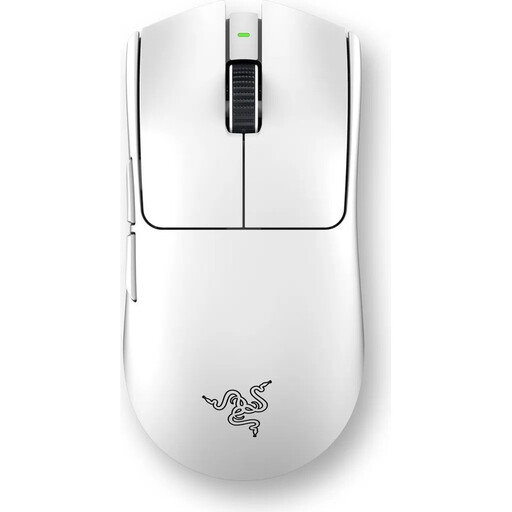
Why This Fits Their Persona: Designed for players who demand maximum performance without compromise. The extremely low weight and 8000 Hz polling rate are engineered for top-tier competition.
It avoids the DPI trap by focusing on the high-end Focus Pro 35K sensor and a true 8K polling rate, which offers a measurable performance advantage rather than just advertising a high DPI number.
At 54g, it's extremely light yet solidly built. The Razer HyperPolling technology enables a wireless polling rate of 8000 Hz for minimal latency.
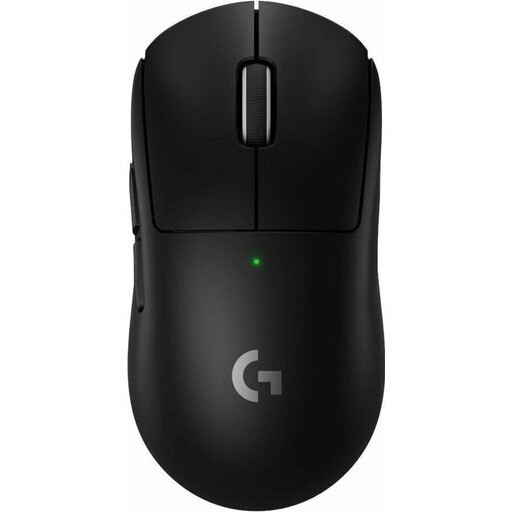
Why This Fits Their Persona: Ideal for players who want a proven shape, high reliability, and balanced performance for long gaming sessions. A true professional-grade all-rounder.
It avoids the weight trap by offering a very low weight of 60g without sacrificing the proven, ergonomic shape and solid build quality that Logitech is known for.
The HERO 2 sensor provides precise tracking at over 500 IPS. The LIGHTFORCE hybrid switches combine the tactile feel of mechanical switches with the speed of optical ones.
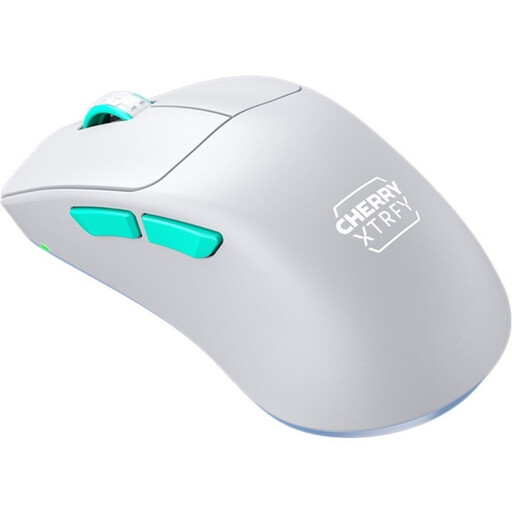
Why This Fits Their Persona: Delivers esports-grade features like a 53g weight and a top-tier sensor at an accessible price point. Perfect for players looking to upgrade their gear without breaking the bank.
It focuses on essential performance features (Pixart 3395 sensor, 53g weight, stable 1000 Hz connection) and forgoes an 8K polling rate, enabling an excellent price-to-performance ratio.
Unique ergonomic design with an extremely low front for better control. All settings can be adjusted driverlessly, directly on the mouse.
We have compiled a complete, up-to-date list of products that fully meet these strict selection criteria and German safety regulations.
1. How important is an 8000 Hz polling rate on a gaming mouse, really? An 8000 Hz polling rate sends eight times more data per second to the PC than the 1000 Hz standard. This can result in visibly smoother cursor movement and a minimally lower click latency. The advantage is most noticeable on monitors with very high refresh rates (e.g., 240 Hz or 360 Hz) and in extremely fast-paced games. For most gamers, however, a stable 1000 Hz connection is perfectly sufficient, and the difference is hardly perceptible.
2. Does an ultra-lightweight gaming mouse last as long as a heavier one? Durability depends on the build quality and materials used, not just the weight. Modern ultra-lightweight mice use intelligent internal structures and high-quality polymers to ensure high stability even at weights below 60 grams. Models with a solid shell are also better protected against dust and dirt. Pay attention to the switch specifications (e.g., a lifespan of 80 million clicks), as they are a good indicator of longevity.
3. Do I always need to install drivers for a good lightweight wireless gaming mouse? Not necessarily. Many models, especially those in the esports category, allow you to configure essential settings like DPI and polling rate directly via buttons on the mouse. Others save profiles to onboard memory, so the software is only needed once for setup. However, for advanced customizations like programming macros or fine-tuning the sensor, the manufacturer's software is usually required.