Joybuy products for Linux learning setups
These Joybuy products range from Linux-based ARM systems to mini PCs with different specifications. Before choosing, check that the architecture, specific hardware and operating system suit your Linux exercises.
 No image available
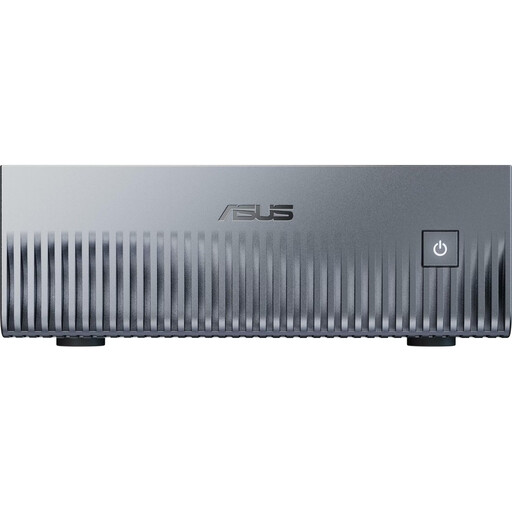
ASUS Ascent GX10, 1 TB SSD, 128 GB Unified Memory, Linux (DGX OS)
The product title lists Linux (DGX OS) and the NVIDIA Grace Blackwell GB10. The described setup uses an external screen connected via HDMI. Check that your learning software runs on the ARM architecture.
View at Joybuy
 No image available
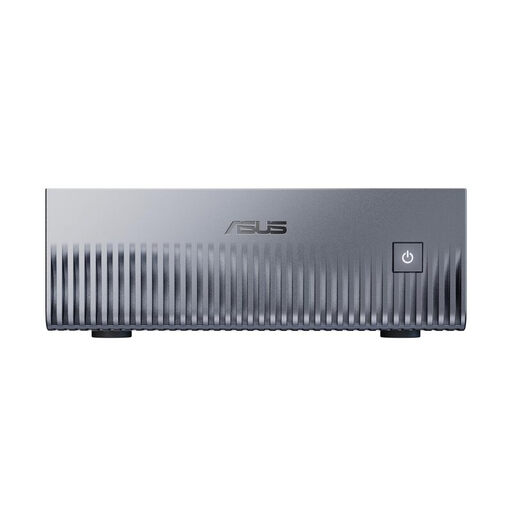
ASUS Ascent GX10, 2 TB SSD, 128 GB Unified Memory, Linux (DGX OS)
The product title lists Linux (DGX OS) and the NVIDIA Grace Blackwell GB10. The described setup uses an external screen connected via HDMI. Make sure the ARM architecture is suitable for your learning programmes.
View at Joybuy
 No image available
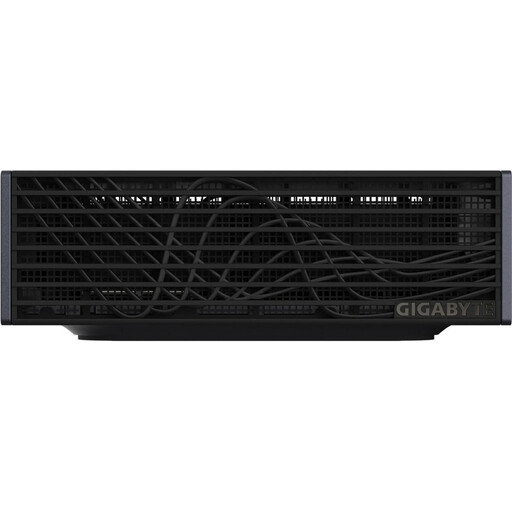
GIGABYTE AI TOP ATOM ATAGB10-9001, 128 GB LPDDR5X, 4 TB SSD
The product description lists DGX OS as a Linux-based operating system. An external screen is needed for a desktop setup. Check that the specific configuration and your chosen distribution are suitable for your exercises.
View at Joybuy
 No image available
MaxMini B3, Intel N4100, 8 GB LPDDR4, 256 GB SSD
The listed specifications include 8 GB LPDDR4, a 256 GB SSD and two HDMI ports. You’ll need an external screen for desktop use. Check that your chosen Linux distribution is compatible with the specific hardware.
View at Joybuy
 No image available
BMAX B7A Plus, AMD Ryzen 5 6600H, 12 GB LPDDR5, 512 GB NVMe SSD
The listed specifications include 12 GB LPDDR5 and a 512 GB NVMe SSD. The description lists two M.2 slots. You’ll need an external screen for desktop use. Check Linux compatibility for the specific version.
View at Joybuy
Frequently asked questions
Can I install Ubuntu on any mini PC?
No. The form factor alone doesn’t guarantee compatibility. Canonical lists certain device configurations as certified. Otherwise, you can try Ubuntu first and check that the features you need work. Canonical’s current installation guide calls for at least 25 GB of storage and recommends using a USB stick with a capacity of 8 GB or more.
How do I set up a Raspberry Pi 5 as a Linux learning computer?
Raspberry Pi explains how to use the Imager to write Raspberry Pi OS to a microSD card. You’ll also need to plan for a suitable power supply, screen and input devices. If the Raspberry Pi Monitor is powered directly by the Pi, Raspberry Pi says brightness and volume are limited.
What might I need to buy separately after purchase?
Check what’s included with the exact version before placing your order. COMPUTER BILD notes that the GEEKOM A5 Pro it tested didn’t include a keyboard or mouse. An Intel NUC 13 barebone covered in the same publication needed memory, storage and an operating system to be bought and installed separately. These details apply to the specific versions reviewed.
What applies in Germany if there’s a fault: warranty or statutory consumer rights?
Statutory consumer rights are set out by law and apply in relation to the seller. A warranty is an additional, voluntary promise with its own terms. The Verbraucherzentrale recommends getting any promised features in writing and checking the terms of the specific contract or warranty.
What should I check about the CE marking on a learning computer?
If the applicable EU harmonisation rules require CE marking for the specific computer and power supply, the manufacturer must meet the relevant conformity requirements and apply the required marking. The European Union points out that CE marking is a manufacturer’s declaration, not an independent quality check. The Bundesnetzagentur also lists identifiable manufacturer details, the required German-language instructions and warnings, and the declaration of conformity as things to check. This guidance doesn’t confirm that any individual listing complies.


