Linux beginners who’d rather not build a PC
If you want to try a distribution and your devices before committing, Canonical says you can run Ubuntu from a USB stick without installing it permanently.


If you want to get started with Linux without installing components yourself, check that the specific version of a fully equipped mini PC you order includes RAM, an SSD and an operating system, and that your preferred distribution works with that exact hardware. A barebone is a good fit if you want to choose and install the components yourself; for virtual machines, you’ll also need extra RAM and free storage. On a small desk, consider more than just the case dimensions: factor in the power supply, cables, ports and clearance for ventilation too.
If you want to try a distribution and your devices before committing, Canonical says you can run Ubuntu from a USB stick without installing it permanently.
As well as space for the case, allow room for the power supply, cables and airflow. The mini PCs documented by ASUS and TUXEDO vary in dimensions, ports and mounting options.
If you plan to use virtual machines later, you’ll need space for their memory and files as well as for the host system. Oracle VirtualBox also notes that snapshots require additional storage.
Start with what matters most to you, then check both the hardware and what’s included in the specific version you’re ordering.
| Priority | What to check when buying | Who should pay particular attention? |
|---|---|---|
| Linux support | Check the model number, distribution and version. ASUS lists the NUC14MNK as validated with Ubuntu 24.04 LTS and documents a LAN driver issue for a specific combination. | If I want to test Linux on the exact hardware, support for my distribution matters more than a general claim about a model family. Around 36% of consumers prioritise Linux compatibility. |
| Space and ports | Allow for the case dimensions and space for the power supply and cables. ASUS gives the NUC14MNK dimensions as 135 × 115 × 36 mm; TUXEDO lists the Nano Pro Gen14 as 110 × 117,5 × 49 mm. | If I have limited space on my desk, I also want to know whether the monitor ports and cable routing will work with my setup. Around 29% of consumers prioritise desk footprint and port placement. |
| What’s included | Check whether RAM, an SSD and an operating system are included in the exact version. The ASUS NUC14MNK-B kit is listed without RAM, a drive or a pre-installed operating system. | If I want to get started without buying extra components, I want to know in advance what I’ll still need to install or set up. Around 21% of consumers prioritise a fully equipped PC. |
| VM headroom | Check the RAM actually installed and the available storage; VM files and snapshots need extra space. TUXEDO lists two RAM slots and two SSD slots for the Nano Pro Gen14, but this alone doesn’t tell you how much memory is installed. | If I want to try several systems in virtual machines, I’ll need resources on top of those used by the host system. Around 14% of consumers prioritise having headroom for virtual machines. |
The documented ASUS kit doesn’t include RAM, a drive or an operating system as standard. Getting started therefore means buying and setting up additional components.
Compare exactly what’s included with each option before choosing a configuration.
Validation or certification applies to the specific hardware and software combination documented. ASUS also flags a LAN driver issue for a particular NUC14MNK configuration.
Check the model and hardware details against your distribution and version. If possible, try it first using a live USB.
Testing with a live USB and checking for compatible drivers can add time before you’re ready to set everything up.
Port placement and mounting options also matter when setting up your PC on a desk. Any virtual machines you plan to run will need RAM and free storage too.
Measure the full space available and check the monitor ports, RAM and free storage on the exact version.
Depending on your setup, you may need extra cables, adaptors or storage.
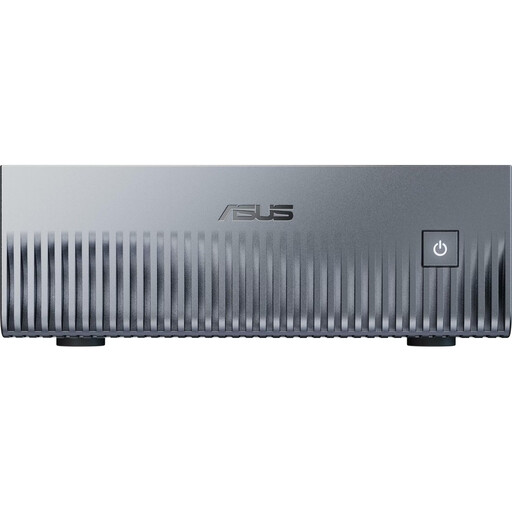
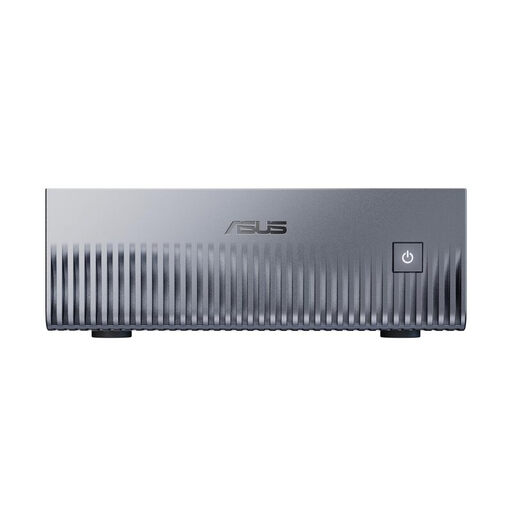
The NUC 14 Essential Kit is aimed at learners who want to choose their own RAM, SSD and Linux distribution.
TUXEDO describes the Nano Pro Gen14 as a Linux-focused mini PC with configurable memory.
The ThinkCentre M75q Gen 5 Tiny may suit buyers who want to choose a specific business PC configuration and check its suitability for Linux.
GEEKOM presents the Mini IT13 as a compact, fully equipped PC for people interested in Linux.
The Joybuy picks below are compact mini PCs for a Linux learning setup. Before buying, check that the exact specification will work with your preferred distribution, monitor and planned applications.
 No image available
A compact choice for a small workspace, provided the listed specification suits your Linux setup. Windows 11 is listed as the pre-installed operating system, so allow for an additional setup step.
Listed in the product name: 8 GB DDR4, 256 GB SATA SSD, Bluetooth 5.2 and Wi-Fi 5.
Before ordering, check which of the two processor options in the product name is included in the configuration you’ll actually receive.
 No image available
Linux with DGX OS is listed in the product name; check that your preferred distribution and applications are compatible with this specific configuration.
Listed in the product name: NVIDIA Grace Blackwell GB10, 128 GB unified memory and 1 TB SSD.
The product information specifies at least 5 cm of clearance for ventilation; it also says the unit must not be used in an enclosed, unventilated compartment.
 No image available
Linux with DGX OS is listed in the product name; check that your preferred distribution and applications are compatible with this specific configuration.
Listed in the product name: NVIDIA Grace Blackwell GB10, 128 GB unified memory and 2 TB SSD.
The product information specifies at least 5 cm of clearance for ventilation; it also says the unit must not be used in an enclosed, unventilated compartment.
 No image available
A compact option, provided the listed ports and specification suit your desk and Linux installation.
Listed in the product name: Intel N4100 up to 2,4 GHz, 8 GB LPDDR4, 256 GB SSD and two HDMI ports.
Wi-Fi 2,4/5 GHz and Bluetooth 5.0 are also listed in the product name.
 No image available
If you’re checking HDMI and DisplayPort compatibility with your monitor setup, make sure these ports and the exact specification suit your Linux setup.
Listed in the product name: Intel Core i3-8109U up to 3,6 GHz, 12 GB RAM and 256 GB SSD.
HDMI, DisplayPort, 1000M LAN, Wi-Fi 5 and Bluetooth 5.0 are also listed in the product name.
Yes. Canonical explains how to start Ubuntu from a live USB without permanently changing your PC’s configuration. Creating the USB stick will erase its existing data; Canonical recommends a stick with at least 8 GB of storage.
No, not in the documented NUC14MNK-B version: ASUS lists no installed RAM, drive or pre-installed operating system. Check what’s included in the specific version you’re ordering and plan to add any missing components.
For a consumer contract made online, the Verbraucherzentrale says you generally have a 14-day right to cancel from the day you receive the goods; you must notify the seller that you wish to cancel. The Verbraucherzentrale also distinguishes the statutory warranty against the seller from a voluntary guarantee. The terms and any exceptions in your specific contract should be checked.
An old mini PC must not be put in household waste. According to the Federal Ministry for the Environment, old electrical equipment must be taken to an authorised collection point, such as a local authority collection centre. Retailer take-back schemes are subject to the applicable requirements.