What to look for when buying
First decide on your platform and game, then check the connection from your seat and the inputs your players need. Once those requirements are clear, consider how the controller feels to use and how it charges.
| What matters |
What to check before buying |
Who it matters most to |
| Platform and game |
Check the console and generation or operating system, the full model name and whether the football game supports the controller input. |
If I’m looking for a controller for a particular console and game, compatibility comes first. Around 26% of consumers prioritise platform and game compatibility. |
| Connection from your seat |
Check the connection type for your platform and the position of your console or receiver, then test the controls from your chosen seat. |
I want to play from further away without the connection dropping out. For around 26% of consumers, the connection from their seat is the main consideration. |
| Inputs for other players |
Check the local game mode, how many inputs it supports at once and which controllers you already have. |
For our group, I need a suitable input for every player in the specific game. Around 21% of consumers prioritise having enough separate inputs. |
| Seeing the game clearly |
Check how clearly you can see the players, ball and on-screen information from your planned seat; consider the screen and controller connection separately. |
I want to check whether I can see the game clearly from further away before buying a gamepad. Around 16% of consumers prioritise being able to see the game clearly. |
| Comfort and charging |
Compare how the exact model feels to use and its charging options; check whether you’ll need any accessories. |
For longer sessions, I care about how the controller feels to use and whether I can charge it between matches. Around 11% of consumers prioritise comfort and power. |
Controllers at Joybuy
This selection includes controllers for PC, PS5, Xbox and Switch 2. For each model, check that the connection and game inputs work with your platform and local football game.
 No image available
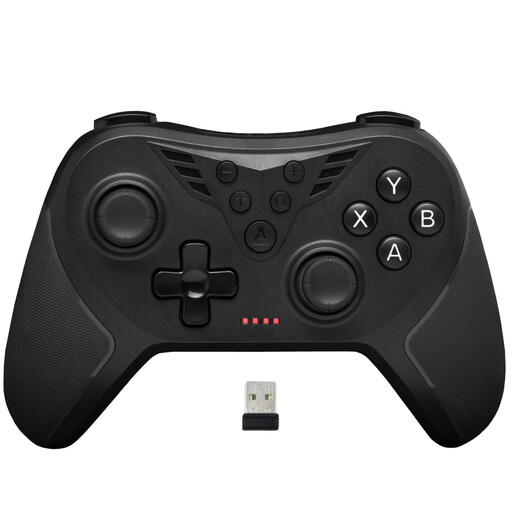
The G-Lab K-PAD-HELIUM-WL Wireless 2.4GHz PC Controller
For PC sessions if you’re looking for a controller with the 2.4 GHz wireless connection mentioned in the product title.
The title also mentions two rear paddles; check the connection from your chosen seat.
View at Joybuy
 No image available
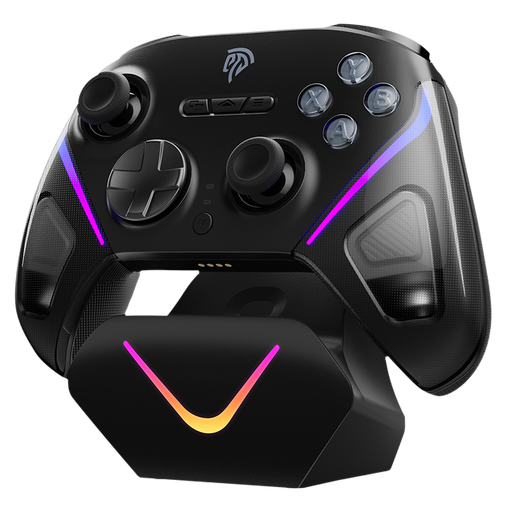
EasySMX D10 Bluetooth controller for PC, Switch, Android and iOS
For PC or Switch sessions if the Bluetooth connection and support in your specific game work with your setup.
The product title also mentions Android and iOS; check that your gaming platform supports the controller input before buying.
View at Joybuy
 No image available
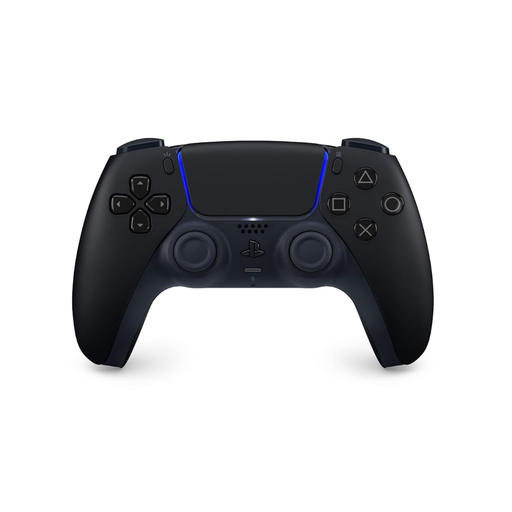
PlayStation DualSense Wireless Controller Midnight Black
For an additional PS5 input, provided the specific football game supports local multiplayer.
The product title lists the colour Midnight Black and a USB cable. According to PlayStation Support, individual features on PC depend on the game and connection.
View at Joybuy
 No image available
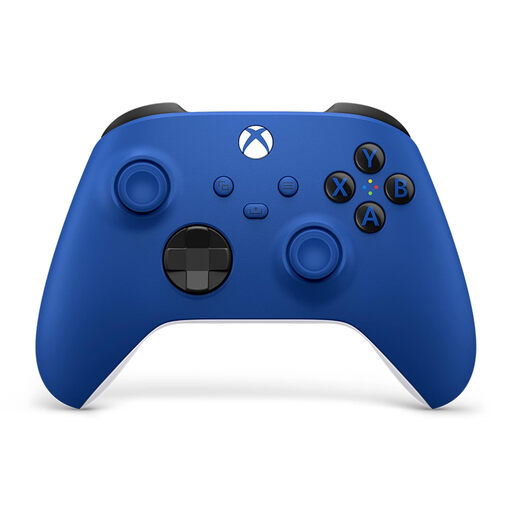
Microsoft Xbox Wireless Controller Shock Blue
For Xbox or Windows PC sessions if the connection and specific game work with your setup.
The product title lists Xbox One, Xbox Series X/S and PC. According to the product information, it requires two AA batteries.
View at Joybuy
 No image available
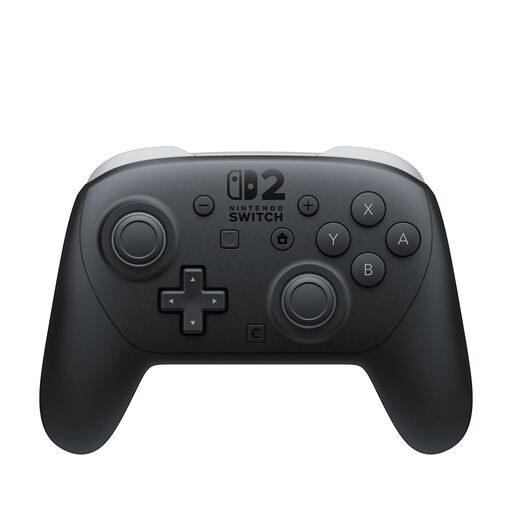
Nintendo Switch 2 Pro Controller
For an additional input on Switch 2, provided the local football game supports the mode you want to play.
Nintendo says the controller can’t be used with the original Switch. The manufacturer lists assignable GL/GR buttons.
View at Joybuy
Frequently asked questions
Does a wireless controller make on-screen details easier to see from further away?
No. A controller doesn’t change how the game appears on screen. Sony lists screen size and resolution as factors in viewing distance; check visibility and the controller connection separately.
What should I check if the wireless connection keeps dropping out?
Test the connection from your actual seat and check the power supply and setup. For wireless problems with Joy-Con, Nintendo recommends, among other things, keeping the console in an open position and avoiding possible sources of interference. This doesn’t guarantee the range of other models.
Does the Switch 2 Pro Controller work with the original Switch?
No. Nintendo explicitly states that the Switch 2 Pro Controller can’t be used with the original Switch.
What are my rights in Germany if I buy online and the product is faulty?
According to Verbraucherzentrale, online orders generally come with a 14-day right to cancel from the date you receive the item. Your statutory rights against the seller and a voluntary manufacturer’s guarantee are different claims; check the terms of your specific purchase.
How can I check the markings and information provided for a wireless controller?
The Bundesnetzagentur lists CE marking, product and manufacturer information, German instructions with any necessary guidance, and a declaration of conformity among the things it checks. A CE mark is a manufacturer’s declaration, not proof of good wireless range in your room.


