Which criteria matter most for your presentation?
First, decide whether files will be played directly on the projector or via an external device. Then check the room lighting, readability and placement. For Germany, Your Europe explains that CE marking is only required when the relevant harmonised EU rules require it for that particular product; it doesn't tell you whether a projector can open your files directly.
| Your needs |
What should you look for? |
Who is this especially important for? |
| Play files without a computer |
Check whether the USB port includes a file reader and supports the formats you need. BenQ lists JPEG, PDF and PowerPoint support for the MH733; ViewSonic specifies FAT32 and NTFS for the M2e. |
If I want to show slides without a laptop, the projector, file format and storage device all need to be compatible. Around 36% of consumers put direct file playback first. |
| Visibility in ambient light |
Only compare brightness figures when they use the same measurement standard and operating mode. Acer lists 5,000 ANSI lumens in Standard mode and 4,000 in Eco mode for the PL3510ATV. |
For a larger group or a room that can't be fully darkened, I need the whole projection to be easy to see. Around 29% of consumers prioritise visibility in the screening room. |
| Clear image detail |
Check the native resolution and test one of your own slides at the intended image size. BenQ and Acer list native resolutions of 1920 × 1080 pixels for the MH733 and PL3510ATV respectively. |
If historical documents contain small print or fine details, I want to be able to make them out at the intended image size. Around 21% of consumers prioritise clear image detail. |
| Transport and set-up |
Factor the projector's weight and power supply into your plans; ViewSonic lists the M2e as weighing 1.0 kg and specifies a power adapter. Also check that the projection distance and available space suit your venues. |
When I regularly move between rooms, I want to be able to set up the projector and its power supply reliably. Around 14% of consumers put mobile set-up first. |
Joybuy projectors for use with an external device
The following models are intended for use with a laptop or another compatible external device. Before your presentation, check that the connections and signal path work with both devices; a USB port doesn't automatically mean you can play files directly.
 No product image available
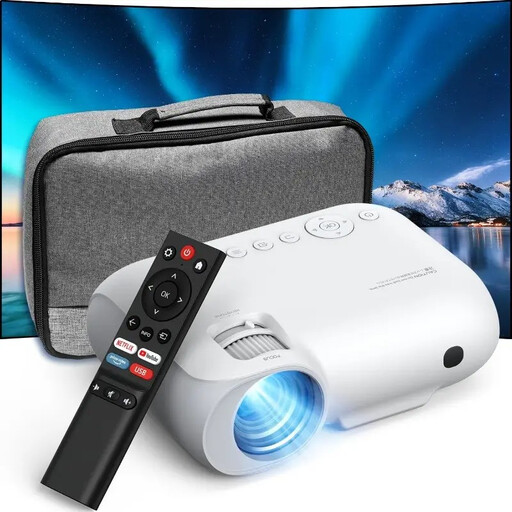
YOTON Y7 projector, native 1080p
For slides from a laptop or compatible external device: the product details list HDMI and USB. Check that the connection matches the output on your device.
Native resolution: 1080p, as stated in the product title.
View at Joybuy
 No product image available
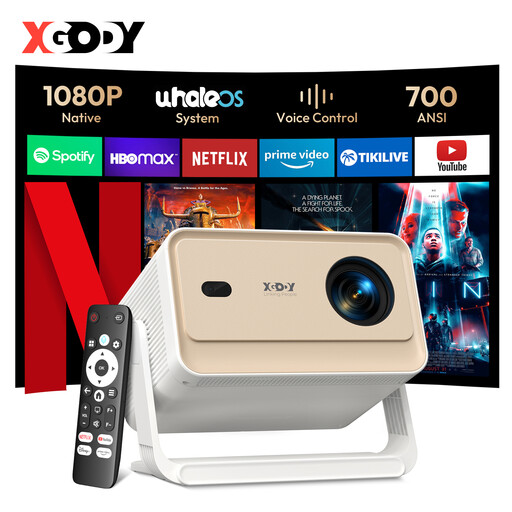
XGODY Gimbal N6 Pro, native 1080p
For presentations from compatible external devices: the product details list HDMI compatibility. Check the signal path you need before your event.
Native resolution: 1080p. Brightness stated in the product title: 700 ANSI lumens.
View at Joybuy
 No product image available
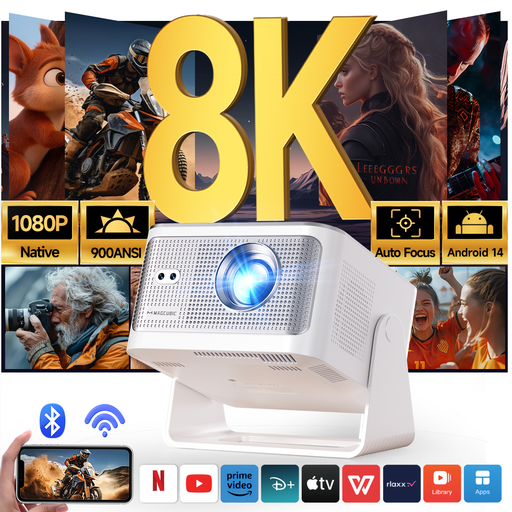
Magcubic HY350Max, native 1080p
For slides from a compatible external device: HDMI and USB are listed in the product title. Check what each port does in your particular set-up.
Native resolution: 1080p. Brightness stated in the product title: 900 ANSI lumens.
View at Joybuy
 No product image available
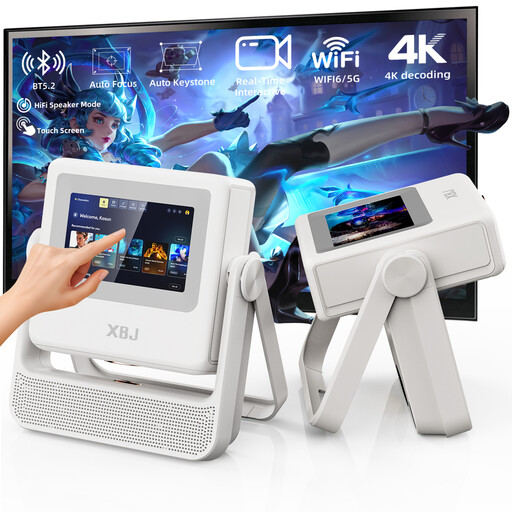
XBJ A5Pro projector, native 1080p
For presentations from a compatible PC or HDMI device: the product details list PC and HDMI compatibility. Check that the connections match your device.
Native resolution: 1080p, as stated in the product title.
View at Joybuy
 No product image available
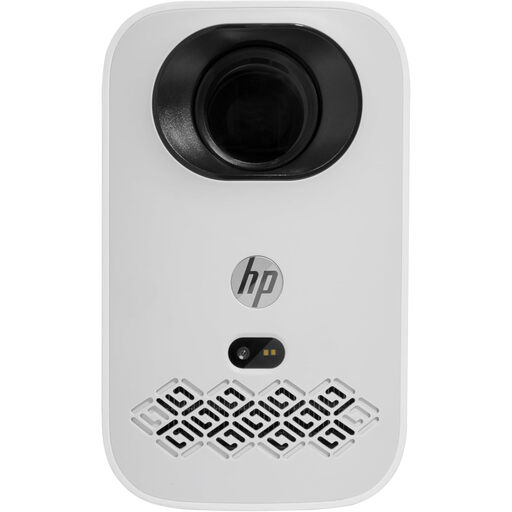
HP CC360 FHD Smart Projector
For photos and presentations streamed wirelessly from compatible iOS or Android devices: check device compatibility and the intended connection method in advance.
FHD, as stated in the product title; HDMI and USB are listed in the product details.
View at Joybuy
Frequently asked questions about projectors for local history slides
Is a USB port enough to play my saved slides?
No. A USB port alone doesn't tell you whether the projector can play files directly. Check whether the specific model has a file reader and supports your formats. For example, BenQ lists JPEG, PDF and PowerPoint support on the MH733; Acer describes the H6533BDi's USB ports as being for a wireless dongle or power output.
How should I prepare a USB stick for the ViewSonic M2e?
ViewSonic lists FAT32 or NTFS as supported file systems. Back up any important files and test the stick with the complete slide sequence before your event, as ViewSonic notes that some USB devices may be incompatible.
What should I know about lamps and warranty cover?
BenQ lists a lamp light source and an optional replacement lamp kit for the MH733, so factor in a possible replacement later without assuming an unverified cost. If goods are faulty, your statutory consumer rights are generally against the seller. A voluntary guarantee is separate, as explained by the Verbraucherzentrale.
Can I simply project historical photos at a public event?
No. Having a file stored locally doesn't, by itself, give you the rights to show it publicly. Under § 15 UrhG, a showing is public if it's intended for a number of people who are members of the public. Whether specific photos or films can be shown depends, among other things, on the rights, permissions and any applicable legal exceptions; you should check the position for each item of material.
What does CE marking mean on a projector?
CE marking is required for a product when the applicable harmonised EU rules say it is. Your Europe explains that the mark isn't a general quality seal and doesn't prove that a projector can play particular media files.


