What should you look for when buying a TV for local media?
Play directly from a USB stick
A good fit if: you want to select local photos or videos on the TV without using an additional computer.
Bear in mind: check file compatibility, image order, interval and repeat settings on the specific model.
Present using a computer
A good fit if: you want to control a designed slide sequence, captions or transitions using presentation software.
Bear in mind: the computer remains part of the setup; check that it can connect to the specific TV.
| Priority |
What to check when buying |
Who should consider this? |
| Open files |
Check the USB stick’s file system and photo and video codecs against the model specifications; test your own files. |
If I want to show existing photos and clips directly from a USB stick, the specific model needs to be able to play my files. Around 36% of consumers consider file compatibility their top priority. |
| See images and text clearly |
Test a typical map and the smallest caption from the planned viewing distance; compare screen size and available space. |
If several people will be looking at maps, photos and captions, I want to check that everything is clear from the intended viewing position. Around 29% of consumers focus on readability in the room. |
| Control the slide sequence |
Test photo selection, order, interval and repeat settings on the TV or through the planned computer connection. |
If the images need to follow a set sequence with explanations, I need control over the presentation and shouldn’t assume a basic photo viewer is the same as presentation software. Around 21% of consumers prioritise control over the slide sequence. |
| Ongoing use |
Compare the energy label figures in kWh/1,000 h with your planned viewing hours; consider the warranty and statutory rights separately. |
If the TV will be used regularly for presentations, I want to consider service terms as well as energy use. Around 14% of consumers focus mainly on running costs and service. |
The energy consumption figures on the EU energy label are given in kWh per 1,000 hours. To estimate your own costs, you’ll also need your planned viewing time and electricity tariff. The consumer advice centre distinguishes statutory consumer rights from a voluntary warranty.
Joybuy products for local photos and media
This selection includes TVs that may be suitable for displaying local photos or media. Beforehand, check USB support, file compatibility and slideshow features for the exact model.
 No image available
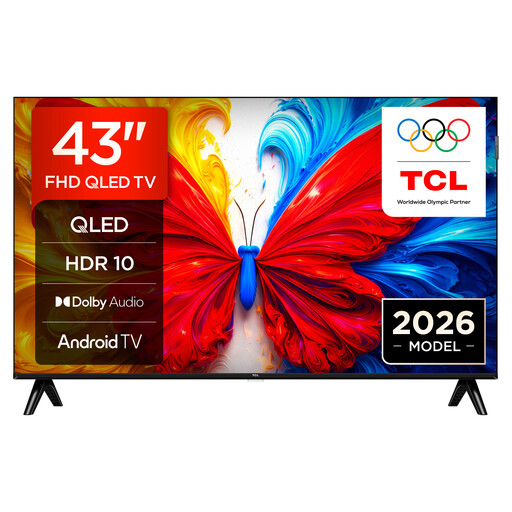
43S5L QLED TV, 43-inch, Full HD, Android TV
If you want to display local photos, first check on the device itself that it supports your files and the slideshow sequence you need.
Listed in the product name: 43-inch, Full HD, QLED display, Android TV and 60 Hz.
Joybuy
 No image available
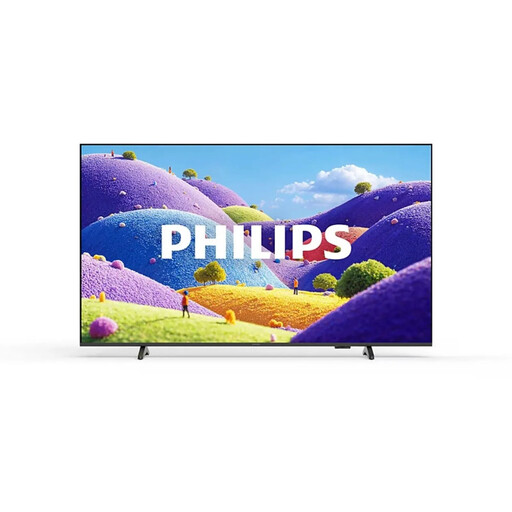
Philips 43PUS7061/12, 43-inch 4K Ultra HD LED TV
If you want to show local media, check before buying that the exact model supports the files you need and the planned presentation sequence.
Listed in the product name: 43-inch, 4K Ultra HD and LED. The product details also list 2 USB 2.0 ports.
Joybuy
 No image available
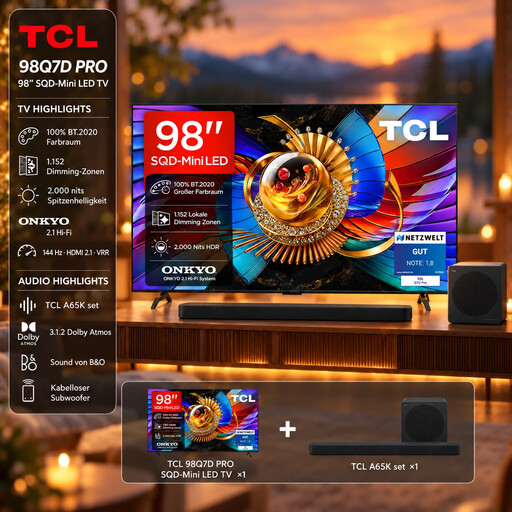
TCL 98Q7D PRO with A65K soundbar, 98-inch 4K SQD Mini LED TV
If you’re looking for a large screen for an audience space, first compare the actual footprint or mounting dimensions with the space available.
Listed in the product name: 98-inch, 4K, SQD Mini LED and Google TV. The set includes an A65K soundbar.
Joybuy
 No image available
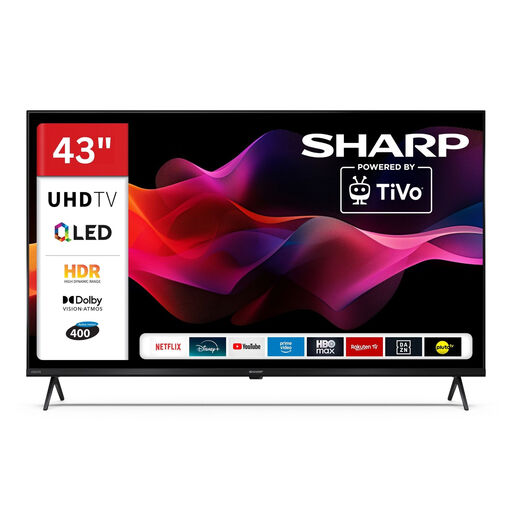
Sharp 43HM5745E, 43-inch QLED 4K UHD Smart TV with TiVo
If USB media is important for your presentation, test your own files and the controls you need on the exact model before relying on it.
Listed in the product name: 43-inch, QLED, 4K UHD, Smart TV and TiVo.
Joybuy
 No image available
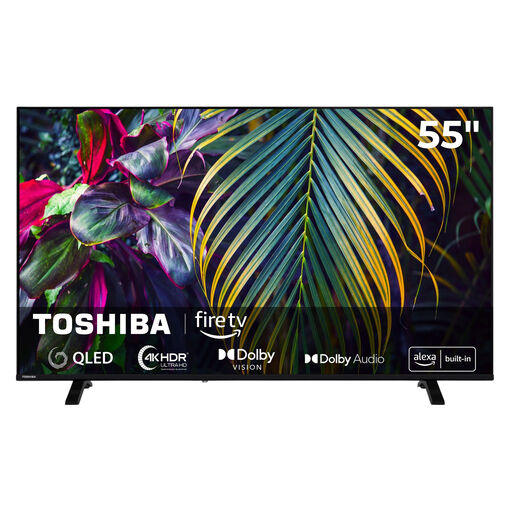
Toshiba 55QF2663DAZ, 55-inch QLED 4K UHD Fire TV
If you want to play local media on the TV, check that the exact model supports the files you need and test your presentation sequence.
Listed in the product name: 55-inch, QLED, 4K UHD and Fire TV.
Joybuy
Frequently asked questions about Smart TVs for local history
Can I simply copy a presentation file to a USB stick and open it on the TV?
No. Confirmation that photos and videos can play doesn’t mean the TV can open presentation files. Check the exact model and, if necessary, test whether it can display slides in a supported image format. If you need to retain transitions or a particular slide order, try playing the presentation through a connected computer.
What can I check if the USB stick or a video won’t play?
Compare the USB stick’s file system and the file’s codec with the specifications for the exact model, and try another file. LG Germany lists FAT32 or NTFS in its general guide and notes that codec support varies by model. Sony Germany also points out that a supported format doesn’t guarantee that every individual file will play.
How do I compare energy use and what happens if the TV develops a fault?
First, compare the figure on the EU energy label in kWh per 1,000 hours. To estimate your own costs, you’ll also need your planned viewing hours and electricity tariff. If there’s a fault, statutory rights against the seller are separate from a voluntary warranty, as explained by the consumer advice centre.
Can I show historical photos and films on a TV in public?
There isn’t a simple yes-or-no answer. Under Section 15 of the German Copyright Act (UrhG), showing content to several people who have no personal connection with the organiser may count as public communication. Section 52 of the UrhG sets out conditions for certain events and the possibility of payment; for public film screenings, subsection 3 requires the rights holder’s consent. Before showing any third-party material in public, clarify the rights and the nature of the event.


