Concert fans with a fixed listening spot
If you mostly listen to stereo recordings from one spot, check whether two identical, compatible speakers can be positioned there. Sonos and Apple Support explain how to set up compatible stereo pairs.


First, check that your concert app, livestream or recording works with the playback method you intend to use. A compatible stereo pair is more suitable if you want separate left and right channels from a fixed listening position and have room for two speakers. A single speaker is easier to try in different places. Room tuning is no substitute for checking speaker placement and reverberation in your own loft.
If you mostly listen to stereo recordings from one spot, check whether two identical, compatible speakers can be positioned there. Sonos and Apple Support explain how to set up compatible stereo pairs.
If you move around while listening, it’s worth trying one speaker in a suitable spot first. The Fraunhofer Institute for Building Physics IBP treats room acoustics as specific to each space, so a speaker feature alone can’t guarantee how it will sound in your loft.
If you use apps, livestreams or your own recordings, the key question is whether your chosen model can play from that specific source using the playback method you plan to use. Sonos describes different connection options, depending on the connection and any accessories required.
A good fit if: You want to place two compatible speakers at the same listening spot to play the left and right channels separately. Sonos describes pairing two Era 100 speakers; Apple Support requires two identical models for a HomePod stereo pair.
The trade-off: You’ll need space for a second speaker, and the benefits also depend on the recording, your listening position and the room.
A good fit if: You want to try a speaker in one spot first or listen from different places around the loft, and don’t need a pair with separate left and right speakers.
The trade-off: One speaker can’t create a stereo pair with separate left and right speakers. Also check that your concert source supports the connection you want to use. For a wired line-in connection to the Era 100, Sonos specifies a separate adapter.
| What matters | What to check before buying | Who is it important to? |
|---|---|---|
| Stereo image at your listening spot | Whether the exact model supports pairing, whether you have room for two speakers and whether your recording is in stereo. | If I usually sit in one spot, I want to hear the left and right channels separately on stereo recordings. That’s why around 31% of consumers prioritise the stereo image from their listening spot. |
| Speaker placement and room acoustics | Placement options, reverberation at your listening spot and the tuning features of the exact model. | In an open-plan loft, I want to try out how placement and reverberation affect the sound at my usual listening spot, rather than relying on a room feature alone. Around 25% of consumers give priority to speaker placement and room acoustics. |
| Compatibility with concert sources | Check that the specific app and source device work with the intended playback method. For line-in on the Era 100, allow for the separate adapter. | If my concert sources include different apps, livestreams or recordings, I want to know whether those exact playback methods will work. Around 25% of consumers prioritise source compatibility. |
| Microphones and controls | Check the model variant and microphone features, and whether app or on-device controls will meet your needs. | If I don’t want built-in microphones in my speaker, I check the exact variant and whether I can operate it without voice commands. Around 13% of consumers put microphone control first. |
| Total cost of the setup | Budget only for the speakers, adapters and cables you actually need. | If I want to keep my setup simple, I compare what I’d need for one speaker with what I’d need for a pair, and check which accessories are essential. Around 6% of consumers prioritise the total cost of their setup. |
An equaliser or room-tuning feature can’t tell you how a speaker will sound in your particular space. The Fraunhofer Institute for Building Physics IBP explains that room acoustics vary from one space to another.
Try the speaker in the intended listening spot with a concert recording you know before buying another one.
For line-in on the Era 100, Sonos specifies a separate line-in adapter and initial setup through the app.
Check that your concert source’s output matches the documented connection method before choosing this option.
You may also need a compatible adapter and an audio cable for line-in on the Era 100.
Sonos describes the Era 100 SL as having no built-in voice control; Denon lists the Home 150 NV as a variant without microphones or voice assistants.
Check the full model name and decide whether you need voice commands directly through the speaker.
The Era 100 and Era 100 SL are worth considering if you choose the right voice-control features and playback options for your sources.
The 2nd generation HomePod is a good fit if you have an iPhone or iPad to set it up and your concert playback method is compatible.
The Home 150 and Home 150 NV differ in features including microphones and built-in voice assistance.
The Joybuy products below are Bluetooth speakers or TV soundbars, not models listed as smart speakers. They’re worth considering only if their connections or Bluetooth are compatible with your specific concert source.
 No image available
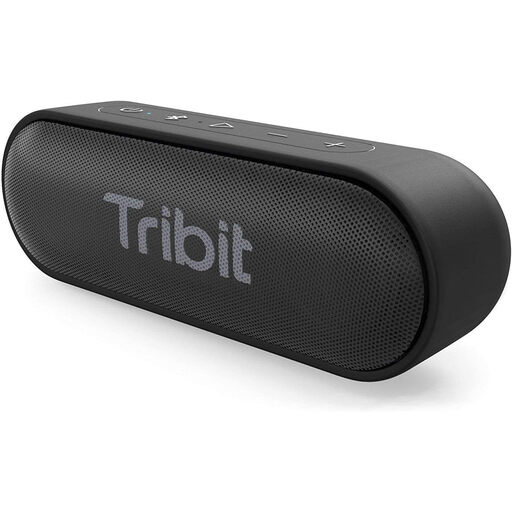
An option if your concert source supports Bluetooth and you’re looking for a portable Bluetooth speaker.
The product title specifies Bluetooth 5.0.
 No image available
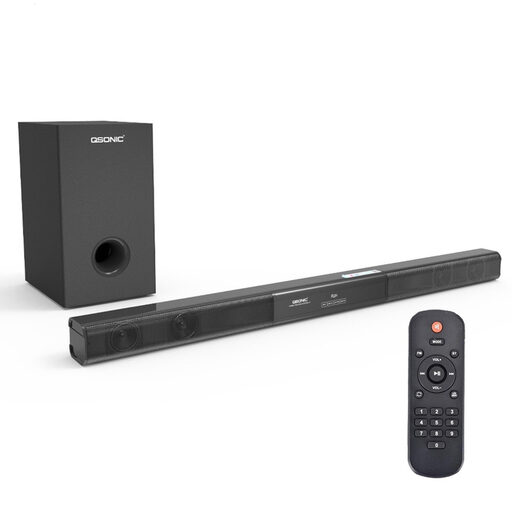
This TV soundbar is an option if your concert source can use Bluetooth or one of the listed inputs.
Features include Bluetooth 5.0, AUX, coaxial and USB inputs, plus a remote control and wall-mounting kit.
 No image available
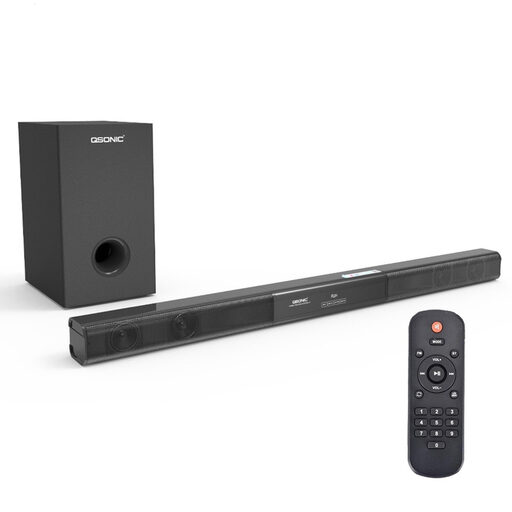
This could be a good fit if your concert source supports Bluetooth or one of the wired connection options described.
The product details list Bluetooth 5.0, AUX, coaxial and USB connections, plus a remote control and wall-mounting kit.
 No image available
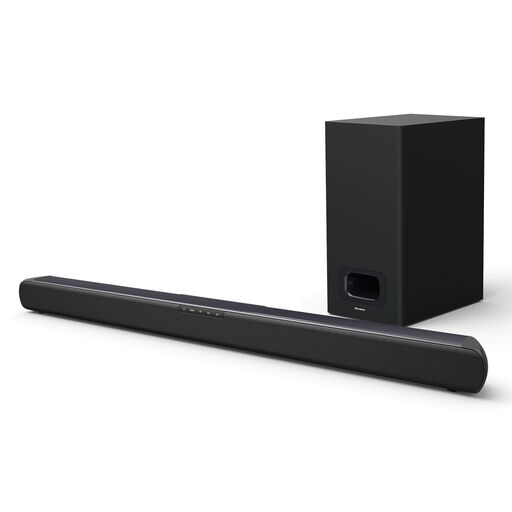
This TV soundbar is worth considering if your concert source supports Bluetooth or a compatible input.
Features include Bluetooth, HDMI ARC, optical input, USB and AUX; the product description lists USB and AUX playback. The title gives its width as 80 cm.
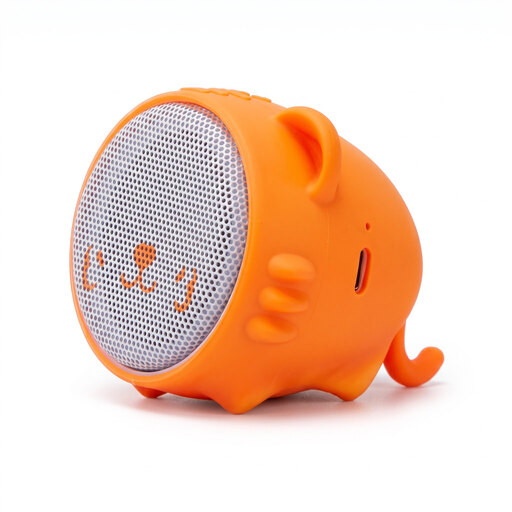 No image available
An option if your concert source supports Bluetooth and you’re looking for a speaker listed as a Bluetooth speaker.
The product description lists Bluetooth connectivity.
No. Apple Support requires two identical models for a HomePod stereo pair; Sonos describes pairing two Era 100 speakers. Check that the specific model is compatible before choosing a second speaker.
According to Apple, you need an iPhone or iPad; you can’t set up a HomePod using a Mac alone. Apple also recommends placing it on a stable surface with at least 15 cm of clearance around the device.
For line-in, Sonos specifies a separate line-in adapter and an audio cable that’s compatible with your source. You’ll need to set up the Era 100 using the Sonos App first.
According to the Verbraucherzentrale, online purchases generally come with a 14-day right to cancel. If a new product is faulty, you may have statutory rights against the seller for two years; these are separate from any voluntary guarantee.
There’s no single nationwide cut-off time. For neighbourhood noise, the Umweltbundesamt refers to state regulations, local rules and house rules. Check which rules apply to your loft.