Joybuy products for reading on the go
These Joybuy products range from compact tablets for continuous text to larger colour and E-Ink screens. For each device, check that your book app and the exact edition work with it.
 No image available
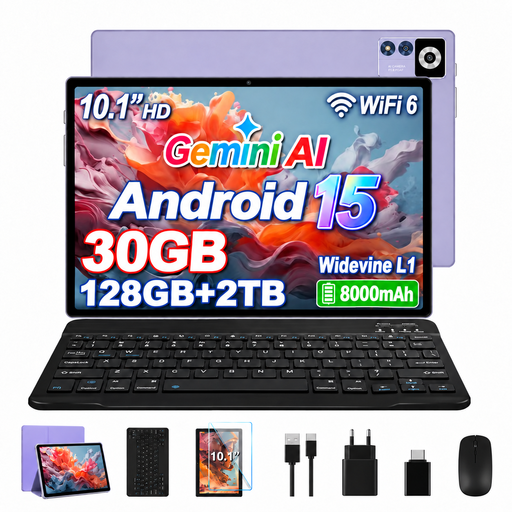
YESTEL T13 Tablet, Android 15, Purple
An Android option with a larger screen, provided your book app works on this specific version.
Joybuy’s product details list a 10.1-inch IPS screen with a resolution of 1280 × 800 pixels, 8 GB RAM plus 22 GB virtual RAM, 128 GB storage and an 8,000-mAh battery. These figures don’t confirm reading or offline battery life.
View at Joybuy
 No image available
iFLYTEK AINOTE 2, 10.65-inch E-Ink tablet with protective case
An E-Ink option if you’d like to read and take notes on the same device.
The product name describes a 10.65-inch E-Ink tablet and lists a protective case. The product details say the screen has no front light, so check whether that suits your lighting conditions.
View at Joybuy
 No image available
ALLDOCUBE iPlay 70 mini Ultra, Android 14
A compact Android option for continuous text, provided the reading app you need works on this specific version.
The product name lists an 8.8-inch screen, 12 GB RAM, 256 GB storage, a Snapdragon 7+ Gen 3 and a 7,300-mAh battery. The title says that a power adapter is not included; battery capacity alone doesn’t indicate reading time.
View at Joybuy
 No image available
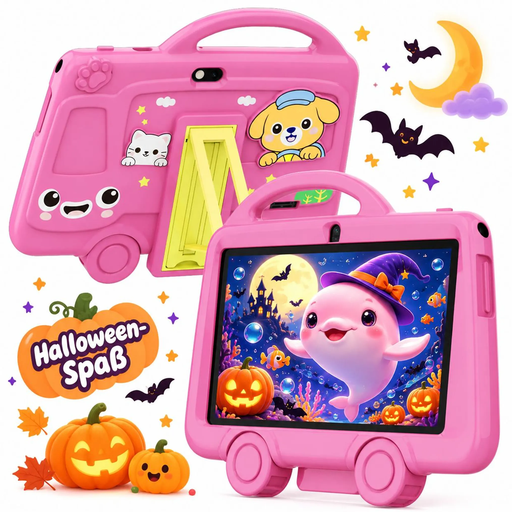
TABWEE K8 Kids’ Tablet
A lightweight, compact option for continuous text if the smaller screen suits the way you read.
Joybuy’s product name lists a 7-inch screen, 2 GB RAM, 32 GB storage, a 3,000-mAh battery and a weight of 285 g. For maps and fixed-layout PDF pages, check that the screen is large enough.
View at Joybuy
 No image available
Samsung Galaxy Tab A11+ X230, 11 inches, Wi-Fi, Grey
A larger colour-screen option if you often read illustrated books or fixed-layout pages and can rest the device on a surface.
Joybuy’s product details list an 11-inch screen, Wi-Fi, 6 GB RAM, 128 GB storage and a weight of 482 g. Bear the weight in mind if you plan to read for a long time without somewhere to rest it.
View at Joybuy
Frequently asked questions
What should I do before travelling to read offline?
Download the exact edition in the app you plan to use, then try opening it in flight mode before you leave. The Onleihe help pages describe device- and operating-system-dependent limitations when using Onleihe 3 offline; as a workaround, they recommend syncing regularly while online.
Can I read Onleihe e-books on any e-reader?
No. According to the Onleihe help pages, Onleihe e-books can’t be opened or read on Kindle e-readers. Before choosing a device, check that it supports your book source and the exact edition you want to read.
Can I use my tablet to read on a flight, and can I bring a power bank?
The EASA says tablets can normally be used for reading on board, but you must follow the airline’s rules on flight mode. The EASA also says power banks and spare batteries should be carried in hand luggage. Check your airline’s specific requirements before you travel, too.
What warranty applies if something goes wrong after buying from an EU business seller?
EU consumer information states that you have at least two years of legal guarantee from the date you receive the goods, with the seller responsible. This is separate from any voluntary manufacturer’s warranty; the specific remedies available depend on the fault and the circumstances of the purchase.


