
Lieferung heute & morgen

Qualitätsgarantie

Willkommens-Angebote freischalten: KOSTENLOSE Lieferung | Bis zu 80 % RABATT | Kostenlose 30-Tage-JoyPlus-Testphase
App herunterladen
A slow or unreliable internet connection can significantly disrupt daily life, whether for your home office, streaming, or connecting smart home devices. A stable connection is often hard to achieve, especially in regions without high-speed broadband expansion or for flexible use cases like holiday homes and temporary workspaces. An LTE router with a SIM slot offers a practical and powerful solution for internet without a landline connection.
As a Joybuy Product Recommendation Officer, my role is to provide you with an objective overview of available technologies and products. This article explains the key criteria for selecting a 4G router for your home and introduces several models with their specific features to help you make an informed decision.
Before you make a decision, you should consider several technical features that determine the device's performance and range of applications.
The LTE category (Cat) indicates the maximum achievable download and upload speed on the mobile network. Common categories include:
The actual speed depends on the network coverage and congestion of your mobile provider at your location.
The Wi-Fi standard determines the speed and efficiency of your wireless home network.
Some models also offer Mesh capability, allowing you to seamlessly expand your Wi-Fi with additional devices—ideal for larger living spaces or a router for a holiday home with multiple floors.
The available ports significantly expand a router's functionality.
Here is a selection of devices that cover different requirements. The descriptions are based on manufacturer specifications.
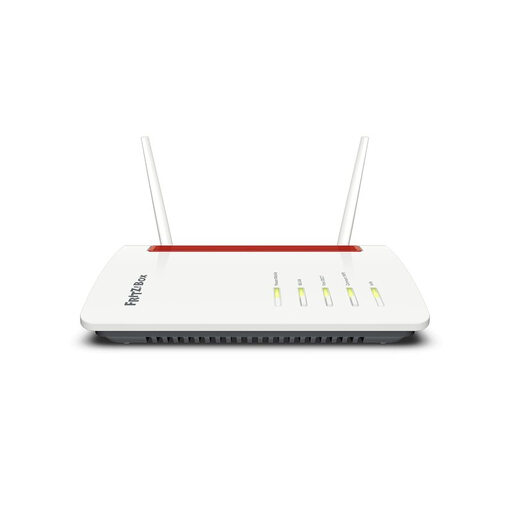
What sets this model apart: The FRITZ!Box 6850 LTE is a comprehensive hub for the home network. It combines a 4G LTE router (Cat 4) with a full-featured telephone system (DECT), Mesh Wi-Fi, and the well-known functions of the FRITZ!OS operating system. The external antenna connections allow for optimising mobile reception.
Advantages:
Who is this model for? Users looking for an all-in-one solution for internet and telephony. It is particularly suitable for families and home office users who rely on the proven functionality and ecosystem of AVM.
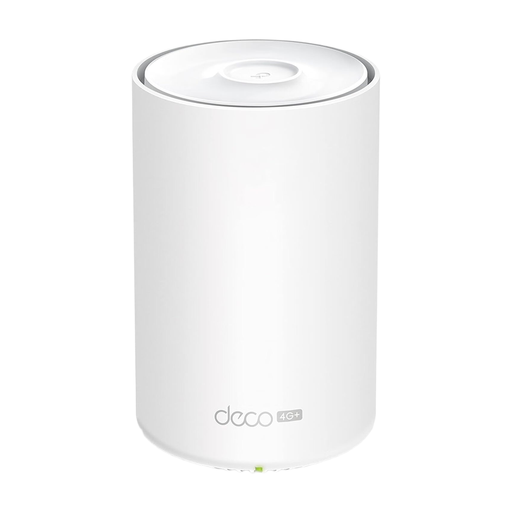
What sets this model apart: The Deco X20-4G combines fast 4G+ LTE (Cat 6) with modern Wi-Fi 6. Its main feature is the seamless integration into TP-Link's Deco Mesh system, which enables flexible and extensive Wi-Fi coverage. Setup is straightforward via an app.
Advantages:
Who is this model for? Users who need a flexible and easily expandable internet solution. Ideal for rental apartments, holiday homes, or as a modern DSL alternative where seamless Wi-Fi coverage is a priority.
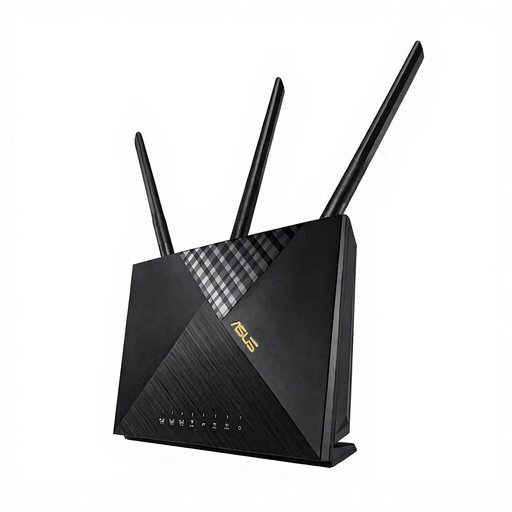
What sets this model apart: The ASUS 4G-AX56 focuses on high performance and network security. It combines LTE Cat 6 with powerful Wi-Fi 6 and offers an integrated security package with AiProtection, which protects the home network from internet threats.
Advantages:
Who is this model for? Tech-savvy users, small business owners, and users who place a high value on network security and strong Wi-Fi performance. The failover function also makes it a solid choice for backup internet.
If the presented models do not exactly meet your requirements or if you are looking for devices with different specifications, you can find a wider selection of networking solutions for various use cases in our Cable Routers category.
Yes, to operate a Wi-Fi router with a SIM card, you need a SIM card with a suitable data plan. When choosing a plan, ensure it has a sufficiently high monthly data allowance that matches your usage habits. Also, check the network coverage of the respective provider (e.g., Telekom, Vodafone, O2) at your location beforehand.
Many LTE routers that have a separate WAN port support a "failover" function. In this setup, the device is connected to the existing landline connection (DSL, cable, fibre). If the primary connection fails, the router automatically switches to the 4G mobile connection, ensuring uninterrupted internet access.
For good mobile reception, the LTE router should ideally be placed near a window and as high as possible. Avoid placing it in basements or in close proximity to large metal objects and other electronic devices that could cause interference. Most routers have LED indicators or a function in the user interface that shows the current signal strength to help with positioning.