
Lieferung heute & morgen

Qualitätsgarantie

Willkommens-Angebote freischalten: KOSTENLOSE Lieferung | Bis zu 80 % RABATT | Kostenlose 30-Tage-JoyPlus-Testphase
App herunterladen
The 2026 launch of the 15-inch MacBook Air with the M5 chip has captured the interest of many users seeking a combination of a large display, high performance, and portability. However, when choosing a new laptop, it's easy to fall into common traps that can lead to a purchase you might regret. As your Joybuy Product Recommendation Officer, I'll help you understand the key features and distinguish marketing hype from genuine benefits.
Before you make a decision, you should be aware of three common pitfalls:
To make an informed decision, it's crucial to understand the core parameters that define the device's performance and utility in daily use.
The centerpiece of the new model is the Apple M5 chip. Instead of just focusing on core counts, it's more relevant to consider the practical impact. The M5 chip integrates the CPU, GPU, and unified memory on a single chip, resulting in high efficiency and data processing speed. This enables long battery life, even during demanding tasks.
A central feature is the integration of Apple Intelligence, a personal intelligence system. These functions are designed to run directly on the device, which helps protect your privacy. In everyday use, this can mean the system assists with writing texts, organizing notes, or editing photos without sending data to external servers. For users who value a seamless and privacy-focused workflow, this is a decisive factor.
The MacBook Air M5 16GB 512GB configuration represents a well-balanced foundation for many users. Here's why:
A key advancement in the 2026 model is its improved connectivity. The MacBook Air's support for two external displays addresses a long-standing limitation of the Air series. Users can now operate two additional monitors with up to 6K resolution while the laptop's display is open, significantly boosting productivity at a stationary workstation.
Additionally, the device is equipped with MacBook Air Wi-Fi 7. This new standard (802.11be) enables higher speeds, lower latency, and a more stable connection in congested networks—a boon for video conferencing, large downloads, and online gaming.
Choosing the right model depends on your individual needs. Here are a few recommendations tailored to typical user profiles.
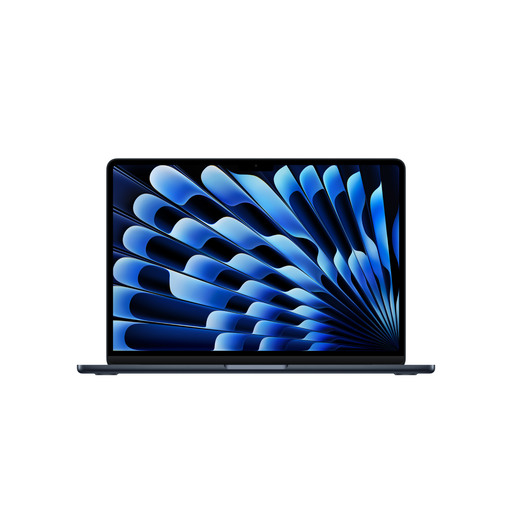
Why This Fits Their Persona: Ideal for users who need a large display for productive work but don't want to sacrifice mobility. The combination of M5 performance, long battery life, and the 15.3-inch display makes it a versatile tool for on-the-go and in-office use. If you're looking to buy a MacBook Air in Midnight, this model offers an elegant aesthetic.
This model solves the connectivity bottleneck by natively supporting two external displays. Furthermore, the 16GB/512GB configuration prevents performance and storage space issues in the near future.
Large 15.3-inch Liquid Retina display; Support for two external monitors; Long battery life of up to 18 hours (per Apple's video playback estimates).
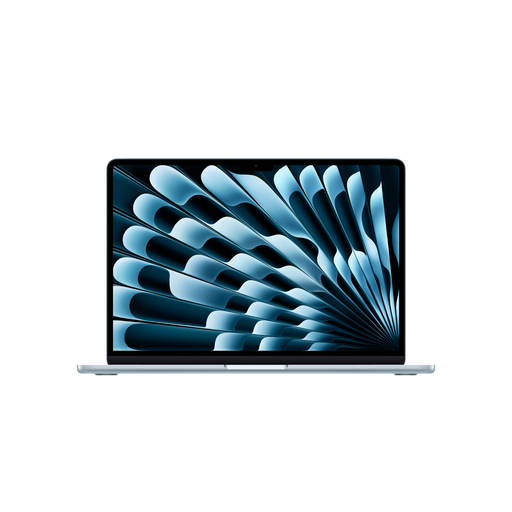
Why This Fits Their Persona: For students who need a lightweight and compact device for lectures and the library, the 13-inch model is an excellent choice. It offers the same M5 performance and future-proofing in a more portable form factor. It's considered a top contender in the best laptop for students 2026 category.
This model also supports two external displays and, with 16GB of unified memory, offers enough headroom for demanding academic projects and software, helping to avoid a premature upgrade.
Highly portable due to its lower weight and smaller footprint; Full M5 performance and Apple Intelligence support; Same battery life as the larger model.

Why This Fits Their Persona: A great choice for users looking to enter the Apple ecosystem who need a reliable device for everyday tasks like browsing, email, and word processing. The A18 Pro chip delivers solid performance for these use cases at a more attractive price point.
This model offers a clear feature set focused on essential tasks. It avoids the mistake of overpaying for peak performance you won't use, while still delivering a high-quality macOS experience.
Attractive entry-level price; Very portable and lightweight; Efficient A18 Pro chip for everyday tasks, also equipped with Apple Intelligence.
We have compiled a complete, real-time list of products that fully satisfy these strict selection criteria and UK safety regulations.
Can the 15-inch MacBook Air M5 (2026) really drive two external displays?
Yes, the MacBook Air with the M5 chip supports connecting up to two external displays with resolutions up to 6K at 60Hz, all while the laptop's internal display remains active. This is a significant improvement over previous M1 and M2 MacBook Air models. The connection is made via the two Thunderbolt 4 ports.
What power adapter do I need for the MacBook Air M5, and is it included?
The MacBook Air M5 includes a USB-C to MagSafe 3 cable in the box, but not a power adapter. You will need to purchase a USB-C power adapter separately. For the 15-inch model, an adapter with at least 35 watts of power is required. To use the fast-charging feature (charging to about 50% in 30 minutes), Apple states that a 70-watt adapter or higher is necessary. This additional cost should be factored into the MacBook Air 15 M5 price.
Is the 16GB unified memory configuration future-proof for students?
Yes, a configuration with 16GB of unified memory is a very future-proof choice for most fields of study. It provides enough performance headroom to handle demanding software, complex projects, and intensive multitasking smoothly for years to come. Since the memory on Apple silicon Macs cannot be upgraded after purchase, choosing 16GB is a wise investment.