
Lieferung heute & morgen

Qualitätsgarantie

Willkommens-Angebote freischalten: KOSTENLOSE Lieferung | Bis zu 80 % RABATT | Kostenlose 30-Tage-JoyPlus-Testphase
App herunterladen
Choosing a new professional laptop is a significant investment, especially when it's the caliber of a 16-inch MacBook Pro with the M5 Max chip. The sheer number of configurations and technical specs can be overwhelming, leading to costly mistakes. This guide will help you understand the crucial parameters and select a configuration that is precisely tailored to your demanding workflows.
Before we dive into the details, it's important to recognize common marketing traps that often lead to an unsuitable choice:
To make the right choice, you should evaluate three core components based on your specific needs.
The choice between the M5 Pro and M5 Max chip is the most fundamental decision. The main difference lies not just in the number of GPU cores, but primarily in the memory architecture.
The unified memory of the Apple Silicon architecture is highly efficient. The required amount depends directly on your applications:
The Liquid Retina XDR display is a central feature of the new MacBook Pro 2026. For creative professionals, the following values are crucial:
Based on these criteria, we have identified a few configurations tailored to typical professional user profiles.
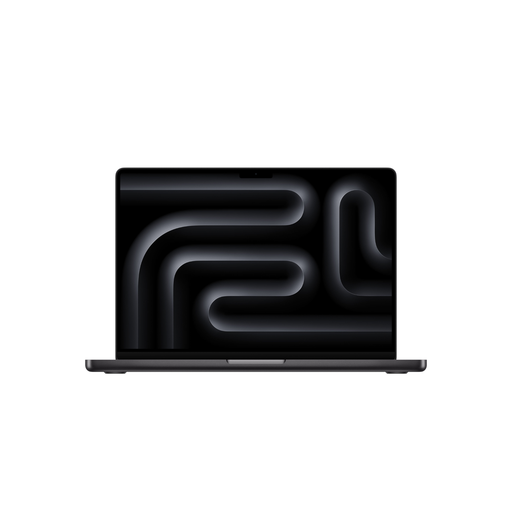
Why This Fits Their Persona: Ideal for video producers, photographers, and designers whose workflows are demanding but don't require the extreme GPU performance and memory bandwidth of the M5 Max. This configuration offers a balanced price-to-performance ratio.
Avoids unnecessary spending on the M5 Max architecture when the workflow doesn't benefit from the doubled memory bandwidth. The 24GB of RAM is sufficient for most creative applications.
High CPU and GPU performance for common professional tasks. Long battery life thanks to the efficiency of the M5 Pro chip.
Why This Fits Their Persona: Designed for users who need maximum mobile performance. The combination of a 40-core GPU, 48GB of RAM, and the extremely high memory bandwidth of 614 GB/s is crucial for smooth work with large 3D scenes, 8K RAW video footage, and training AI models.
Ensures the hardware does not become a bottleneck. Instead of just focusing on cores, this maximizes the memory bandwidth that is critical for demanding workflows.
Maximum graphics performance and data throughput for compute-intensive tasks. Support for up to four external displays for complex setups.
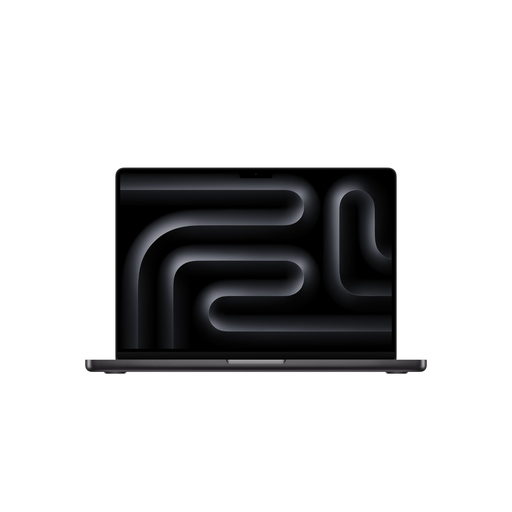
Why This Fits Their Persona: For users who need the power of the M5 Max but prefer a more compact and lightweight device for frequent travel. It offers nearly the same computing power as the 16-inch model in a more portable chassis.
Prevents buying a device that is too large and heavy when portability is a high priority, without having to compromise on the core performance of the M5 Max chip.
Maximum performance in a more compact form factor. The weight of approx. 1.62 kg (3.57 lbs) makes it significantly more mobile than the 16-inch model (approx. 2.15 kg / 4.74 lbs).
We have compiled a complete, real-time updated list of products that fully meet these strict selection criteria and safety regulations.
Although the Apple M5 Max performance in graphics is very high and many titles are available via Apple's Game Porting Toolkit, the MacBook Pro is primarily designed as a professional workstation. Its strengths lie in optimized performance for creative and productivity software. For a pure gaming experience, dedicated gaming laptops often offer a broader game library and drivers optimized for gaming.
According to Apple's product specifications, a USB-C power adapter of at least 140 watts is required to fast charge the 16-inch MacBook Pro. This allows the battery to be charged to about 50% in approximately 30 minutes. Note that for many configurations, the power adapter must be purchased separately.
In general, the M5 Pro models offer slightly longer battery life than the M5 Max models due to their lower power consumption. According to Apple's specifications, the 16-inch model with M5 Pro achieves up to 24 hours of video playback, while the M5 Max model reaches up to 22 hours. In real-world use, battery life depends heavily on the intensity of use, but the M5 Pro is typically the more power-efficient choice.