
Lieferung heute & morgen

Qualitätsgarantie

Willkommens-Angebote freischalten: KOSTENLOSE Lieferung | Bis zu 80 % RABATT | Kostenlose 30-Tage-JoyPlus-Testphase
App herunterladen
For professional users, the decision to buy a new 2026 MacBook Pro is a significant investment. The M5 chip generation promises a tremendous performance boost, especially for AI applications and creative workflows. However, the wide array of configurations can quickly lead to costly mistakes. This guide will help you objectively evaluate the technical specifications and find the model that is precisely tailored to your needs.
Before we dive into the details, let's look at three common mistakes often made when selecting a high-end laptop:
To choose the right configuration, you should focus on the parameters that have the greatest impact on your daily work.
The choice between the Apple M5 Pro chip and the M5 Max is the most fundamental decision. The main difference lies in graphics performance and memory bandwidth.
Apple's unified memory architecture allows the CPU and GPU to access the same pool of memory, which increases efficiency. Choosing the right amount is crucial:
The choice of size is a trade-off between screen real estate and portability.
Here are some configurations tailored to typical user profiles. All models feature a MacBook Pro with a German (QWERTZ) keyboard.
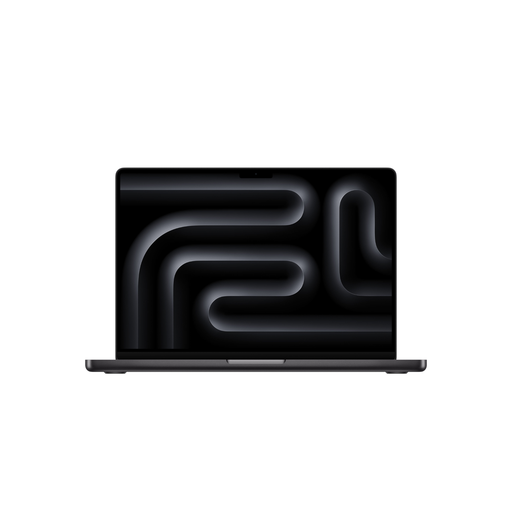
Why This Fits Their Persona: Ideal for developers, photographers, and video producers who need high, but not extreme, performance and appreciate the large 16-inch screen for productive work.
Avoids overinvesting in an M5 Max chip, whose full graphics power would go unused in many professional workflows. The M5 Pro offers a better price-to-performance ratio here.
Large 16.2-inch Liquid Retina XDR display for comfortable work; 24 GB of unified memory provides a solid foundation for demanding multitasking.
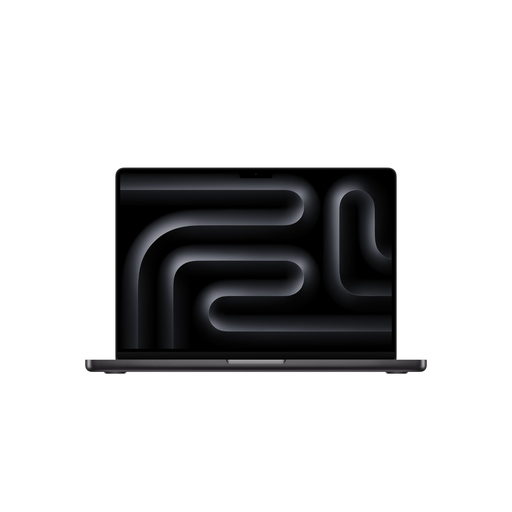
Why This Fits Their Persona: Perfect as a laptop for creatives who need maximum performance in a portable form factor. Ideal for on-set data management, mobile video editing, or client presentations.
Instead of a larger but less powerful model, this configuration invests in maximum mobile performance. The 36 GB of RAM is future-proof and avoids bottlenecks when working with AI tools.
M5 Max performance in a compact 14-inch chassis; high memory bandwidth (460 GB/s) for fast data processing; 2 TB SSD provides ample space for large projects.
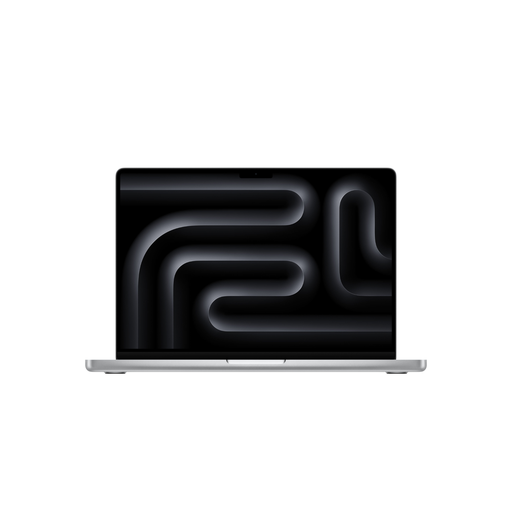
Why This Fits Their Persona: For 3D artists, AI developers, and 8K video producers who need uncompromising performance for their most demanding projects and work primarily at a fixed workstation.
This model is a deliberate investment in peak performance. It avoids the mistake of buying a cheaper model that would hit its limits on compute-intensive tasks and slow down the workflow.
Maximum graphics performance with a 40-Core GPU; 48 GB of RAM for extreme multitasking and AI applications; highest memory bandwidth of 614 GB/s for fluid workflows.
We have compiled a complete, real-time list of products that fully meet these strict selection criteria and German safety regulations.
Based on product information, the power adapter for many MacBook Pro M5 configurations is sold separately. It is important to factor this into your budget planning. The box typically includes the USB-C to MagSafe 3 Cable (2 m).
The number of supported external displays depends on the chosen chip. According to the manufacturer, models with the M5 Pro chip support up to three external displays. Models with the M5 Max chip can drive up to four external displays simultaneously, making them a great choice for complex multi-monitor setups.
For most 4K workflows, including editing and color grading, the Apple M5 Pro chip delivers very high performance. The M5 Max only becomes relevant if you regularly work with multiple 8K video streams, complex visual effects, or demanding 3D animations as part of your MacBook Pro video editing. For the majority of 4K projects, the M5 Pro is a powerful and more cost-effective choice.