
Lieferung heute & morgen

Qualitätsgarantie

Willkommens-Angebote freischalten: KOSTENLOSE Lieferung | Bis zu 80 % RABATT | Kostenlose 30-Tage-JoyPlus-Testphase
App herunterladen
Choosing a new professional laptop in 2026 is a complex decision. Especially with high-end devices like the Apple MacBook Pro 16 M5 Max, it's crucial to select a configuration that is precisely tailored to your specific workflows. The wrong choice can mean either overpaying for unused performance or being bottlenecked by unexpected performance limitations. This guide will help you avoid common pitfalls and make an informed decision.
A common misconception is that more unified memory (RAM) universally leads to better performance. Users often invest in expensive RAM upgrades when the real bottleneck is memory bandwidth or GPU performance. Another pitfall is underestimating the differences between chip variants. The choice between an M5 Pro and an M5 Max should not be driven by budget alone, but primarily by the nature of your daily tasks—such as 8K video editing or complex 3D rendering.
To make the right purchasing decision, it's helpful to focus on the technical parameters that have the greatest impact on performance in professional applications.
The Apple M5 chip architecture offers various configurations that differ in the number of CPU and GPU cores.
Apple uses "Unified Memory," which both the CPU and GPU can access directly. This eliminates the need to copy data between separate memory pools and increases efficiency. Two metrics are critical here:
For creative professions, the quality of the screen is a critical tool. The Liquid Retina XDR Display on the 2026 MacBook Pro offers features specifically tailored to professional requirements:
Based on these parameters, we have identified a few configurations that are particularly well-suited for specific professional user profiles.
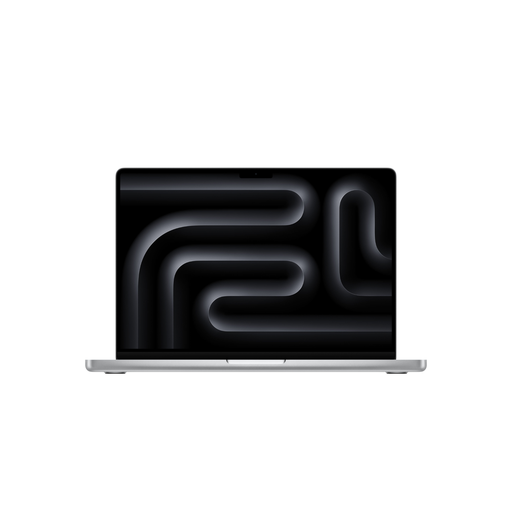
Why This Fits Their Persona: Ideal for 4K/8K video editing and demanding photo editing, where a strong CPU and very good GPU performance are required, but not the absolute peak needed for 3D rendering. The 16-inch display provides ample space for timelines and tool palettes.
Avoids the extra expense of the M5 Max's top-tier GPU configuration, which is often underutilised in pure video editing workflows, and instead invests in a balanced system.
A balanced ratio of CPU to GPU performance for common creative applications. The 24GB of RAM is sufficient for most projects in DaVinci Resolve or Adobe Premiere Pro.
Why This Fits Their Persona: Engineered for workflows that demand maximum GPU power and memory bandwidth, such as real-time ray tracing, complex simulations, and training AI models. A true 3D rendering notebook.
Ensures that GPU performance (40 cores) and memory bandwidth (614 GB/s) do not become the bottleneck for extremely compute-intensive tasks, which would be the case with lower-spec chips.
Maximum graphics performance and high memory bandwidth for the most demanding 3D rendering and AI applications. The 48GB of RAM provides headroom for extremely large datasets and textures.
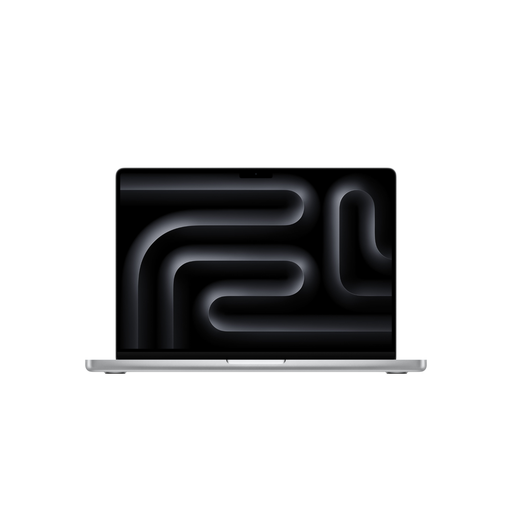
Why This Fits Their Persona: Delivers the power of the M5 Max chip in a more compact 14-inch chassis. Ideal for professionals who are frequently on the go but refuse to compromise on computing power for tasks like on-set data management or mobile video editing.
Provides an alternative to the larger 16-inch model without sacrificing the critical advantages of the Max chip, such as a high GPU core count and memory bandwidth. You don't pay for a large display you don't need on the road.
Maximum performance in the more portable 14-inch form factor with a full-featured Liquid Retina XDR Display. The 36GB of RAM is a great compromise for demanding mobile workflows.
We have compiled a complete, real-time updated list of products that fully meet these strict selection criteria and German safety regulations.
1. Is the M5 Pro enough, or do I need the M5 Max for my work? The choice depends on your software and projects. For most professional tasks like graphic design, web development, and video editing up to 4K, the M5 Pro is more than sufficient. However, if your work relies heavily on the GPU—for example, when using Cinema 4D, Blender, Octane Render, or working with 8K RAW video files—you will benefit from the additional GPU power and higher memory bandwidth of the M5 Max.
2. How much unified memory (RAM) is practical for professional applications in 2026? For 2026 and beyond, 24GB of RAM is a good starting point for professional creative work. This allows for smooth multitasking and editing of most projects. For users who regularly work with extremely large files (e.g., 100+ megapixel photos), complex 8K video projects, or data-intensive simulations, a configuration with 48GB or more is a future-proof investment to avoid performance degradation from offloading data to the SSD.
3. What power adapter is needed to fast-charge the 16-inch MacBook Pro? According to the manufacturer, a USB-C Power Adapter with at least 140 watts of power is required to use the fast-charging feature of the 16-inch MacBook Pro. Note that for many configurations, the power adapter must be purchased separately. Charging is also possible via the Thunderbolt ports with a compatible USB-PD power adapter, but it may not achieve the maximum charging speed.