
Lieferung heute & morgen

Qualitätsgarantie

Willkommens-Angebote freischalten: KOSTENLOSE Lieferung | Bis zu 80 % RABATT | Kostenlose 30-Tage-JoyPlus-Testphase
App herunterladen
By Joybuy Product Recommendation Officer, August 28, 2026
The ability to record directly in ProRes quality with the iPhone 15 or 16 Pro is a game-changer for many content creators. However, this feature quickly hits a practical limit: internal storage. A magnetic SSD for iPhone seems like the ideal solution, but the market is flooded with products making lofty claims. Before you invest, you should understand the common pitfalls that often lead to disappointment and unnecessary expense.
This guide will help you correctly interpret technical specs and make an informed decision that truly enhances your workflow as a mobile filmmaker or tech-savvy user.
Many users invest in an external storage solution only to find it fails at the critical moment. Watch out for these three widespread problems:
To avoid the issues mentioned above, focus on the following three technical features. These define the real-world usability of a storage expansion for the iPhone.
A high and, above all, sustained write speed is essential for smooth 4K ProRes recording. Look for products that explicitly state a write speed of over 1000 MB/s. A fast 2000MB/s USB-C SSD often uses the USB 3.2 Gen 2x2 standard. Although the iPhone 15 Pro only supports USB 3.2 Gen 2 (up to 10 Gbit/s, approx. 1250 MB/s), a Gen 2x2 drive ensures you get maximum speed when transferring data to a compatible laptop, making it a future-proof investment.
The quality of the magnetic connection is critical. A good magnetic SSD should attach seamlessly and firmly to the back of the iPhone (or a MagSafe-compatible case). The housing material also plays a role: aluminum alloys dissipate heat better than plastic, which helps stabilize performance during long recording sessions. For mobile filmmakers, a lightweight external drive for travel with certified shock and vibration resistance is also a key factor for equipment longevity.
ProRes video files are very large. One minute of 4K video at 60 frames per second can take up over 6 GB of storage. A 1TB portable SSD is therefore a sensible minimum size for serious projects. Ensure the SSD is formatted in exFAT or APFS. ExFAT offers the broadest compatibility between macOS, Windows, and the iPhone, while APFS is Apple's native file system. Most drives are shipped pre-formatted with exFAT.
Here are a few options tailored to specific user needs that meet the criteria discussed above.
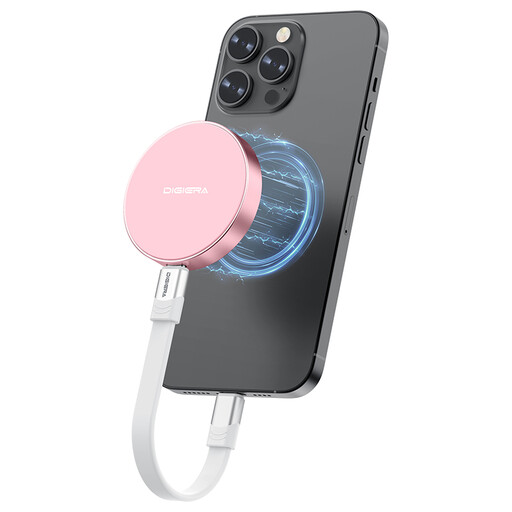
Why It's a Match: Designed for professional users who need a reliable and extremely fast storage solution for direct ProRes recording. The magnetic mount and lightweight, durable housing are ideal for mobile use on set or while traveling.
The specifications explicitly list a write speed of up to 1800 MB/s, bypassing the trap of read-speed-only advertising. The integrated magnetic mount solves the problem of a dangling drive.
According to the manufacturer, it supports direct recording of 4K 60fps (iPhone 15 Pro) and 4K 120fps (iPhone 16 Pro). The high speed also significantly accelerates post-production workflows.
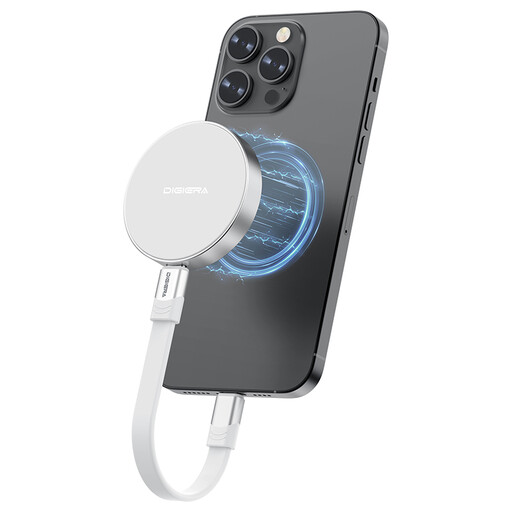
Why It's a Match: Perfect for users seeking a versatile storage expansion for the iPhone 16 and other USB-C devices like laptops, tablets, or gaming consoles. Its high speed and portability make it a central hub for all large files.
Broad compatibility with various USB-C devices (smartphones, laptops, PS5) is explicitly stated, preventing compatibility chaos. The plug-and-play functionality ensures hassle-free use.
The USB 3.2 Gen 2x2 interface offers maximum transfer rates for data exchange with compatible computers, drastically reducing wait times when copying gigabyte-sized video files.
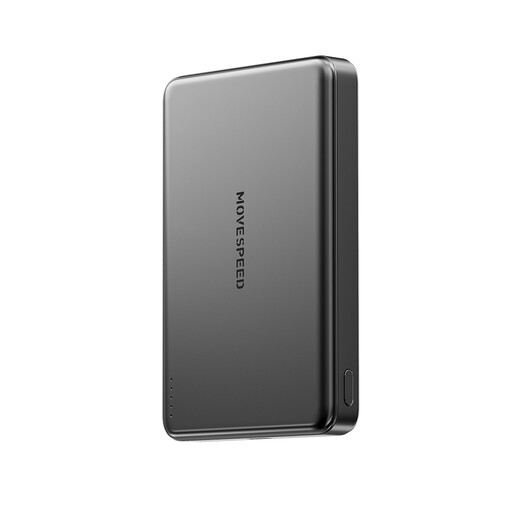
Why It's a Match: This accessory addresses a related problem: the high battery drain when recording to an external SSD. A slim, magnetic power bank ensures your iPhone doesn't run out of energy during long recording sessions.
Instead of being another impractical accessory, this power bank integrates seamlessly into the magnetic workflow. Its slim design and strong adhesion prevent it from interfering with iPhone handling.
The 10,000mAh capacity allows for multiple full iPhone charges, ensuring uninterrupted recording. The combination of wireless and wired charging offers maximum flexibility.
We have compiled a complete, up-to-date list of products that fully meet these strict selection criteria and safety regulations.
For direct video recording to an external drive with an iPhone 15 Pro or newer, the drive must be formatted in either APFS (Apple File System) or exFAT. ExFAT is often the more practical choice as it ensures seamless compatibility between your iPhone, Mac, and Windows PCs. Most SSDs are shipped pre-formatted with exFAT from the factory.
For an optimal and secure connection, it is recommended to attach the magnetic SSD directly to the iPhone or to a case specifically designated as MagSafe-compatible. Standard cases, especially thicker models without integrated magnets, will significantly weaken the magnetic bond. This poses a high risk of the SSD detaching during mobile recording.
Yes, operating an external SSD via the iPhone's USB-C port consumes additional battery power. The SSD is powered directly by the iPhone. For longer recording sessions, it is advisable to have a power bank on hand or use a setup that allows for simultaneous power delivery to both the iPhone and the SSD.