
Lieferung heute & morgen

Qualitätsgarantie

Willkommens-Angebote freischalten: KOSTENLOSE Lieferung | Bis zu 80 % RABATT | Kostenlose 30-Tage-JoyPlus-Testphase
App herunterladen
Published on: 2026-07-28By: Joybuy Product Recommendation Officer
An unstable Wi-Fi signal, constant connection drops during home office hours, or dead zones on the top floor—these are common problems in many households. In the search for a solution to boost Wi-Fi, many come across the term mesh Wi-Fi system. But the market is crowded and full of marketing promises that often lead to expensive purchase mistakes. This guide shows you which technical details really matter and how to avoid the three most common traps when buying.
Before you buy a new Wi-Fi router, you should be aware of the typical mistakes that lead to frustration and unnecessary expenses.
To avoid these pitfalls, you should understand three core technical aspects that are crucial for selecting the right system.
The fundamental advantage of a mesh Wi--Fi system lies in its intelligent networking. Multiple devices (nodes or satellites) create a single, seamless Wi-Fi network with a single network name (SSID). Your devices, like smartphones or laptops, are automatically and seamlessly connected to the strongest node at any given time (Seamless Roaming).
The Wi-Fi standard defines the maximum speed and efficiency of the network.
Before buying, be sure to check what type of internet connection you have and whether the desired device has a suitable integrated modem.
Based on these criteria, we have selected a range of devices that represent a suitable solution for specific user groups.
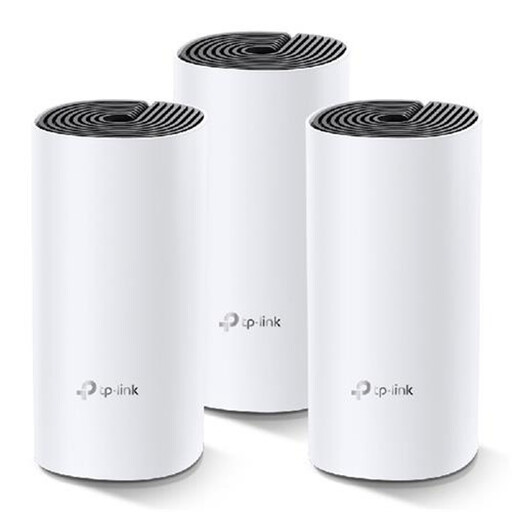
Why This Fits Their Persona: Ideal for users in apartments or smaller houses who are looking for a straightforward and cost-effective solution to eliminate dead zones. The system is easy to set up via an app and reliably covers even complex layouts with its three nodes.
It bypasses the repeater trap with true mesh technology, featuring seamless roaming and minimal speed loss. Since it connects to an existing modem, there are no compatibility issues with the connection type.
Delivers a stable, unified home network with an excellent price-performance ratio. The simple installation via the TP-Link Deco app makes it accessible even for non-technical users.
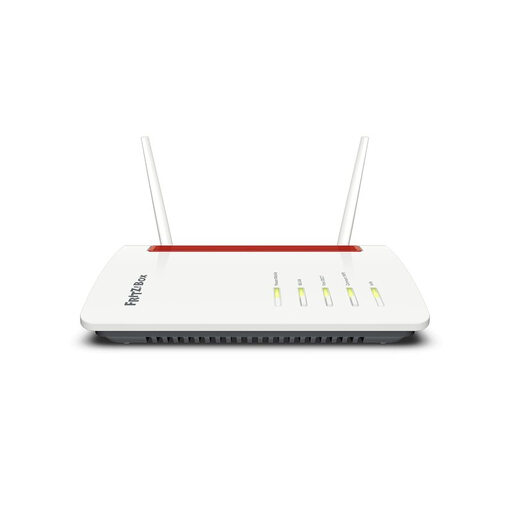
Why This Fits Their Persona: Perfect for users in rural areas with poor DSL coverage, for holiday homes, or as a flexible internet solution. Simply insert a SIM card and get online immediately, without waiting for a technician appointment.
This device is the solution to the "wrong connection type" trap. As an LTE router with a SIM slot, it is independent of wired connections and offers an all-in-one modem and Wi-Fi router solution.
Provides internet access wherever mobile reception is available. The integrated FRITZ!Box software enables full mesh functionality in combination with FRITZ!Repeaters to cover larger areas.
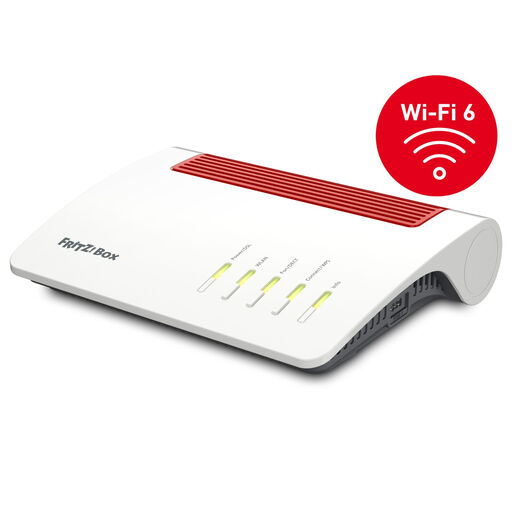
Why This Fits Their Persona: For households with a fast VDSL connection (up to 300 Mbps) seeking a powerful and future-proof hub for their home network. Ideal for home office, 4K streaming, and gaming thanks to Wi-Fi 6 and extensive connectivity options.
Solves the "all-in-one" router problem by acting as a powerful mesh hub that can be seamlessly expanded with FRITZ!Repeaters. The integrated supervectoring DSL modem ensures compatibility with high-speed DSL connections.
Combines a high-end WiFi 6 Router with a full-featured telephone system (DECT) and smart home hub. The FRITZ!OS software offers extensive configuration options and regular security updates.
We've compiled a complete, up-to-date list of products that fully meet these strict selection criteria and local safety regulations.
A one-size-fits-all answer is difficult, but as a rule of thumb:
Yes, this is usually possible without any issues. You can operate the mesh system in what is known as Access Point (AP) mode. In this setup, the first mesh node is connected to your existing router via a LAN cable. To avoid signal interference, the Wi-Fi on the old router should then be disabled. Systems from the same manufacturer (e.g., a FRITZ!Box with a FRITZ!Repeater) often offer deeper integration and a simpler setup process.
Unlike a simple repeater, which often halves the speed, a mesh system is designed to minimise speed loss. The nodes communicate over a dedicated wireless channel (wireless backhaul) or, if possible, via LAN cabling (Ethernet backhaul). The latter provides the highest possible speed at every node. While the speed at a remote node will be slightly lower than directly at the main router, the connection is generally much more stable and faster than with a conventional repeater.