Joybuy product selection
This selection includes mesh kits for multiple rooms, a single EasyMesh router and a single access point. Before buying, check what additional units or networking equipment your planned set-up will need.
 No image available
TP-Link Deco BE22 Wi-Fi 7 mesh system, 2-pack
This two-unit kit can be a starting point for a mesh network across several rooms; router and access point modes are listed.
Wi-Fi 7, dual-band connectivity and Gigabit WAN/LAN ports on each unit. App set-up is described.
Joybuy
 No image available
TP-Link Deco M4 AC1200 mesh system, 3-pack
This kit includes three mesh units and is suitable for testing a wired backhaul between floors.
Dual-band Wi-Fi, Gigabit ports on each unit and Ethernet backhaul are listed. Router or access point modes are described.
Joybuy
 No image available
MERCUSYS Halo H25BE Wi-Fi 7 mesh kit, 2-pack
This kit includes two mesh units. For a connection across multiple floors, the second unit should be within range of the first.
Wi-Fi 7 BE3600, dual-band connectivity and three Gigabit ports per unit are listed. App set-up is described.
Joybuy
 No image available
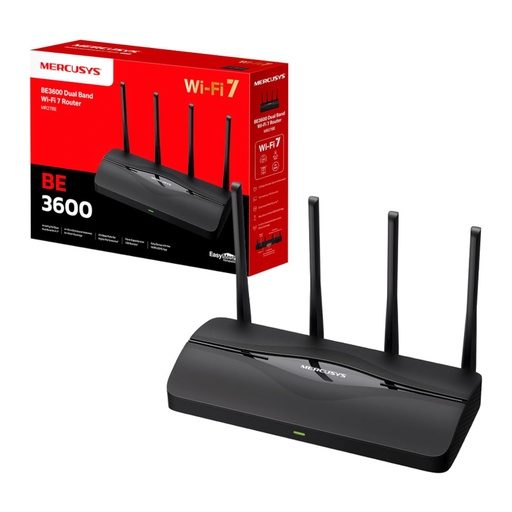
MERCUSYS MR27BE Wi-Fi 7 dual-band router
As a single EasyMesh-compatible router, this model can be the starting point for an expandable set-up; it isn’t a complete mesh kit.
Wi-Fi 7 BE3600, two 2.5 Gbit/s ports and two Gigabit ports are listed. A mesh network with multiple units requires compatible EasyMesh routers or repeaters; one router is listed.
Joybuy
 No image available
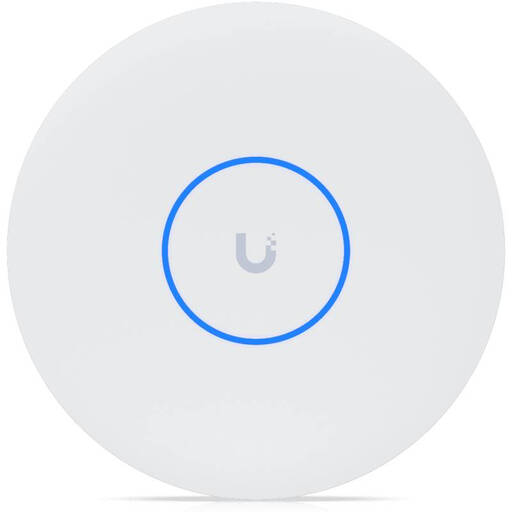
Ubiquiti UniFi U7 Pro XG WiFi 7 Access Point
This standalone access point is designed for a set-up with a wired network connection and wireless meshing; it isn’t a router or modem.
Tri-band Wi-Fi 7 and a 10GbE uplink are listed. A PoE++ injector or switch is required and isn’t included. UniFi Network version 9.0.114 or later is required for management.
Joybuy
Frequently asked questions
Can mesh make up for a slow internet connection during a live lecture?
No. Mesh distributes the connection you already have around your home, but it can’t make your internet connection faster. If you’re already having problems right by the router, check your connection first. The Bundesnetzagentur offers a broadband speed test for this.
Where should additional mesh units go?
In a wireless set-up, place units where they can still get a sufficiently strong backhaul and reach your study space. The F.A.Z. Kaufkompass doesn’t recommend placing a unit in a complete Wi-Fi dead zone; existing LAN cables could instead provide a wired backhaul.
What should I test after setting up the mesh?
Check reception at every study space you actually use during a comparable live stream. If you’re using powerline, test the sockets you plan to use: devolo warns that nearby electrical devices may cause interference.
Can I keep my existing router?
That depends on the mesh system you choose and the router you already have. For the specific model, check whether it supports router, access point or repeater mode, and whether it will work with your existing home network.
What should I look for in a mesh Wi-Fi device for Germany?
As part of its market surveillance, the Bundesnetzagentur checks factors including correct CE marking, product identification, German-language instructions and a declaration of conformity. Check the details for the specific device version, and don’t assume that frequency band information for other countries also applies to a model sold in Germany.


