
Lieferung heute & morgen

Qualitätsgarantie

Willkommens-Angebote freischalten: KOSTENLOSE Lieferung | Bis zu 80 % RABATT | Kostenlose 30-Tage-JoyPlus-Testphase
App herunterladen
Choosing a Micro SD card is becoming increasingly complex. Capacity is just one factor among many. Speed classes, interfaces, and special performance features like A2 or V30 are crucial for functionality in modern devices. An unsuitable card can limit the performance of a drone, camera, or gaming console. This guide analyses the technical parameters relevant for making an informed purchasing decision.
The right specifications are crucial for performance and reliability. Consider the following technical parameters to identify the perfect card for your use case.
The required storage capacity depends directly on the intended use.
The symbols printed on the card define its minimum write performance, which is especially critical for video recording.
The fastest card is of little use if the host device doesn't support its speed. Before buying, check the specifications of your device (camera, drone, smartphone, console). Most devices are backward compatible, so a UHS-II card will work in a UHS-I slot, but only at the lower UHS-I speed. A product supplied with an SD adapter increases compatibility with laptops and cameras that only have a standard SD card slot.
Based on an analysis of technical specifications and use cases, we present three models here.
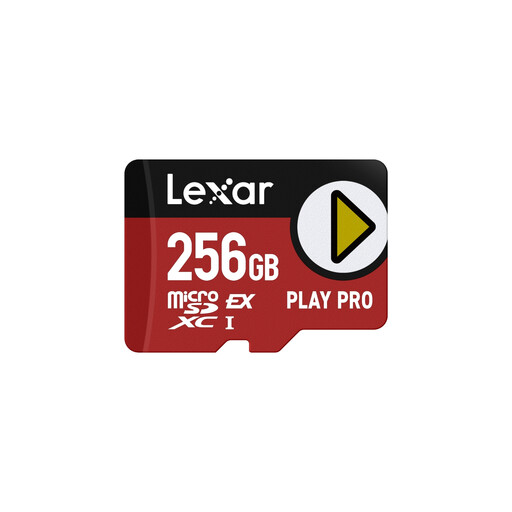
Why we recommend it: This model uses the microSD Express interface with PCIe and NVMe technology. According to the manufacturer, it achieves read speeds of up to 900 MB/s and write speeds of 600 MB/s in compatible devices. This represents a significant performance boost over the UHS-I standard and is geared towards future device generations.
Pros:
Best for: Users with devices that support the microSD Express standard. This includes professional content creators and gamers who need maximum loading and transfer speeds for large amounts of data.
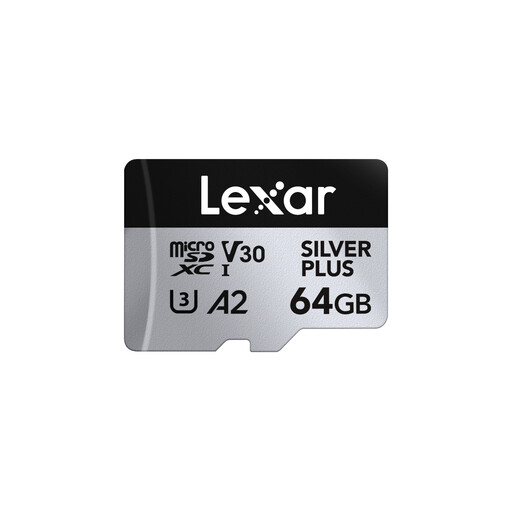
Why we recommend it: The Lexar Silver Plus series offers a balanced combination of high speed and broad compatibility. With read speeds of up to 205 MB/s (when used with a compatible reader) and V30 and A2 ratings, it is a versatile Lexar memory card for demanding everyday applications.
Pros:
Best for: Hobbyist photographers, drone pilots, and gamers looking for a reliable and fast memory card for 4K video and demanding applications without needing the latest microSD Express interface.
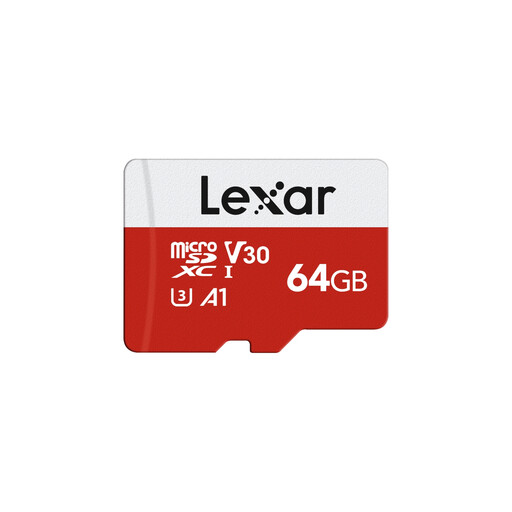
Why we recommend it: The E-Series from Lexar is a solid, entry-level solution that covers all the essential performance features for common applications. With read speeds of up to 100 MB/s and U3, V30, and A1 ratings, it offers dependable performance for Full HD and 4K recording, as well as for use in mobile devices.
Pros:
Best for: Everyday users who need a cost-effective and reliable storage expansion for their smartphone, tablet, or entry-level camera.
The memory card market is diverse and offers solutions for every specific need. The models presented here cover common requirement profiles. For a more comprehensive overview and other specialised products, you can browse our entire collection.
Discover more models in our category for microSD memory cards.
1. What do V30 and A2 mean on a Micro SD card? V30 (Video Speed Class 30) guarantees a sustained minimum write speed of 30 MB/s. This is crucial for recording high-resolution videos, especially 4K video, without frame drops or errors. A2 (Application Performance Class 2) refers to the card's performance when running applications. It defines a higher number of random read and write operations per second (IOPS), which leads to faster loading times for apps and games on devices like smartphones or the Nintendo Switch.
2. Which Micro SD card is suitable for the Nintendo Switch? For the Nintendo Switch, a Micro SD card with a UHS-I interface is recommended. A high read speed is beneficial for short loading times. A classification like A1 or A2 is also an advantage. Capacities of 128GB or 256GB are a popular choice for storing a moderate to large number of games.
3. Can I record 4K videos with any Micro SD card? No. For smooth recording of 4K video, a card with a guaranteed minimum write speed is required. Look for the U3 or V30 rating. Cards that are only marked as Class 10 or U1 can cause issues with 4K recording, as their write speed may drop below the 30 MB/s required for the data rate of 4K footage.