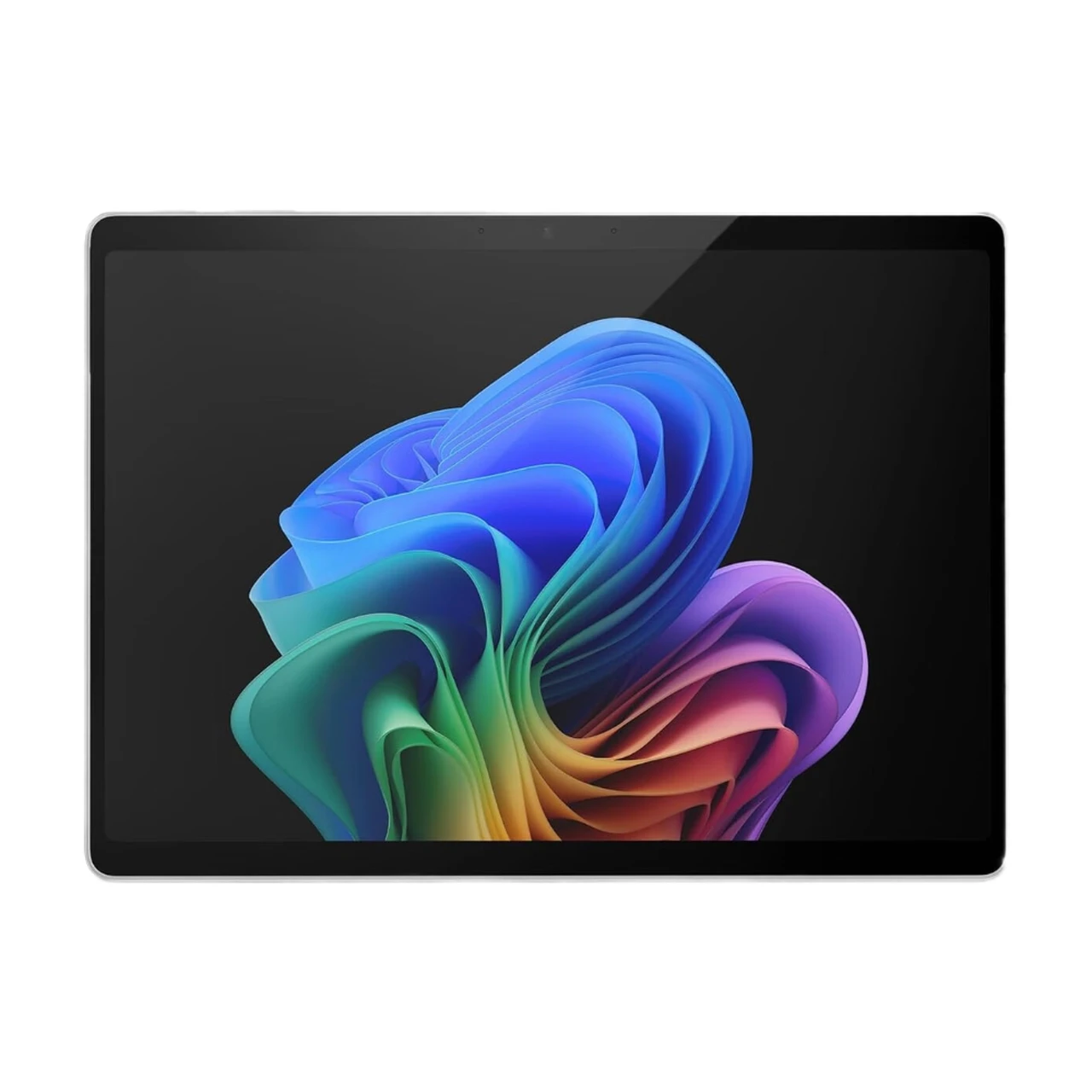
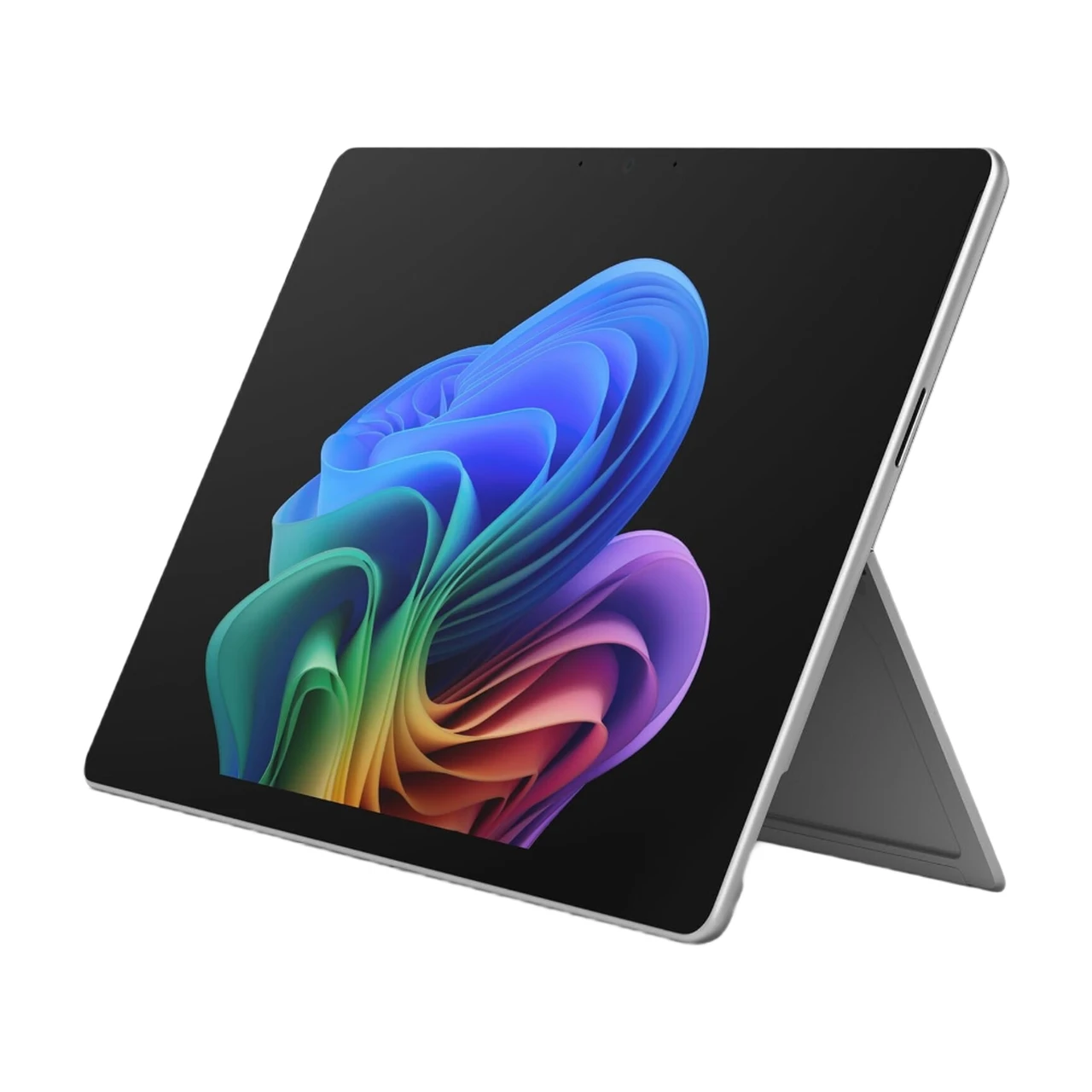
The Microsoft 13-inch OLED tablet combines a sharp, 120 Hz touchscreen with Windows 11 Pro in a portable 872 g design. Its Intel Core Ultra 7 processor, 16 GB memory and 512 GB SSD support everyday productivity and multitasking, while the NPU enables supported AI workloads. An integrated stand, Thunderbolt 4 ports and facial recognition make it a flexible choice for mobile professionals and students working, studying or streaming on the go.
How to Choose the Right Tablet
Start with how you plan to use your tablet, whether for reading, streaming, study, work or travel. Comparing screen size, performance, battery life and connectivity will help you find a model that suits your everyday needs and budget in Germany.
Key Features to Consider
Focus on the specifications that affect comfort, speed and how easily the tablet fits into your routine.
- Screen size and display: Choose a compact screen if portability matters, or a larger display for split-screen work, films and detailed documents. Compare resolution, brightness and panel type, such as OLED or LCD, if you often use the tablet outdoors or watch video.
- Performance, storage and software: Check the processor and RAM for the apps and multitasking you expect to use, and choose enough internal storage for files, downloads and photos. Confirm that the operating system supports your essential apps and works well with your existing devices; consider a keyboard or stylus only if you will use it.
- Battery life, portability and connectivity: Compare independent battery-life estimates and consider weight, dimensions and durability if you will carry the tablet frequently. Check for Wi-Fi, USB-C and, if you need internet access away from hotspots, a mobile-data option such as 4G or 5G.
A Brighter Way to Work, Create and Connect
OLED Clarity Meets Intelligent Performance
Make every project feel vivid and responsive with a high-resolution OLED touchscreen, rich colour and a smooth 120 Hz refresh rate. The display’s brightness of up to 900 cd/m² brings content to life across work, reading and entertainment. Powering the experience is an Intel Core Ultra 7 266V processor, supported by Intel Arc Graphics 140V for fluid visuals and capable everyday performance. A dedicated 48 TOPS NPU brings AI acceleration to supported workloads, helping this Windows 11 Pro tablet feel ready for modern productivity.
Room to Multitask, Ready to Connect
Move confidently between documents, creative tools and video calls with 16GB of LPDDR5X memory supporting responsive multitasking. The 512GB PCIe 4.0 SSD offers generous space for apps and files, with fast access to the content you use throughout the day. For a flexible setup, this tablet brings together two Thunderbolt 4 ports, Wi-Fi 7, Bluetooth 5.4 and NFC. Connect compatible accessories, join wireless networks and make use of a range of modern connections, all within a polished Windows 11 Pro experience designed to support productive routines.
A Portable Workspace with Lasting Energy
Take a capable workspace from one part of your day to the next with an elegant aluminium design and an integrated stand that helps you find a comfortable viewing position. At 872g, the tablet is easy to carry between home, the office and your favourite places to work. Facial recognition makes sign-in feel simple and personal, while battery life of up to 14 hours supports extended use across meetings, study sessions and entertainment. Together, these thoughtful features make it easy to enjoy a flexible, convenient Windows tablet experience wherever your plans take you.
Microsoft OLED Tablet For Work, Travel And Visual Tasks
Windows Multitaskers
When your workday means switching between several Windows
apps, the Core Ultra processor, generous memory and fast SSD
storage help you move through everyday tasks responsively,
while Windows 11 Pro gives you a familiar working environment.
Your routine stays productive on one portable device.
People Working Between Locations
When you work from different places, the lightweight aluminium
build is easy to carry and the integrated stand gives you
hands-free use wherever you settle. Facial recognition makes
signing in convenient, while the long battery life helps you
keep working away from a plug, leaving you with a flexible
workspace on the move.
Screen-Focused Viewers
When you watch films, view photos or work with visual content,
the OLED touchscreen brings clear detail and rich contrast,
while its fast refresh rate and Intel Arc graphics keep
movement smooth. You get an engaging, fluid view for both
entertainment and visual tasks.
Users Running Supported AI Workloads
When supported AI workloads are part of your routine, the
built-in NPU helps accelerate compatible tasks alongside your
everyday work. You can use supported AI features on the same
Windows tablet you rely on for productivity.
Frequently Asked Questions
Is the Microsoft 13-inch OLED tablet suitable for work?
Yes, this Microsoft tablet is equipped for work and multitasking, with Windows 11 Pro, an Intel Core Ultra 7 266V processor, 16 GB of RAM and a 512 GB SSD. Its 13-inch OLED touchscreen has a 2880 × 1920 resolution, and the integrated stand makes it practical to set up on a desk.
How long does the Microsoft tablet battery last, and is it easy to carry?
The Microsoft tablet offers up to 14 hours of battery life and weighs 872 g, making it convenient to carry between home, the office and meetings. It measures 28.7 × 20.9 × 0.93 cm, so it fits neatly into a suitable tablet bag for a portable Windows 11 Pro workspace.
Can I charge this Microsoft tablet with USB-C?
Yes, this tablet charges via USB-C at 39 W, using a certified USB-C charger. Use an undamaged cable and adapter, and charge the device in a dry, well-ventilated indoor space. These simple precautions help you power the tablet safely and keep it ready for your next work session.
Don't just buy, Joybuy
Discover more of your favourite brands on Joybuy with great deals.