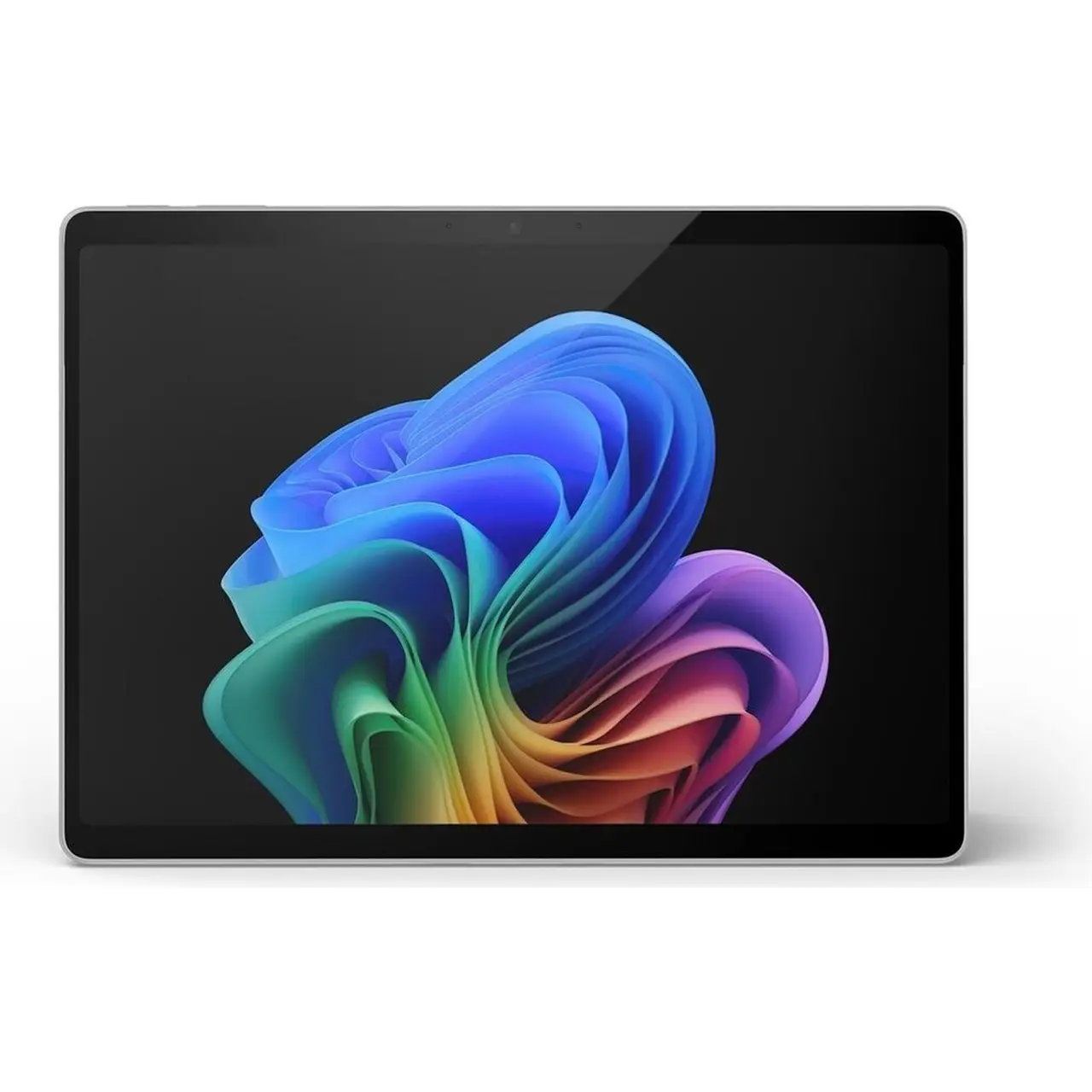
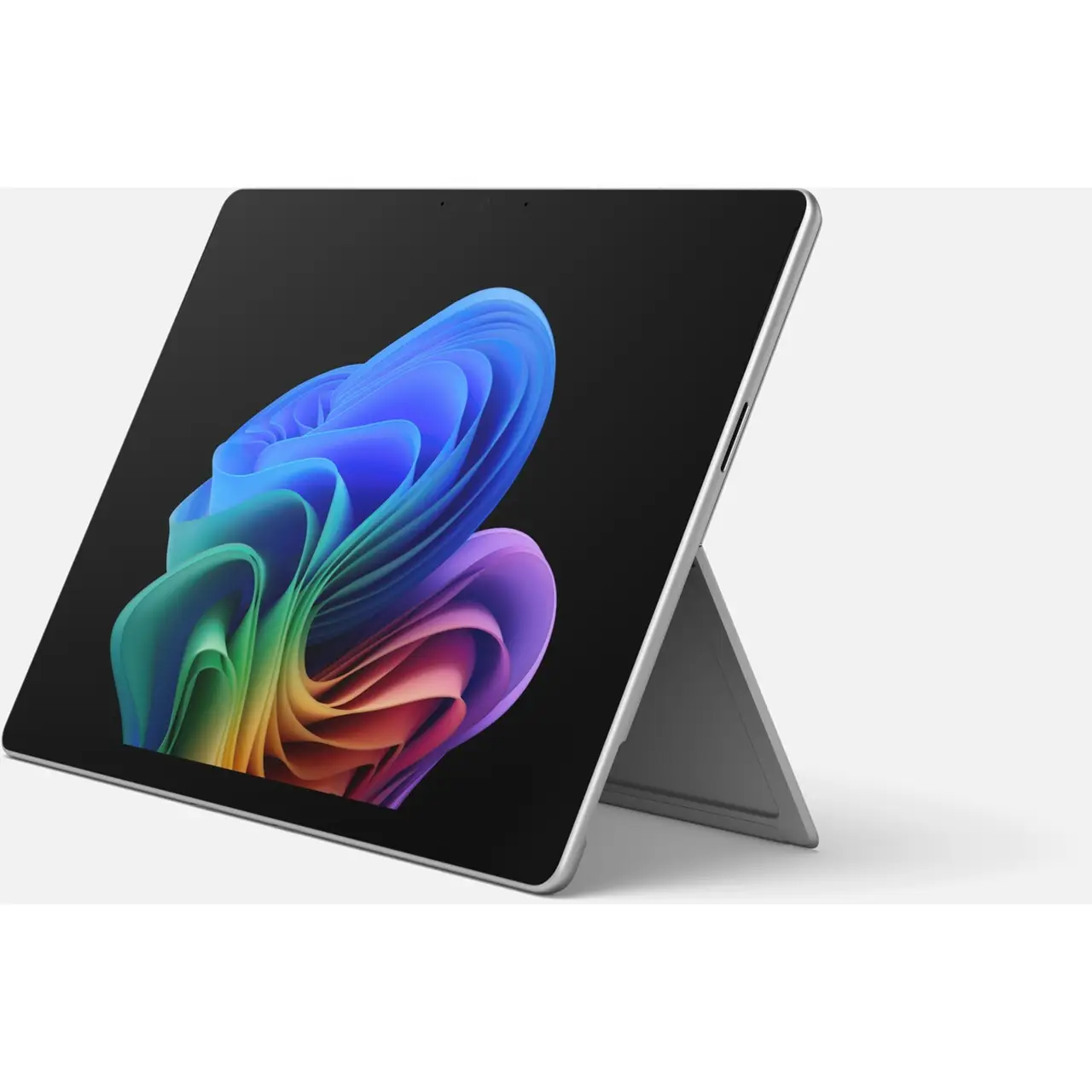
The Microsoft Surface Pro 11 brings laptop-style productivity and tablet flexibility to a portable 13-inch design. Its sharp 120 Hz touchscreen, Intel Core Ultra 5 processor, 16 GB RAM and 512 GB SSD support responsive multitasking for work, study and everyday entertainment. Use Copilot to help draft text, summarise notes or translate live content, and connect accessories or displays via USB-C, Thunderbolt, Wi-Fi 7 or Bluetooth 5.4. At 895 g, it suits students and professionals who want a capable device to carry between home, class and the office.
How to Choose the Right 2-in-1 Tablet
A 2-in-1 tablet can work as a portable touchscreen device and, with a keyboard, a laptop-style computer. To choose one that suits your routine, compare how you plan to use it, what accessories are included and which specifications matter for your everyday tasks.
Key Features to Consider
Start with the way you will use the device, then check that its design and specifications support those needs.
- Form, keyboard and fit: Check the tablet’s weight and how securely its stand supports the screen on a desk or your lap. Confirm whether a keyboard is included or sold separately, and look for a German QWERTZ keyboard layout if you want familiar typing in Germany.
- Display and performance: Choose a screen size, resolution and brightness that feel comfortable for reading, video calls and working on documents. Match the processor, memory and storage to your workload; more memory and storage can be useful for multitasking and keeping files on the device.
- Battery, durability and connections: Compare stated battery life, but allow for heavier use such as video calls, streaming and high screen brightness. Check the device’s build, charging method and available ports, including whether USB-C supports the accessories you need.
One Device, More Possibilities: Meet Your Everyday Sidekick
A Vivid, Fluid Touchscreen for Work and Play
The Surface Pro 11 makes everyday tasks feel engaging on its vibrant touchscreen, with a 120 Hz refresh rate bringing smooth scrolling and fluid on-screen movement to browsing, reading and creative work. Up to 600 nits of brightness helps keep content clear across a range of settings, while Gorilla Glass 5 adds a reassuring layer of display protection. Its refined aluminium design brings a premium feel to a versatile 2-in-1 that is ready to support work, study and entertainment wherever the day takes you.
Responsive Performance, with Copilot by Your Side
Powered by an Intel Core Ultra 5 236V processor, this Surface Pro is equipped to make everyday computing feel smooth and responsive. 16 GB of RAM supports juggling applications, research and communications, while the 512 GB SSD provides space for files, projects and favourite content. Microsoft Copilot features add a helpful layer to your workflow, with assistance for drafting text, summarising notes and translating live content. Together, these capabilities make it a capable companion for focused study, productive work and creative ideas.
Stay Connected, Enjoy Rich Audio and Keep Moving
A versatile set of connections helps the Surface Pro 11 fit neatly into your setup, with Wi-Fi 7 and Bluetooth 5.4 supporting wireless connectivity alongside Thunderbolt, USB-C 4.0 and Surface Connect. For entertainment and video calls, its Dolby Atmos stereo speakers bring immersive sound to films, music and other content. And with up to 10 hours of battery life, it is ready to accompany a productive stretch of work or study and carry on through downtime. It is a well-equipped choice for a flexible day on the move.
Microsoft Surface Pro 11 2-In-1: Who It Suits
Professionals Working Across Locations
When your workday moves between home, the office and other
workspaces, the lightweight design makes it easier to carry
your tasks with you. Use the Intel Core Ultra 5 processor and
16 GB of memory for everyday multitasking, while Copilot helps
draft text and summarise notes, so you can keep work moving
wherever you are.
Students Balancing Campus and Home Study
When you move between classes and independent study, the
touchscreen makes it easy to work directly with course
materials, and Copilot can summarise notes or translate live
content. Its lightweight build is convenient to carry between
study spots, helping you keep learning tasks organised as you
go.
Travellers Looking for Portable Entertainment
When you want entertainment on a journey or away from home,
the bright touchscreen gives films a clear display, while
Dolby Atmos stereo speakers make dialogue and sound easier to
enjoy without extra speakers. Gorilla Glass 5 adds screen
protection and the long battery life helps you keep watching
away from a plug, so downtime feels more enjoyable.
Home Users Connecting Desk Accessories
When your home setup includes compatible accessories, use
Thunderbolt, USB-C, Bluetooth or Surface Connect to link them
to the Surface Pro, while Wi-Fi 7 gives you a wireless way to
get online. That range of connection options makes it easier
to move between everyday tasks without repeatedly rearranging
your setup.
Frequently Asked Questions
Can I use a SIM card for mobile data in the Microsoft Surface Pro 11?
The Surface Pro 11 connects to the internet over Wi-Fi 7, but its Nano-SIM slot does not provide mobile data on this model. It is suited to home, office and hotspot use, so connect to Wi-Fi when you need internet access. Bluetooth 5.4 and USB-C 4.0 provide additional ways to connect devices.
Is the Surface Pro 11 screen good for reading and scrolling?
The Surface Pro 11 has a sharp, responsive 13-inch touchscreen, with 2,880 × 1,920 resolution and a 120 Hz refresh rate. Its 3:2 aspect ratio gives documents and web pages useful vertical space, while brightness reaches up to 600 nits. That makes the display well suited to reading, browsing and everyday work.
How should I dispose of a Surface Pro 11 in Germany?
Because the Surface Pro 11 has an integrated battery, take it to a designated electronics collection point in Germany at the end of its life rather than putting it in household rubbish. A municipal recycling centre or an electronics take-back point can direct the tablet into the appropriate recycling stream.
Don't just buy, Joybuy
Discover more of your favourite brands on Joybuy with great deals