What to look for in a TV for co-op gaming in a bright living room
Mini-LED LCD
A better fit if: you mostly play in daylight and visibility in a bright room matters more than an even picture from seats well off to the sides.
The trade-off: RTINGS often recommends Mini-LED for bright rooms, but viewing angles and reflection handling depend on the specific model.
OLED
A better fit if: wide sofa seating and dark game scenes are particularly important, and the picture looks good from the outer seats.
The trade-off: RTINGS highlights OLED for dark rooms and motion handling. If you play for long sessions with static elements on screen, you should also consider the risk of burn-in.
For a co-op session in a bright living room, start by considering the room lighting and seating positions, then check the device connections.
| What matters |
What to check before buying |
Who it matters most to |
| Visibility in daylight |
Compare model-specific reflection tests and brightness in the picture setting you’ll actually use. |
If I play in daylight, I want to judge reflections and dark areas of the game from my seat. Around 36 % of consumers put daylight visibility first. |
| Viewing from the sides of the sofa |
Check colour and contrast from the outer seats, as well as the screen size and where you’ll place it. |
If we’re spread out across a wide sofa, I want the picture to be easy to see from the sides too. For around 29 % of consumers, picture quality from side seats is the main priority. |
| Gaming features and connections |
Check that the intended HDMI input supports your desired refresh rate, as well as ALLM and, if applicable, VRR. |
If I connect a console or PC, I want to know whether the game, device and TV will all support the output I want. Around 21 % of consumers prioritise gaming features and the right connection. |
| Purchase and running costs |
Compare the EU energy label and product information sheet on the same basis; also consider the space required and any installation costs. |
If I need to keep an eye on both upfront and ongoing costs, I want to compare energy consumption and any additional services in advance. For around 14 % of consumers, total costs come first. |
Joybuy products for gaming and bright rooms
This selection features TCL Mini-LED TVs for co-op sessions where a large screen, daylight visibility and suitable gaming connections matter. Choose a screen size to suit your viewing distance and available space; your source devices also need to support the features you want.
 No image available
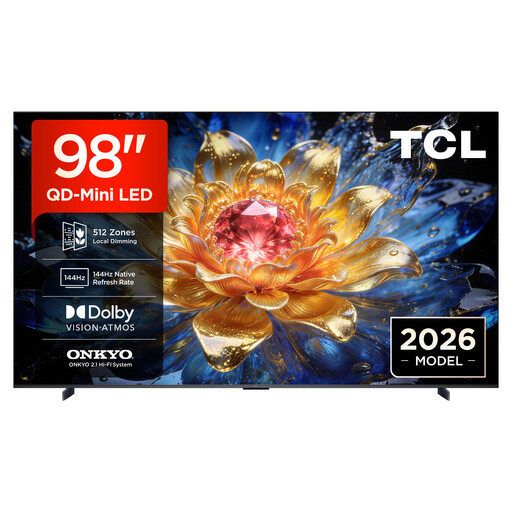
TCL 98T8D 98″ 4K QD-Mini-LED TV
Could be a good choice for co-op sessions if you’re looking for an extra-large screen and gaming features for compatible devices.
The product specifications list 1,152 dimming zones, peak brightness of up to 2,000 Nits, an anti-reflection coating, 144 Hz, VRR and HDMI 2.1.
View at Joybuy
 No image available
TCL 98Q7D PRO 98″ 4K SQD-Mini-LED TV
Worth considering if you’re looking for a large Mini-LED TV for gaming together.
The product specifications list 120 Hz and four HDMI ports. Check which input supports the gaming features you need.
View at Joybuy
 No image available
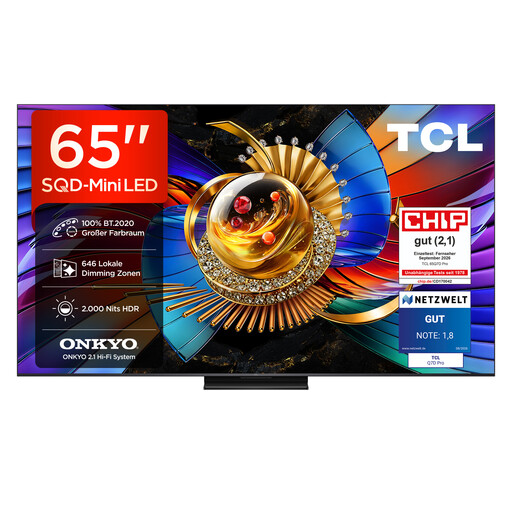
TCL 65Q7D PRO 65″ 4K SQD-Mini-LED TV
The 65-inch version may suit you if you’re looking for a smaller screen than the 75- and 98-inch models. Compare the viewing distance with the space you have available.
The product specifications list 646 dimming zones, HDR peak brightness of up to 2,000 Nits, anti-reflection, 144 Hz, VRR and HDMI 2.1.
View at Joybuy
 No image available
TCL 75T8D 75″ 4K QD-Mini-LED TV
The 75-inch version offers a size between the 65- and 98-inch models. Before you buy, check that it suits your viewing distance and furniture.
The product specifications list 144 Hz, VRR and FreeSync Premium, as well as Dolby Vision, HDR10+ and an Onkyo 2.1 sound system.
View at Joybuy
 No image available
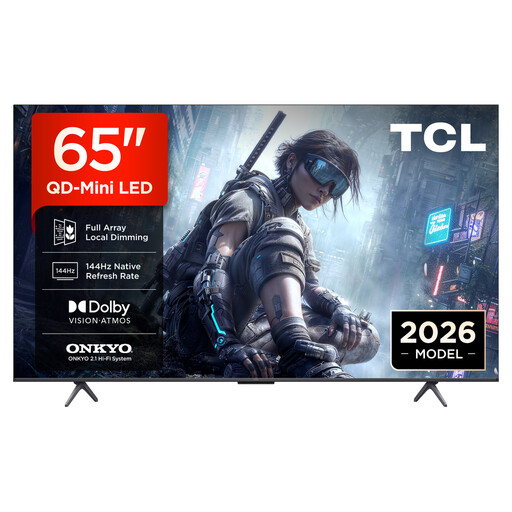
TCL 65T8D 65″ 4K QD-Mini-LED TV
The 65-inch version may be a good fit for co-op sessions if you don’t have room for a larger screen.
The product specifications list 144 Hz, VRR and FreeSync Premium, as well as Dolby Vision, HDR10+ and an Onkyo 2.1 sound system.
View at Joybuy
Frequently asked questions
Is 144 Hz on the box enough for smooth co-op gaming?
No. The game and your console or PC also need to support the refresh rate. Check the HDMI input you’re using and the game mode too. ALLM automatically switches compatible devices to a low-latency mode, but it doesn’t guarantee a particular refresh rate.
Where should I put the TV for a gaming session in daylight?
Check from all your planned seats whether any windows or lamps cause distracting reflections on the screen. If possible, adjust the TV’s position or the light coming into the room. A ‘matte’ finish alone is no substitute for a model-specific reflection test.
What should I check after connecting my console?
Check the game mode, as well as ALLM and VRR on the input you’re actually using. For the Sony K-65XR70, Sony lists VRR for HDMI 3 and 4, while ALLM is available on all four HDMI inputs.
How can I compare energy use and future repair options?
Compare the information on the EU energy label with the model-specific details in EPREL. The European Commission says the energy label also includes efficiency information for HDR. Since 31 July 2026, Verbraucherzentrale has described a right to repair against manufacturers for many household appliances, including TVs. This is separate from your statutory rights against the seller and any voluntary guarantee.
Do I have a right to cancel when buying online in Germany?
Consumers generally have a right to cancel a distance contract; section 355 of the German Civil Code (BGB) sets a 14-day period. When the period starts and whether any statutory exceptions apply depend on the contract.


