Related products at Joybuy
The selection below includes compact computers with different operating system and specification details; they aren’t all listed as Linux mini PCs. Before buying, check whether the specific version supports your chosen distribution and intended use.
 No image available
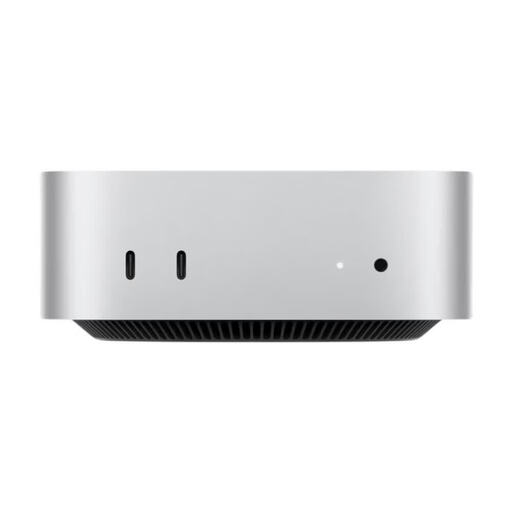
Apple Mac mini MHQM4_CTO_8 A3534 M6, 32 GB unified memory, 1 TB SSD, silver
If you’re considering this Mac mini model for a Linux learning project, check whether your chosen distribution supports the exact version before you decide.
12-core CPU and 12-core GPU; 32 GB unified memory; 1 TB SSD.
View at Joybuy
 No image available
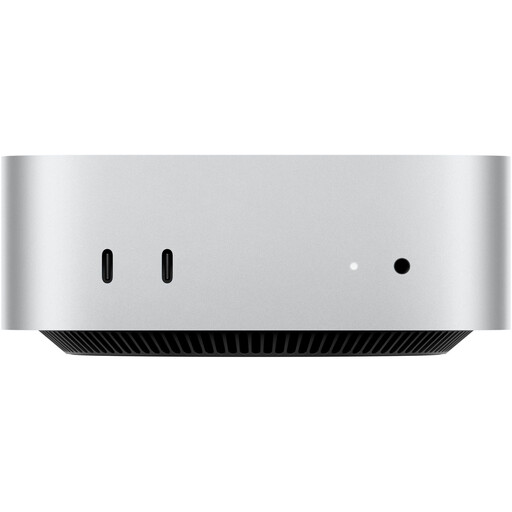
Apple Mac mini MHQK4ZD/A_CTO, M6, 24 GB unified memory, 512 GB SSD, silver
If you’re considering this Mac mini model for Linux, check that the specific version is supported by your chosen distribution.
12-core CPU and 12-core GPU; 24 GB unified memory; 512 GB SSD; 10 Gbps Ethernet.
View at Joybuy
 No image available
MaxMini B3 mini PC, Intel N4100, 8 GB LPDDR4, 256 GB SSD
If you’re looking for a compact computer with two HDMI outputs, also check Linux support for the exact device version.
Intel N4100 up to 2.4 GHz; 8 GB LPDDR4; 256 GB SSD; dual HDMI; 1000M LAN; 2.4/5 GHz Wi-Fi; Bluetooth 5.0.
View at Joybuy
 No image available
BMAX B7A Plus mini PC, AMD Ryzen 5 6600H, 12 GB LPDDR5, 512 GB NVMe SSD
If you want to use this mini PC with Linux, check that the exact specification is compatible with your distribution.
AMD Ryzen 5 6600H; 12 GB LPDDR5; 512 GB NVMe SSD.
View at Joybuy
 No image available
Ninkear L12 Pro mini PC, Intel i9-12900HK, 16 GB DDR4, 1 TB SSD
The product listing states that it’s compatible with Ubuntu. Check the exact version and the Ubuntu release you want to use before buying.
16 GB DDR4; 1 TB SSD; USB 4.0; dual-band Wi-Fi 6; listed as compatible with Windows 10/11 and Ubuntu.
View at Joybuy
Frequently asked questions
Do I need to install Linux on the SSD straight away to test the hardware?
No. Ubuntu explains how to start the system from a live USB drive first, without changing your existing computer setup. Test your input and output devices, and back up any existing data before installing later. A successful live session doesn’t test every feature over an extended period.
How can I check whether a mini PC works with my version of Linux?
Compare the full model and configuration code with the certification or documentation for the exact distribution and version you want. Ubuntu certification for one specific configuration doesn’t automatically prove that other variants are supported. If you’re unsure, try the device with a live USB system where possible.
Will a more powerful mini PC make a screen easier to read by a bright window?
Not directly. The separate monitor, its position and glare protection all affect how distracting incoming light is. For the mini PC, focus on checking that it has the right video output. The Federal Institute for Occupational Safety and Health continues to highlight the need for glare protection when working with screens.
What should I check before buying a mini PC for virtual machines?
Compare the installed and upgradeable RAM, as well as the available storage, with the systems you want to run at the same time. Oracle VirtualBox says that the memory allocated to a virtual machine comes from the host system’s RAM; there’s no single RAM requirement that applies to every learning project.
How can I tell whether a mini PC is ready to use straight away?
For the exact device variant, check whether it includes an operating system, RAM, SSD, power supply and the input devices you need. With a barebone, adding components and installing the system may be up to you; even a complete PC may not include all the accessories you need.


