
Lieferung heute & morgen

Qualitätsgarantie

Willkommens-Angebote freischalten: KOSTENLOSE Lieferung | Bis zu 80 % RABATT | Kostenlose 30-Tage-JoyPlus-Testphase
App herunterladen
A mobile printer can come in handy when you’re out and about, working from home or studying. But a compact design alone doesn’t tell you whether a device will suit your day-to-day needs. If you focus only on a low upfront price or terms such as ‘wireless’, you could overlook ongoing costs, compatibility issues and technical limitations.
A Bluetooth printer usually needs a compatible app, a stable connection and a compatible smartphone. Before you buy, check whether the app is available for iOS and Android, and what permissions it requires. With a Wi-Fi model, you’ll also need to connect it to your home network.
A thermal printer or Zink photo printer doesn’t need conventional ink. This means you won’t need to handle cartridges, but it doesn’t mean there are no ongoing costs. You’ll usually need specialist paper, label rolls or self-adhesive paper. Many compact devices also print mainly in black and white, or only in small formats.
A mobile thermal printer may therefore be less suitable than a compact inkjet printer for contracts, invoices and colour documents. Before you buy, think about whether you want to print documents, photos, study notes or stickers.
A mini printer fits in a bag, but often only supports a limited paper width and has a small feed capacity. That’s enough for occasional printouts. If you regularly print lots of pages, job applications or household documents, check the paper size, print speed and how often you’ll need to reload it.
Check which operating systems are supported, whether an app is required and what type of connection the printer uses. A smartphone printer should be straightforward to set up. With Bluetooth, it’s also worth checking whether you can connect multiple devices one after another. This can make everyday printing easier for families or work groups.
When choosing a compact printer for home and on the go, three practical details matter:
Storage is worth considering, too. Keep thermal and Zink paper away from high humidity, direct sunlight and excessive heat. For devices with lithium batteries, follow the manufacturer’s instructions for charging and storage.
The models below cater to different requirements. Rather than looking for an overall ranking, choose the one that best matches your specific printing needs.
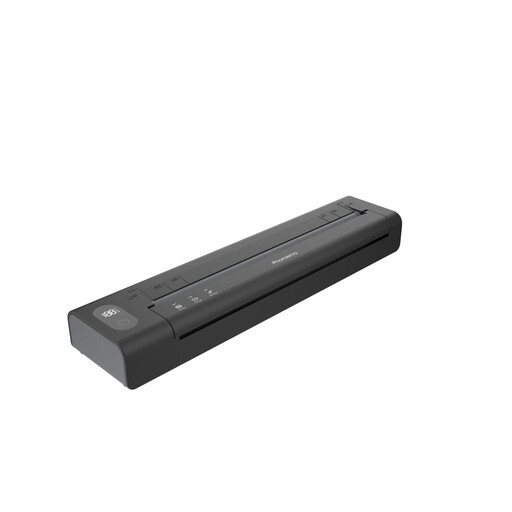
Why it suits this type of user: According to the product details, this portable printer weighs 600 g and connects to iOS and Android devices via Bluetooth using the Phomemo app. It’s suitable for printing simple documents while travelling, studying or working from home.
Its stated ink-free technology means you won’t need to buy conventional cartridges. You should still check which paper you’ll need and whether the app is compatible before buying.
Weighs 600 g; rechargeable battery prints up to 150 pages per charge, according to the product details.
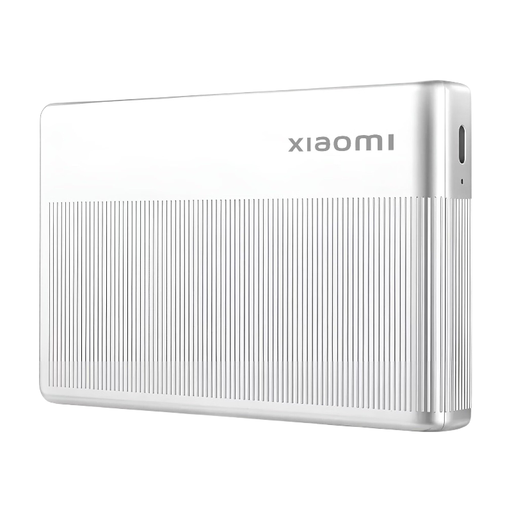
Why it suits this type of user: This photo printer uses Zink technology, weighs 180 g according to the product details and prints 50 × 76 mm photos via Bluetooth and the Xiaomi Home app.
The specific paper size and maximum capacity of up to 10 sheets make its limitations clear. This model isn’t designed for A4 documents.
Weighs 180 g; uses self-adhesive 2×3-inch photo paper and connects via Bluetooth for printing photos on the go.
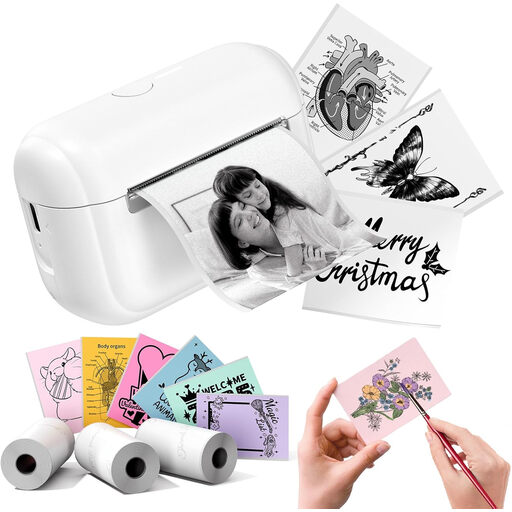
Why it suits this type of user: This sticker printer is designed for self-adhesive prints and creative projects. It’s a good fit for families, craft projects, gift wrapping and study notes, provided you use the right roll size.
Its specialist design helps avoid expecting it to print A4 documents. Check the width, roll type and ongoing paper costs before you buy.
Ink-free thermal technology; pocket-sized design for stickers and DIY projects.
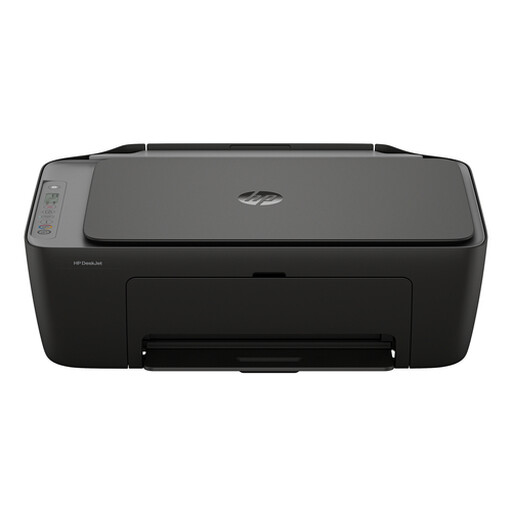
Why it suits this type of user: This compact all-in-one is designed for printing, copying and scanning at home. Its wireless connection lets you print from a smartphone or tablet.
Unlike basic mini or thermal printers, it offers several functions. However, bear in mind that it needs ink to operate, and Instant Ink requires a paid subscription.
Prints, copies and scans; according to the product details, prints up to 7.5 pages per minute in black and white and 5.5 pages per minute in colour.
We’ve put together a complete, regularly updated list of products that meet these strict selection criteria and fully comply with the safety regulations in force in the EU.
First, install the app recommended by the manufacturer. Turn on Bluetooth or Wi-Fi, load the paper and follow the connection steps in the app. If you run into problems, restarting the devices, enabling location permissions or removing an old device connection often helps.
Battery life depends on the printing technology, paper, usage and battery capacity. You’ll find reliable details in the relevant product description. For travelling, it’s best to start with a fully charged battery and take a compatible USB charging cable with you.
That depends on the paper and consumables it uses. Ink-free devices don’t need cartridges, but they do use specialist thermal, Zink or sticker paper. So compare not only the price of the printer, but also the cost per print and the availability of compatible media.