Daylight viewers
If you watch with the curtains open or sit near large windows, reflections deserve particular attention. RTINGS.com points out that all TVs reflect light, so how well a specific model handles it is key.


For watching model railway footage in daylight, first check how well the specific TV model handles window reflections and whether its brightness suits your intended viewing spot. Mini-LED LCD is a natural choice for bright rooms; OLED can also work well if you take reflections and extended periods of static images into account. Choose the screen size, viewing angle and playback of your own files to suit how you’ll actually use the TV.
If you watch with the curtains open or sit near large windows, reflections deserve particular attention. RTINGS.com points out that all TVs reflect light, so how well a specific model handles it is key.
When watching small vehicles, tracks and camera movements, viewing distance, recording quality and motion handling all matter. The consumer advice centre recommends factoring in your usual viewing distance when choosing a screen size.
If several people are watching from different seats, off-centre viewing angles matter too. RTINGS.com describes viewing angle as an important factor for anyone sitting away from the centre of the screen.
First, check for reflections and consider the TV’s position in the room where you plan to use it. Then compare screen size, viewing angle and playback of your own files. RTINGS.com stresses that greater brightness won’t automatically eliminate distracting ambient light reflected directly on the screen.
A good fit if: you often watch in daylight and the specific model handles reflections well in the spot you have in mind near a window.
Consider: viewing angles vary by model, so check the seats to either side of the screen too.
A good fit if: you’re particularly interested in dark details, motion or off-centre seating, and the specific TV performs well in a bright room.
Consider: reflections vary by model; long or frequently repeated static images can increase the risk of burn-in.
A good fit if: you can position the TV or limit daylight so that window reflections aren’t distracting.
Consider: you can’t judge how suitable a TV is for a bright spot by a window from the LED or QLED label alone.
| What matters | What to check when buying | Who it matters most to |
|---|---|---|
| Window reflections | Assess the specific model’s reflection handling and brightness in the spot where you plan to use it; direct reflections can still occur, even at high brightness. | If large windows could reflect distractingly on dark footage, I’d first check how easy the screen is to see in the intended spot. Around 36% of consumers would make reflections and visibility in daylight their top buying priority. |
| Detail and motion | Compare viewing distance, available space, the resolution of your own files and the native refresh rate. | If you want to make out small vehicles and camera movements, assess your own video footage where possible, rather than relying only on demo images. Around 29% of consumers would prioritise detail and motion. |
| Off-centre seating | Test the viewing angle from the seats you’ll actually use and position the screen accordingly. | If several people sit to the side of the screen, picture quality away from the centre is a factor in its own right. Around 21% of consumers would put shared off-centre viewing first. |
| Files and running costs | Check the container format and video and audio codecs against the specifications for the exact model; compare the energy label in kWh/1000 h and, where applicable, HDR information. | If you want to play your own files directly and understand energy consumption, check compatible formats and operating information before buying. Around 14% of consumers would prioritise playback and running costs. |
A bright picture can help in ambient light, but it won’t necessarily stop a window from being reflected directly in the screen.
Compare reflection handling and brightness together, and assess the TV in the spot where you plan to use it if possible.
The resolution of the source file, viewing distance and type of motion all affect the details you can see. A higher screen resolution can’t add detail that isn’t in the file.
Where possible, try your own videos on a screen of a suitable size and check the native refresh rate.
On OLED screens, logos or other images displayed for a long time or shown repeatedly can increase the risk of burn-in. Sony explains this risk in its guidance on OLED TVs.
Consider how long logos, menus or other static elements stay on screen. If you often display static images for long periods, a Mini-LED LCD may be a better fit for how you use your TV.
A USB port doesn’t guarantee that a TV will play every video file. Supported formats and codecs depend on the specific model.
Check your files against the model specifications, or see whether an external player connected via HDMI would suit your needs. To compare power consumption, check the EU energy label.
The German GQ65QN90FATXZG is a specific Mini-LED model to consider for a spot by a window. Samsung describes its screen as ‘Glare Free’.
The K-75XR90 is a larger Mini-LED LCD whose connection and playback specifications can help you check compatibility with your own files.
The 65Q8C is a QD-Mini-LED option with a manufacturer-stated native refresh rate of 144 Hz.
The OLED55G59LS is a 55-inch OLED model for buyers weighing up picture quality alongside daylight conditions.
The 65MLED910/12 combines QD-Mini-LED with Ambilight if you’d like lighting behind the TV as well as a good picture on screen.
This selection of Joybuy TVs includes LED and Mini-LED models in a range of screen sizes. Check how the TV’s position, room lighting and your own video files work together on the specific model.
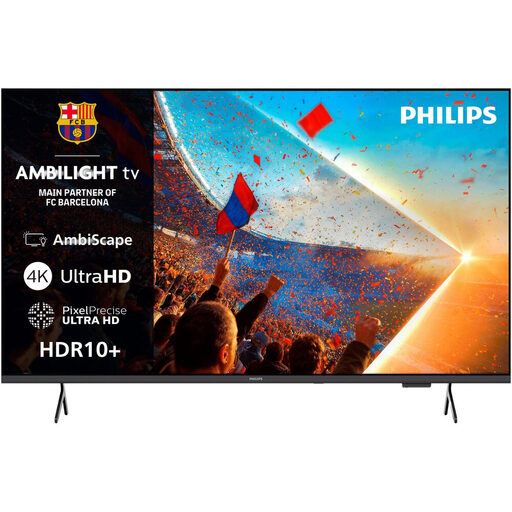 No image available
Listed as an LED TV; check for reflections in your intended location and make sure the screen size suits your viewing distance.
Features listed in the product name: 65 inches, 4K UHD and Ambilight.
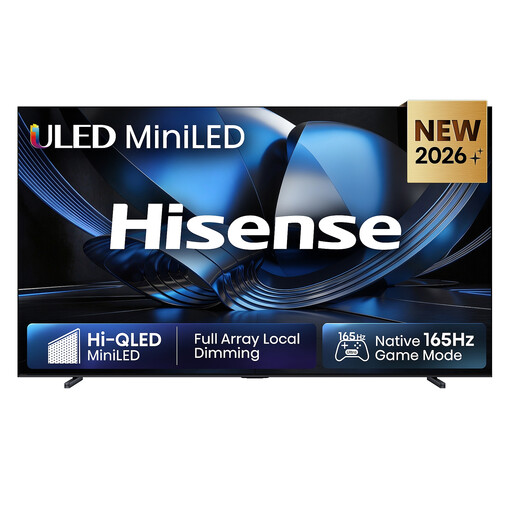 No image available
Check the very large screen size against your viewing distance and available space, and assess reflections in the room where you’ll use it.
Features listed in the product name: 100 inches, ULED, Mini LED and 4K.
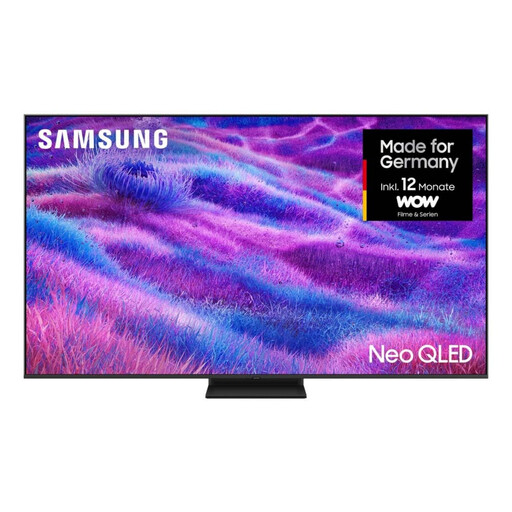 No image available
If you’re comparing a large-format Mini-LED model, measure your viewing distance first, then check reflections and off-centre seating in the room.
Features listed in the product name: 85 inches, Mini LED and 4K UHD; energy rating F.
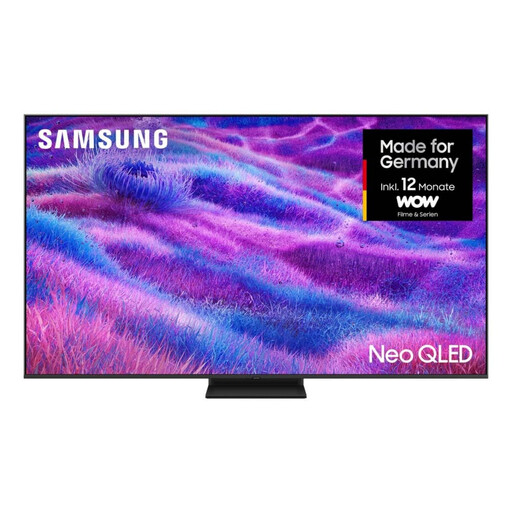 No image available
Compare the 75-inch version with your viewing distance and check the picture from the seats you’ll actually use.
Features listed in the product name: 75 inches, Mini LED and 4K UHD; energy rating F.
 No image available
Check for reflections in your intended location and compare the screen size with your usual viewing distance.
Features listed in the product name: 65 inches, 4K UHD, QLED and Tizen OS.
No. A USB port alone doesn’t guarantee that your files will play. Check the container format and video and audio codecs against the specifications for the exact TV model, or see if playback via an external HDMI player is an option.
Check in the intended location whether windows are reflected directly in the screen; even high brightness won’t eliminate these reflections completely. In a support note for the LCD TVs covered there, Sony also recommends avoiding direct sunlight.
The EU energy label lets you compare the stated energy consumption in kWh/1000 h and also gives a separate figure for HDR. Your actual electricity costs will also depend on how long you use the TV, its settings and your electricity tariff.
When a consumer buys from a business seller in the EU, the statutory minimum guarantee period is two years from the date the goods are received. These statutory rights are separate from any additional manufacturer’s guarantee; the EU rule doesn’t apply to purchases from private individuals.