What should you look for?
First, measure the distance from the furthest seat viewers usually use. Then check the room lighting, playback method and how long you plan to use the TV.
| What matters |
What to check when buying |
Who should pay particular attention? |
| Details viewed from further away |
Check that the viewing distance, screen size, available space and resolution of the original footage work well together. |
If I want to make out small trains and layout details from the back row, I look beyond the panel resolution. Around 36% of consumers put viewing distance first. |
| Visibility in a bright room |
Consider windows, lights and side-on seating at the intended location; check the reflection properties of the specific model. |
If I’m showing footage in daylight or exhibition lighting, I want to think ahead about reflections and different viewing angles. Around 29% of consumers put the conditions in the viewing room first. |
| Playing your own clips |
Check the codec and file system information for the exact model against one of your own test files; consider HDMI as a separate playback option. |
If I want to play existing videos from a storage device, a USB port alone isn’t enough to confirm compatibility. Around 21% of consumers prioritise playing their own files. |
| Long viewing sessions |
Compare the EU energy label figures for SDR and, where applicable, HDR; if images will remain on screen for a long time, check the guidance on display technology. |
If the TV will regularly be on for long periods, or titles and menus will stay on screen for a while, I want to weigh up energy use and display technology together. Around 14% of consumers prioritise long viewing sessions and how static images are handled. |
For 75-inch TVs showing high-definition content, the Verbraucherzentrale gives 3.1 to 3.8 m as a guide. This isn’t a fixed recommendation for model railway footage: the visible size of the subjects in your own videos and the actual set-up matter too. The EU energy label shows consumption in kWh per 1000 hours of use. Compare TVs and picture modes on the same basis.
TVs at Joybuy for model railway footage
This selection features large 4K smart TVs, including LED and Mini LED models. Match the stated screen sizes to your viewing distance and check that the playback method works with your video files.
 No image available
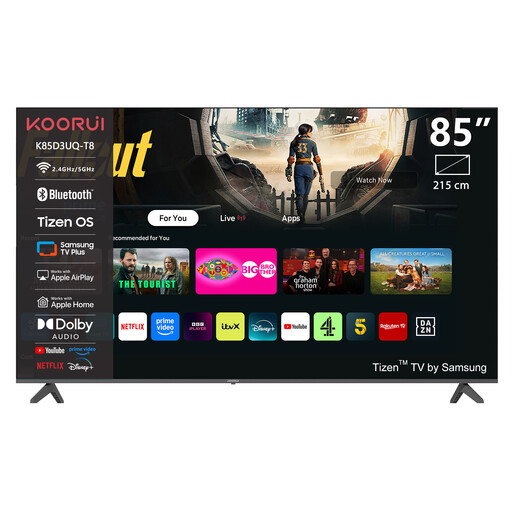
KOORUI K85D3UQ-T8, 85-inch 4K UHD QLED smart TV
The 85-inch screen size stated in the product name could be worth considering for a large-scale viewing set-up. Check that it suits your viewing distance and available space.
4K UHD; QLED; Tizen OS.
View at Joybuy
 No image available
TCL 75Q7D PRO, 75-inch 4K SQD Mini LED
The 75-inch screen size and Anti-Reflection feature listed in the product name are worth considering. Check how they suit the viewing distance and light sources at your intended location.
4K; SQD Mini LED; Anti-Reflection; 144 Hz.
View at Joybuy
 No image available
TCL 75T8D, 75-inch QLED with QD Mini LED, 4K HDR
The 75-inch screen size makes this a large-format option. Check that it suits your viewing distance and the space available.
QLED; QD Mini LED; 4K HDR; 144 Hz VRR; Google TV.
View at Joybuy
 No image available
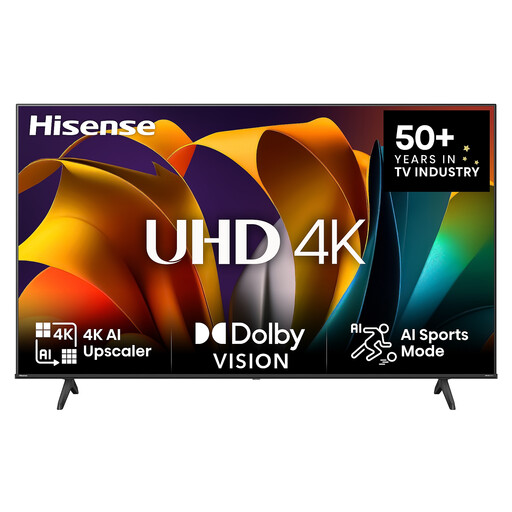
Hisense 75E6NT, 75-inch 4K UHD smart TV
The 75-inch screen size stated in the product name could be useful for viewing from further away. Check that it suits your viewing distance and available space.
4K UHD; HDR; Dolby Vision; 60 Hz.
View at Joybuy
 No image available
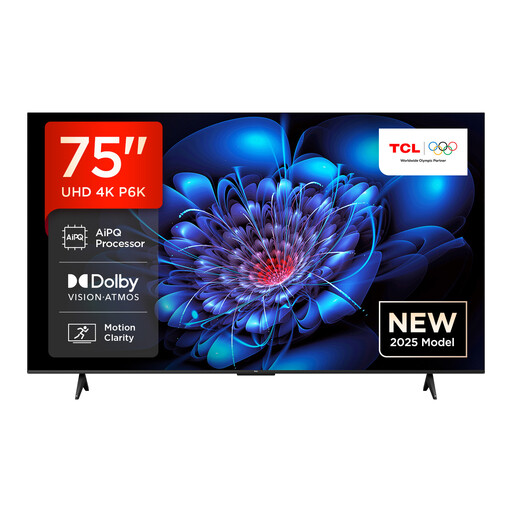
TCL 75P6K, 75-inch Direct LED, 4K HDR
If you’re considering a 75-inch screen, first check the viewing distance, available space and resolution of your model railway footage.
Direct LED; 4K HDR; Google TV.
View at Joybuy
Frequently asked questions
Is there a recommended viewing distance for a 75-inch TV?
No. For high-definition content on a 75-inch TV, the Verbraucherzentrale gives 3.1 to 3.8 m as a guide. For model railway footage, also check how large the important details appear in your own videos. The minimum viewing distance for 4K doesn’t automatically tell you how far away to sit to see small subjects clearly.
Is a USB port enough to play my model railway videos?
A USB port alone doesn’t guarantee that your files will play. Check the file system and video and audio codec information for the exact model against one of your own test files. Sony publishes a compatibility list for the K-75XR5; you could also use an HDMI player.
What should I measure before placing or wall-mounting the TV?
Measure the available width and space, along with the distance from the viewers’ seats. Also check the dimensions and stand position of the specific TV. If you’re wall-mounting it, check that the bracket is compatible and follow the installation instructions.
How can I compare energy use for long viewing sessions?
The EU energy label shows consumption in kWh per 1000 hours of use, with separate figures for SDR and, where applicable, HDR. Compare the picture mode that suits your videos, and take your expected viewing time and electricity tariff into account when working out your own costs.
Is OLED suitable for long model railway viewing sessions?
It also depends on how long titles, logos or menus remain unchanged on screen. LG describes protection features against image retention, but also notes that a risk remains when static images are displayed for extended periods. Check the guidance for the specific model and consider the content you’ll actually be showing.


