What should you consider when choosing a monitor?
First, work out which views you want on screen at the same time. Then check text size and available desk space before comparing docking features.
| What matters |
What to check before buying |
Who it matters to |
| Working with multiple views |
Check the resolution and screen size at your preferred scaling setting. |
If you want code, a budget spreadsheet and a preview visible side by side, usable screen space matters. Around 37% of consumers rank working with multiple views as their top priority. |
| Readability and adjustability |
Check text size and adjustment options from your intended seating position. |
For longer work sessions, text should remain easy to read at a comfortable size, and you should be able to position the screen appropriately. Around 27% of consumers rank readability and adjustability as their top priority. |
| Laptop connection |
Check that USB-C video output and the required charging power match the monitor’s connections. |
If you connect your laptop regularly, you’ll want a suitable connection for the video signal and, where needed, power. Around 18% of consumers prioritise laptop connectivity. |
| Desk space and energy use |
Compare the width, including the stand, and the energy label for the exact model. |
If desk space is limited, the monitor and its stand need to fit; you may also want to compare energy labels. Around 18% of consumers put space requirements and energy considerations first. |
Monitors at Joybuy
This selection includes monitors for viewing code and spreadsheets side by side, with a range of resolutions and connection options. Check the specifications to see whether a model suits your laptop and desk.
 No image available
Lenovo ThinkVision T27Q-40, 27-inch QHD IPS
A 27-inch QHD monitor could work well for viewing code and a budget spreadsheet side by side; check whether the scaling gives you your preferred text size.
27 inches; QHD; IPS.
View at Joybuy
 No image available
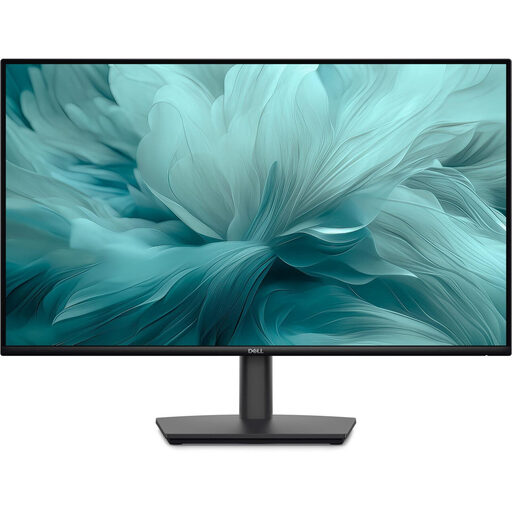
Dell Pro 27 E2726HS, 27-inch Full HD
If you’re considering a 27-inch Full HD model, check first that code and a spreadsheet remain readable side by side at your preferred text size.
27 inches; Full HD.
View at Joybuy
 No image available
INNOCN CB27U1, 27-inch 4K UHD
If you want to arrange several views on one screen, check that the resolution, scaling and available display options suit your workflow.
3840 × 2160; IPS; USB-C with 90 W PD; PIP and PBP.
View at Joybuy
 No image available
Dell Pro Plus P2725DE, 27-inch QHD
This QHD monitor with a USB-C hub could suit a laptop workstation, provided your laptop and cable support the required video output.
27 inches; 2560 × 1440 pixels; USB-C hub.
View at Joybuy
 No image available
INNOCN 40C1U, 40-inch 5K ultrawide
An extra-wide format can accommodate several views side by side; measure your available space first and check that the window layout works for you.
40 inches; 5120 × 2160 pixels; IPS; USB-C with 65 W PD; PIP and PBP.
View at Joybuy
Frequently asked questions
Does a monitor store my household data locally?
No. Local storage depends on the app and the computer connected to the monitor, not the monitor itself. Back up important app data regularly and check that you can restore it; Germany’s Federal Office for Information Security recommends backing up data.
What should I consider when using financial data on a shared computer?
Germany’s Federal Office for Information Security explains that encryption can protect stored data from other people who use the same computer. Also check the app’s settings and documentation to see whether data is synchronised or exported; a monitor can’t answer these questions.
Can I connect a USB-C laptop with just one cable?
Only if the laptop supports the required video output over USB-C and the monitor supplies enough power. EIZO lists DisplayPort Alt Mode and up to 70 W for the FlexScan EV2490; compare these specifications with your laptop’s requirements.
What does the EU energy label show for a monitor?
The European Commission rates covered electronic displays, including computer monitors, on an energy efficiency scale from A to G. Check the label for the exact model; some products may be exempt from the scope of the rules.
What rights apply after buying online in Germany?
Consumers who buy online generally have a 14-day right to cancel; the Verbraucherzentrale lists the date of the contract or receipt of the goods as possible starting points for this period. Statutory consumer rights are separate from a voluntary manufacturer’s guarantee, and the circumstances and any exceptions may affect a specific purchase.


