What should you look for when buying?
Start by checking how easy your content is to read, then consider the space available for references and your desk setup. Laptop connectivity and image detail are additional factors if they’re relevant to the way you work.
| Criterion |
What to check when buying |
Who it matters most to |
| Text and layout readability |
Open a sample page at your preferred zoom and scaling from the place where you’ll be sitting. |
If you work with lots of heading levels and long paragraphs, the text should remain easy for you to read. Around 33% of consumers make text readability their top buying priority. |
| Side-by-side views |
Try your draft and pattern PDF in your preferred window layout. |
When comparing text and patterns, check that both views fit alongside each other and remain easy to read. For around 27% of consumers, this side-by-side workspace takes priority. |
| Desk setup |
Consider the adjustment range, desk space, windows and lights in your actual workspace. |
If you write for long periods, you should be able to position the screen to suit your seating position and lighting. Around 20% of consumers put workstation positioning first. |
| Laptop connectivity |
Compare your laptop’s video output and charging requirements with the monitor’s ports and stated charging capacity. |
If your laptop is regularly connected to the monitor, make sure both display output and charging are compatible with your devices. Around 13% of consumers prioritise laptop connectivity. |
| Image detail |
Check a representative drawing using your usual zoom and output settings. |
If you assess drawings or photos in detail, resolution and suitable scaling may be important. Around 7% of consumers prioritise checking fine image details. |
Monitors at Joybuy
This selection at Joybuy includes QHD and 4K monitors for longer guide text, potential reference views and desk-based work.
 No image available
ASUS ROG Strix XG27AQWMG, 27-inch WQHD
For guide text and potential reference views on a QHD screen; the right text size also depends on scaling.
27 inches, 2560 × 1440 pixels and an ergonomic stand.
View at Joybuy
 No image available
INNOCN CB27U1, 27-inch 4K UHD
For text and additional views on a 4K screen; check readability at the scaling you actually plan to use.
27 inches, 3840 × 2160 pixels, IPS, USB-C with 90 W Power Delivery, plus height, tilt, swivel and pivot adjustment.
View at Joybuy
 No image available
KTC M27P6, 27-inch 4K MiniLED
For writing and potential image detail on a 27-inch 4K screen; set the text scaling to suit your reading comfort.
4K at 160 Hz or FHD at 320 Hz, USB-C with 65 W Power Delivery, KVM, plus height, tilt and swivel adjustment. The charging capacity must be suitable for your laptop.
View at Joybuy
 No image available
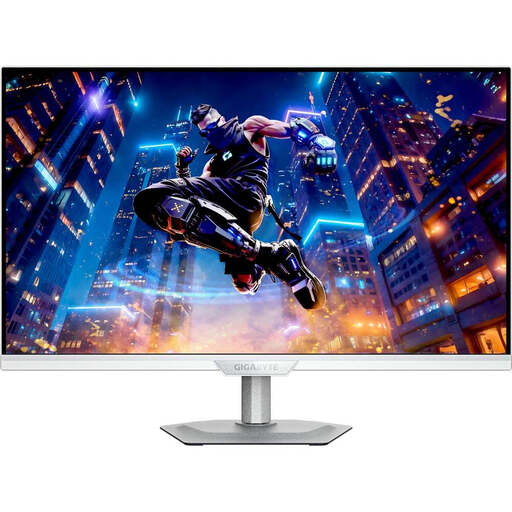
GIGABYTE M27UP ICE, 27-inch 4K UHD
For guide text and optional reference views; extra pixels don’t replace checking text size after scaling.
27 inches, 3840 × 2160 pixels, IPS and 144 Hz.
View at Joybuy
 No image available
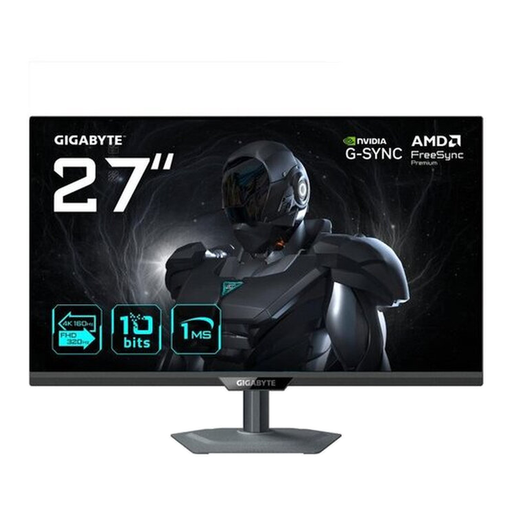
GIGABYTE G27UP, 27-inch 4K UHD
For writing with potential reference views; check that text and windows remain easy to read at your preferred scaling.
27 inches, 3840 × 2160 pixels, IPS and 144 Hz.
View at Joybuy
Frequently asked questions
Do I need a 4K monitor for several levels of headings?
No. Start by checking text size, zoom and the usable space for your layout. The models covered range from Full HD and QHD to 4K; 4K may also be worth considering if you assess fine image detail.
How should I set up my monitor for longer writing sessions?
Adjust the height and tilt to suit your workspace, and check for distracting reflections from windows or lights. The German Social Accident Insurance identifies poor lighting, glare and an unsuitable workstation setup, among other things, as potential sources of strain; a single monitor feature won’t eliminate them.
Can any USB-C monitor charge my laptop at the same time?
No. Check your laptop’s display output and charging requirements against the specifications for the particular model. BenQ lists 65 W for the GW2790QT, Dell lists 90 W for the P2725DE, and EIZO lists a maximum of 70 W through the USB-C upstream port on the EV2490.
What should I know about a faulty monitor or one bought online?
If there’s a fault, statutory consumer rights against the seller are separate from a voluntary guarantee. According to the Verbraucherzentrale, consumers generally have a 14-day right to cancel an ordinary online purchase; you must notify the retailer that you wish to cancel.
Do monitors have an energy label?
Yes. The European Commission classifies computer monitors as electronic displays with an energy efficiency label ranging from A to G. Check the label for the specific model; sellers are responsible for meeting the requirements for providing the label at the point of sale.


