Monitors at Joybuy
This selection includes 27-inch QHD monitors for two text views and 34-inch ultrawide models for wider window layouts.
 No image available
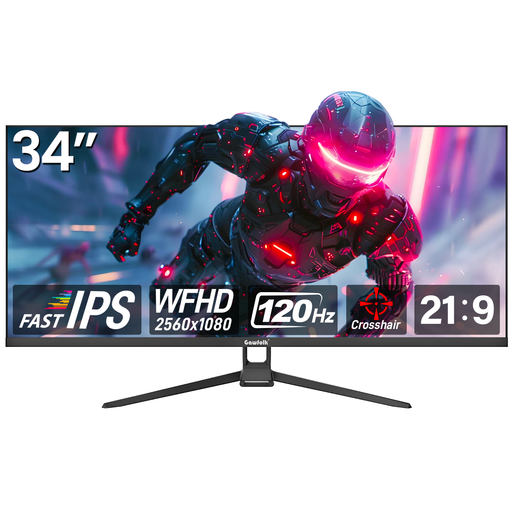
Gawfolk GF340H-H 34-inch ultrawide monitor
The 21:9 format is an option if you want to arrange wide windows side by side and have enough desk space.
WFHD 2560 × 1080; 120 Hz; flat display.
View at Joybuy
 No image available
CRUA CR340QA-H 34-inch WQHD monitor
The wide format may suit several windows side by side, as long as the screen curvature and the space on your desk work for you.
21:9; 3,440 × 1,440 pixels; 1500R curvature; 165 Hz; 1 ms MPRT; VESA-compatible.
View at Joybuy
 No image available
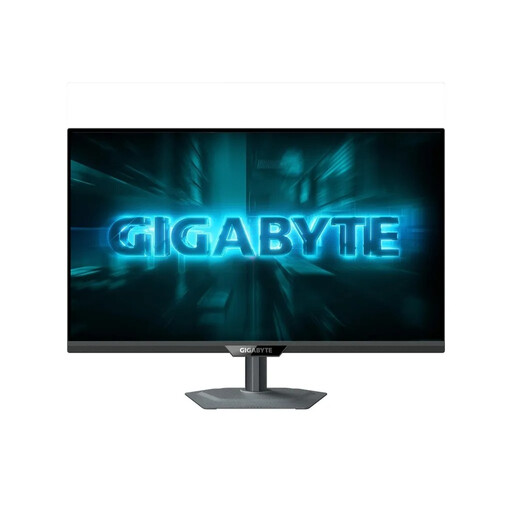
GIGABYTE G27Q2 27-inch QHD monitor
The 27-inch QHD specification gives you a basis for comparing two text windows; check that text is easy to read at your preferred font size.
2,560 × 1,440 pixels; SuperSpeed IPS; 200 Hz, overclocked 210 Hz.
View at Joybuy
 No image available
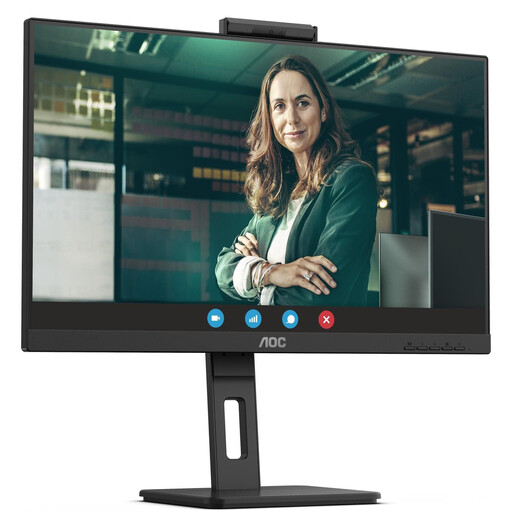
AOC Pro-Line Q27P3CW 27-inch QHD monitor
A 27-inch QHD option for two text views; check the monitor’s exact specifications against the laptop connections you need.
75 Hz; IPS; 350 cd/m².
View at Joybuy
 No image available
Philips 345B1C 34-inch curved ultrawide monitor
An ultrawide format may suit you if you want to use several wide views side by side and have enough room for the monitor on your desk.
WQHD 3,440 × 1,440; 21:9; 100 Hz; VA; 1500R curvature.
View at Joybuy
Frequently asked questions
Do I need a special split-screen feature on my monitor to use two editor windows?
No, not necessarily. Windows Snap can arrange two application windows side by side on one screen and lets you move the divider. Also check that your writing software offers the views you need; Picture-by-Picture on a monitor isn’t the same as two windows from one computer.
How should I set up my monitor for writing?
First, adjust the font size and window layout so the text is easy for you to read, then adjust the screen position and lighting. The BAuA’s ASR A6 rule applies to screen-based work in workplaces and home-working environments; it isn’t a general legal requirement for private writing.
Does USB-C automatically give me one cable for video and charging?
No. For the GW2790QT, BenQ specifies DisplayPort Alt Mode, data transfer and 65 W Power Delivery over USB-C. Your laptop must support the video output you need and be able to work with the charging power available.
What are my rights if my monitor is faulty?
If you buy from a business seller, your statutory rights against the seller are separate from any voluntary guarantee. The Verbraucherzentrale explains that, if a product is faulty, the first step may be to request a repair or replacement. The details depend on the purchase and the nature of the fault.
What should I know about a monitor’s energy label and disposal?
The European Commission generally includes computer monitors within the scope of energy labelling for electronic displays. The label and EPREL entry can help when comparing a specific model. Don’t put an old monitor in household waste; recycle it separately using an appropriate take-back option, as recommended by the Umweltbundesamt.


