Joybuy monitors for this use
These monitors offer workspace for browser testing, side-by-side views or a laptop setup with docking features. You’ll still need to test keyboard focus, usability and reflow on the website itself and in each browser view you need.
 Image unavailable
MSI PRO MP273UPDE E6 27-inch 4K UHD IPS monitor
For detailed browser views if you’d like a 27-inch 4K workspace.
The product name specifies 3840 × 2160 pixels, an IPS display and 60 Hz. According to the product specifications, the stand is height-adjustable and swivels.
View at Joybuy
 Image unavailable
INNOCN CB27U1 27-inch 4K UHD monitor
For browser views on a 27-inch workspace. Actual readability also depends on your scaling and viewing settings.
The product specifications list 3840 × 2160 pixels, IPS, 120 Hz and USB-C with 90 W Power Delivery. Your laptop must be compatible to use the power delivery feature.
According to the product specifications, the stand has 150 mm of height adjustment.
View at Joybuy
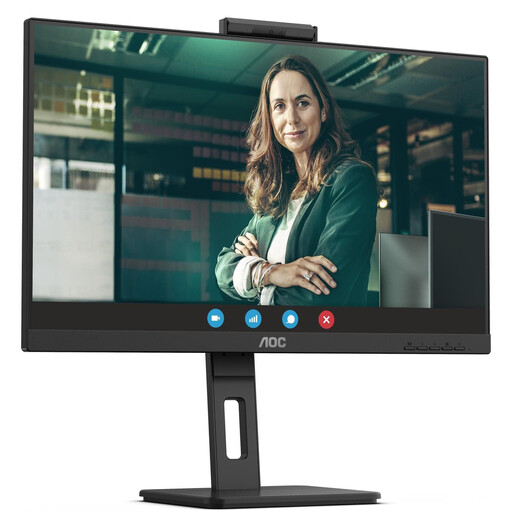 Image unavailable
AOC Pro-Line Q27P3CW 27-inch QHD monitor
For browser and testing views side by side, if QHD and laptop docking suit your setup.
The product name specifies QHD, 75 Hz and IPS. The product specifications also list USB-C with 90 W Power Delivery and Ethernet.
Check that video output and charging are compatible with your laptop.
View at Joybuy
 Image unavailable
Dell Pro 27 E2726DS 27-inch QHD monitor
For a QHD workspace with an adjustable screen position at your home-working space.
The product specifications list 2560 × 1440 pixels, 100 Hz and a stand that is height-adjustable, tiltable, swivelling and pivotable.
View at Joybuy
 Image unavailable
MSI PRO MP275QPDGDE 27-inch WQHD docking monitor
For side-by-side views and a laptop setup that can use the listed docking features.
The product specifications list WQHD, USB-C with 98 W Power Delivery, a USB hub, Ethernet and KVM. Check that these features and the charging capacity suit your laptop and your needs.
According to the product specifications, the stand is height-adjustable, tiltable, swivelling and pivotable.
View at Joybuy
Frequently asked questions
Can a 4K monitor replace a keyboard accessibility test?
No. Test controls using a keyboard, and check focus, order and any content that may be obscured in the interface you’re testing. For reflow, the relevant factor is also the viewport width or zoom view you need—not just the monitor’s resolution.
What should I adjust first once the monitor is set up?
Set the screen position, brightness and scaling you actually use, then test the website in the smaller views you need as well. For employees at a designated teleworking workstation, ASR A6 is relevant within its scope; it doesn’t create a general purchasing requirement for purely private activities at home.
What costs and rights should I consider when buying online?
Compare the energy labels for the specific monitor models to check their running costs. Verbraucherzentrale explains that consumers generally have a 14-day right to cancel online purchases; statutory rights and a voluntary manufacturer’s guarantee should be treated separately.
Does my personal testing monitor have to meet a particular WCAG level because of the BFSG?
A personal testing project doesn’t create a general monitor-buying requirement of this kind. The Bundesfachstelle Barrierefreiheit describes the BFSG as covering certain products and services, including e-commerce. WCAG criteria such as visible focus apply to the web content being tested; whether a particular website is covered by law depends on the service and its operator.


