What should you look for when buying?
First, check that you can see focus and text at the scaling you actually use. Then consider adjustability, desk space and the connections available on the computers you plan to use.
| What you need |
What to check before buying |
Who should pay particular attention? |
| Seeing focus and text |
Check the resolution, screen size, anti-glare finish and text scaling you’ll actually use. |
If I need to see focus and text at my usual scaling during keyboard tests, a suitable display matters more than having as many pixels as possible. Around 33% of consumers put this visibility first. |
| Adjusting your seating position |
Check the height and tilt adjustment, stand dimensions and, if you’re using a monitor arm, how it attaches to the desk. |
If several people use the desk, I want to adjust the screen for different seating positions without overloading the desk with a stand or arm. Around 27% of consumers prioritise this ergonomic flexibility. |
| Switching between computers |
Check each laptop’s video output and connections, the power it needs and, if using KVM, the signal paths for video and USB. |
If laptops or input devices are switched regularly, I want to hand over the workspace without having to unplug and reconnect several cables each time. Around 20% of consumers focus on switching between computers. |
| Making the most of limited space and features |
Measure the available desk space and stand dimensions. Only opt for a larger display or extra features if you have a specific need. |
If desk space is limited, I only want to use as much screen space and equipment as my tests actually require. Around 20% of consumers prioritise limited space or a simpler set of features. |
Joybuy product selection
These monitors cater to different needs for test visibility, screen positioning and available desk space. For each model, check that the connections and adjustment options suit your workspace.
 Image unavailable
Z-Edge AGEX 27-inch QHD gaming monitor, 144 Hz, 1 ms MPRT, Fast IPS, white
The 27-inch QHD format may suit you if you want to view your test and other windows side by side. Choose a scaling level that works for the application.
2560 × 1440 pixels; height-adjustable stand; DisplayPort and HDMI.
View at Joybuy
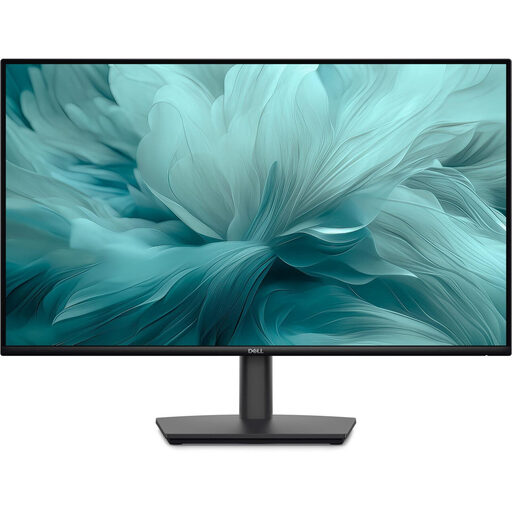 Image unavailable
Dell Pro 27 E2726HS Full HD monitor, 27 inches
The adjustment options may come in handy at a shared desk, especially if different people need to change the screen position.
27 inches; height, tilt and pivot adjustment; HDMI and DisplayPort.
View at Joybuy
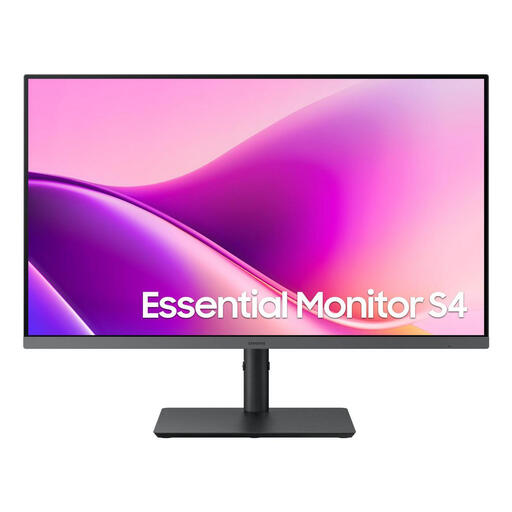 Image unavailable
Samsung Essential Monitor S4 S43UF, 27 inches, FHD, IPS, 100 Hz, USB-C
An option if you’re looking for a 27-inch screen with adjustment options to suit different seating positions.
1920 × 1080 pixels; 135 mm height adjustment, tilt and swivel; HDMI and DisplayPort.
Before buying, check that USB-C video output and charging power are compatible with your laptop.
View at Joybuy
 Image unavailable
Blackview SCM5, portable 14-inch Full HD IPS monitor
The compact 14-inch format may be useful for a test view in a workspace with little room to spare.
Full HD; IPS panel; adjustable stand.
Check which connection your computer needs for the video output you want.
View at Joybuy
 Image unavailable
Gigabyte GS27QCA, curved 27-inch QHD gaming monitor, 180 Hz
The QHD format may be useful if you want a larger test view. With a curved screen, consider where you’ll place it and how far away you’ll sit.
2560 × 1440 pixels; DisplayPort, two HDMI inputs and tilt adjustment.
View at Joybuy
Frequently asked questions
Does a 4K monitor automatically make an application usable with a keyboard?
No. The W3C Web Accessibility Initiative treats keyboard accessibility, focus order and visible focus as properties of the interface being tested. Test the application with a keyboard; resolution alone doesn’t prove that any criterion has been met.
What should I check first when connecting different laptops?
First, compare each laptop’s video output with the monitor’s signal input. If you want to charge the laptop through the monitor, check its power requirements against the USB-C Power Delivery rating. If you’re using two computers, also check how video and USB input devices connect to the specific KVM model.
Are a guarantee and statutory consumer rights the same thing?
No. For consumer purchases in Germany, statutory consumer rights apply against the seller, while a guarantee is an additional voluntary promise with its own terms. Check them separately.
What workplace requirements apply to a shared monitor?
If the desk is a screen-based workstation in a workplace covered by Germany’s Workplace Ordinance, the employer must take the relevant requirements into account. The Federal Institute for Occupational Safety and Health sets these out in ASR A6. The term “shared desk” alone doesn’t mean that it’s a workplace of this kind. ASR isn’t a blanket certification requirement for every monitor bought for private use.
How should I dispose of an old monitor?
In Germany, electrical waste must be collected separately and must not go in household rubbish. The Federal Environment Agency advises that electrical waste should be collected separately. Contact your local authority to find out what return options are available.


