Instructions and pattern side by side
If you want to see sewing instructions and a pattern at the same time, focus on usable screen space and legible scaling – not just the screen size.


A 27-inch QHD monitor is a sensible starting point for viewing instructions and a pattern side by side, provided the text and markings remain legible at your preferred scaling. 4K or a wider format may suit you if you want to keep several work areas open at once; also check your desk space, seating position and connections. Track Changes is provided by your document software, not by the monitor.
If you want to see sewing instructions and a pattern at the same time, focus on usable screen space and legible scaling – not just the screen size.
When you’re making lots of text changes, clear lettering, a suitable screen position and as little distracting glare as possible are important. ASR A6 sets out requirements for workplaces within its scope; it does not automatically apply to private use.
If you switch between working on your laptop and at a desk, check that both the monitor and laptop support the video signal, data connection and, where needed, charging power you require. A USB-C port alone doesn’t guarantee this.
First decide which content you want to see at the same time. Then compare readability and positioning at your own workstation, and finally check that the monitor’s connections are compatible with your computer.
| Priority | What to check when buying | Who is this important to? |
|---|---|---|
| Document and sewing pattern | Open a typical document beside the pattern and check the resolution, aspect ratio, text size and desk width. | I want to keep the instructions and pattern open without constantly switching between windows. Around 36% of consumers say working on both side by side is their top priority. |
| Readability when editing | Check text size, the change-tracking view, reflections, and the screen’s height and tilt from your usual seat. | When I review longer passages with changes visible, I want the text and markings to be easy to make out. Around 29% of consumers put this readability first. |
| Connecting to a laptop | Compare your laptop’s video output, cable and charging requirements with the specifications for the specific monitor. | I want to use my laptop at my desk with connections that are as suitable as possible. Around 21% of consumers prioritise connectivity and the option to charge through the monitor. |
| Desk space and energy use | Measure the available space and, for specific models, compare the EU energy label and product information sheet on the same basis. | If my desk has limited space, I want to make the best use of it and compare the energy use of specific models. Around 14% of consumers prioritise a compact setup and making this comparison. |
A screen can display markings, but they are created and managed in the document software you use.
Check what your software can do and try a real document in the view you want to use.
Dell lists the P2725D and P2725DE as different models. The USB-C hub is specified for the P2725DE, so don’t assume the P2725D has one too.
Before buying, compare the full model number, connections and your laptop’s requirements.
Depending on your laptop, you may need a separate dock or a different connection.
A wide format doesn’t make up for insufficient vertical space or unsuitable desk dimensions. LG’s German product page lists the 49-inch LG 49WQ95X-W as no longer available.
Measure your desk and compare the vertical resolution too. Check whether the specific model is available before you buy.
An especially wide monitor takes up a lot of desk space.
The P2725DE is a 27-inch QHD monitor with a USB-C hub. Dell lists the similarly named P2725D as a separate model.
The FlexScan range includes compact Full HD models and wider screens for different window layouts.
The ProArt PA279CRV is a 27-inch 4K model for text and viewing image detail.
At 31.5 inches and 4K, the RD320UA offers more workspace for pattern and document windows.
The 49WQ95X-W illustrates an especially wide 32:9 layout.
The models below suit different window layouts, from a 27-inch QHD screen to wide ultrawide formats for viewing instructions and a sewing pattern side by side.
 Image unavailable
The wide display may suit you if you want instructions and a sewing pattern visible in separate areas at the same time; check your available desk width first.
49 inches, 32:9 and 5120 × 1440 pixels; height-adjustable stand.
 Image unavailable
The 21:9 format gives you room for documents side by side; consider the screen’s curve and how much desk space you’ll need.
3440 × 1440 pixels; PIP/PBP modes and height-adjustable stand.
 Image unavailable
The wide format is worth considering if you want several work areas visible at once. Allow enough desk space and check whether 65 W of charging power will suit your laptop.
5120 × 2160 pixels; USB-C with up to 65 W Power Delivery and PIP/PBP modes.
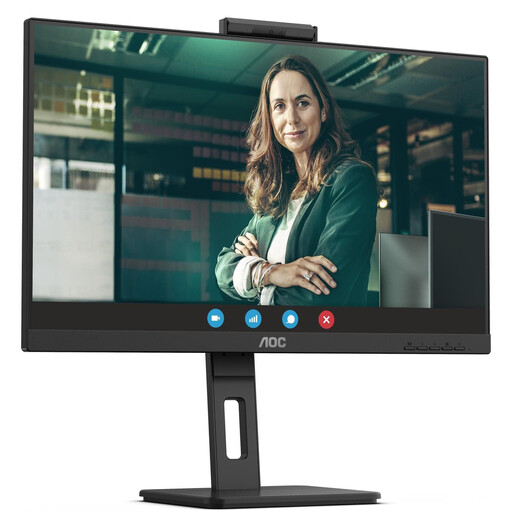 Image unavailable
27 inches and QHD offer a potential starting point for two document areas; check how everything looks with your own text scaling.
2560 × 1440 pixels; USB-C with up to 90 W Power Delivery, USB hub, height adjustment and pivot function.
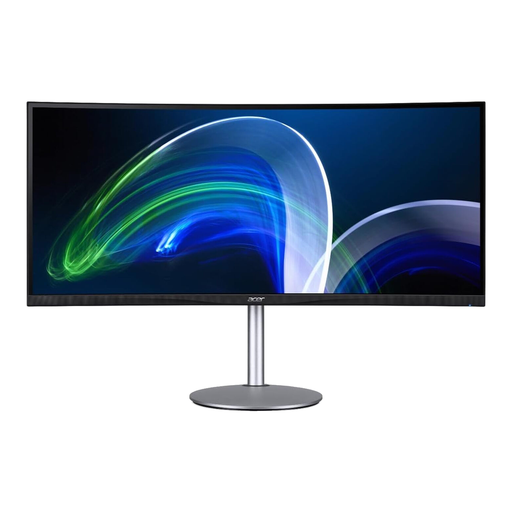 Image unavailable
The 21:9 format may suit you for viewing instructions and a sewing pattern in separate windows; consider the screen width and your viewing distance.
3840 × 1600 pixels; two HDMI ports and DisplayPort.
No. Microsoft describes marking, viewing and accepting changes as Word features. Choose a monitor for readability and window layout, and check the features of the software you actually use.
Adjust the screen position and text size so that text and graphics are clear from your usual viewing distance, and check for distracting reflections where you plan to place it. ASR A6 sets out workplace health and safety requirements within its scope; it is not a blanket rule for home desks.
No, the shape of the socket alone doesn’t tell you enough. Compare your laptop’s video output and charging requirements with the specifications for the specific monitor. For example, EIZO specifies DisplayPort Alt Mode and up to 70 W for the EV2490.
For a qualifying distance purchase from a trader, you generally have 14 days from delivery to cancel; exceptions and possible return costs should be taken into account. EU consumer information also describes a statutory guarantee of at least two years for faulty goods. This is separate from a voluntary manufacturer’s warranty.
The European Commission includes computer monitors within the scope of energy labelling for electronic displays. For a specific model, compare its energy label with the product information sheet; without details of how you use it, you can’t work out a specific annual electricity bill from this information.