What should you look for?
Try the monitor with your own files and at your usual viewing distance. The BAuA emphasises that screen position should suit your individual eyesight.
| What you need |
What to check before buying |
Who is this important to? |
| Keeping your draft and notes in view |
Open typical files side by side and check the window width, text size and viewing distance. |
If I want to keep my manuscript, recipe draft and list of changes open at the same time, I need room for a clear, readable two-window view. Around 36% of consumers make this simultaneous overview their top priority. |
| Reading long texts |
Try the height adjustment, tilt and text scaling at your usual writing spot. |
When working on long chapters, I want to adjust the text view and screen position to suit my seating position. Around 29% of consumers prioritise comfortable reading during longer sessions. |
| Connecting a laptop |
Check that your laptop’s video output, the monitor input, the cable and the required charging power are all compatible with the specific model. |
If I regularly use my laptop at my writing desk, the video connection and, where applicable, power supply need to work together. Around 21% of consumers prioritise laptop connectivity. |
| Reviewing images and layouts |
Try one of your own image or layout files and check whether you’re reviewing drafts or need colour-accurate work. |
For recipe illustrations and page layouts, I want to assess fine details without assuming that on-screen colours will match print. Around 14% of consumers put image and layout details first. |
Monitors available at Joybuy
Depending on how you work, these monitors may suit QHD or 4K viewing, adjustments at your writing desk, or reviewing image details.
 No image available
INNOCN CB27U1 27-inch 4K UHD monitor
Could be worth considering for manuscript work involving extra image or layout details.
The product name specifies 27 inches, 3840 × 2160 pixels, 120 Hz and USB-C with 90 W Power Delivery, as well as PIP and PBP. The stand is described as height-adjustable and pivotable.
View at Joybuy
 No image available
Philips 276B1 27-inch QHD monitor
A QHD option for working with your manuscript and notes on one screen.
The product name specifies 27 inches, 2560 × 1440 pixels, 75 Hz, IPS and 350 cd/m². To connect using a USB-C cable, your laptop and its port must support the required video and charging functions.
View at Joybuy
 No image available
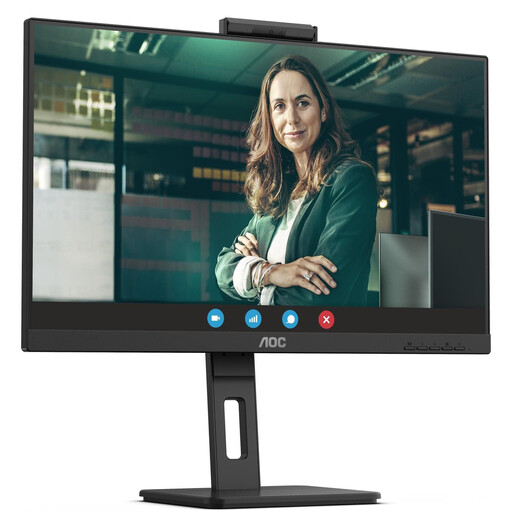
AOC Pro-Line Q27P3CW 27-inch QHD monitor
Could be a good fit for viewing a manuscript and revision notes together in QHD.
The product name specifies 27 inches, QHD, 75 Hz, IPS and 350 cd/m².
View at Joybuy
 No image available
GIGABYTE G27Q20 27-inch QHD monitor
A QHD option if you want to review your draft and notes in landscape orientation.
The product name specifies 27 inches, 2560 × 1440 pixels and a height-adjustable stand. The stated refresh rate is 200 Hz, or 210 Hz when overclocked.
View at Joybuy
 No image available
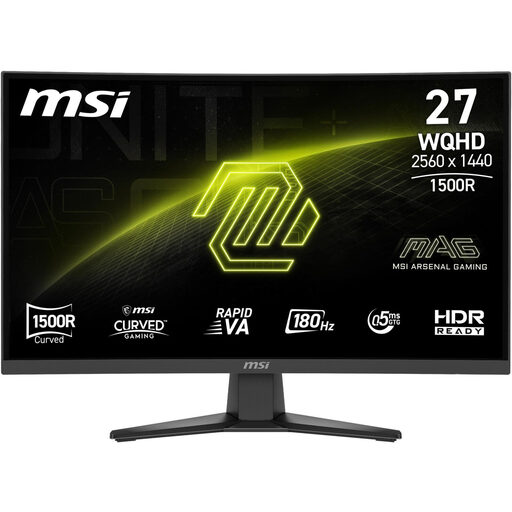
MSI MAG 275CQFDE E18 27-inch QHD monitor
Could be an option for viewing your manuscript and notes on a 27-inch QHD screen.
The product name specifies 2560 × 1440 pixels, a 16:9 aspect ratio and a 0.5 ms response time. The stand can be tilted.
View at Joybuy
Frequently asked questions
Is QHD or 4K better for a manuscript and notes?
Neither resolution is automatically the better choice: what matters is whether the window layout and text size work at your viewing distance. Dell specifies 2560 × 1440 pixels for the 27-inch P2725D; EIZO gives 3840 × 2160 pixels for the 27-inch EV2740X. More pixels alone don’t guarantee comfortable reading.
Is one USB-C cable enough for video and laptop charging?
Only if your laptop, port, monitor and cable support the required functions. BenQ specifies DisplayPort Alt Mode and 65 W Power Delivery for the GW2790QT; check that the charging power meets your laptop’s requirements.
How should I set up my monitor for longer reading sessions?
Adjust the screen position and text size to suit your seating position and eyesight. The BAuA explains how to match screen position to your body measurements and, where necessary, your glasses.
What are my rights if my monitor is faulty?
If a product is faulty, statutory rights against the seller are separate from any voluntary guarantee. According to the Verbraucherzentrale (German Consumer Advice Centre), for purchases made from 31 July 2026, the statutory warranty period may increase from two to three years in the circumstances described, if the fault is remedied by repair within the first two years.
What about returning an old monitor and the energy label?
Waste electrical equipment is collected separately. Stiftung ear explains that, when you buy a new product, retailers required to offer take-back must accept one old appliance of the same type free of charge. Without a new purchase, take-back is limited to appliances no more than 25 cm in any external dimension. The European Commission explains that covered monitors carry an energy label from A to G.


