Planners using multiple devices
If you switch between previously paired devices while organising, check whether the mouse lets you switch at the touch of a button and whether your computers support the relevant Bluetooth or USB connections.


If you switch between your own computers while planning, a mouse with multiple device channels can be useful. At a computer shared by different people, a suitable connection and a shape that works for everyone matter more. For quiet meetings, look specifically for quiet buttons, and consider hand size and handedness if you’ll be using it for long sessions. The manufacturer’s description of a mouse’s shape is no substitute for trying it out yourself.
If you switch between previously paired devices while organising, check whether the mouse lets you switch at the touch of a button and whether your computers support the relevant Bluetooth or USB connections.
Quiet buttons can be helpful when preparing invitations and schedules alongside other people. Also make sure the shape and connection suit the people using it and the ports available at the desk.
If you spend a long time working on lists and documents, hand size, handedness and personal fit are important factors. The German Social Accident Insurance (DGUV) notes that intensive computer use can be associated with discomfort in the hand, arm, shoulder or neck.
First, work out whether you’ll be switching between devices or whether different people will use the same computer. Then you can compare connection type, noise level, fit and power supply more easily.
| What matters | What to check before buying | Who is it important to? |
|---|---|---|
| Connection and switching between devices | Check the number of device channels, as well as Bluetooth support and receiver connectivity on the specific model. | If I switch between previously paired computers while planning, the connections need to work with my devices; around 33 % of consumers put switching between devices first. |
| Clicking sounds at a shared desk | Look for an explicit mention of quiet buttons, and check that the shape and connection also suit your needs. | When preparing invitations alongside others, I want to keep clicking sounds to a minimum without overlooking a comfortable shape; around 27 % of consumers prioritise quiet operation. |
| Hand comfort during longer sessions | Consider hand size, handedness and button placement; try the mouse out yourself if possible. | If I’m working on lists and documents for a long time, the mouse needs to suit my hand and handedness; around 20 % of consumers prioritise fit. |
| Ease of use and ongoing upkeep | Check the battery type, charging port or cable, and the connection required on your computer. | At a shared desk, I want to keep power and connectivity simple; around 20 % of consumers pay particular attention to ease of use and low ongoing upkeep. |
Multiple device channels make it easier to switch between paired computers. But they won’t accommodate different hand sizes or left- and right-handed users.
First, consider whether it’s devices, people or both that will be changing. Then check the connection and fit separately.
The Logitech Signature M650, M650 L and M650 L Left differ in the hand size and handedness they’re designed for.
Before ordering, compare the full model name with the stated hand size and handedness.
A wireless mouse may need a USB receiver and batteries; other models are rechargeable. You can’t tell which just from the fact that it’s wireless.
Check that the required port is available at your desk, and decide whether you’d prefer batteries, a charging port or a cable.
The Signature M650 and the vertical Lift offer different shapes.
The WM-900 is designed for switching between devices, while the MW-300 V2 is a quiet wireless mouse.
The Ozaa+ combines multi-device support with quiet buttons and two scroll wheels.
The MC 1000 is a symmetrical wired mouse for a fixed workstation, while the MW 8C ERGO is a wireless option for right-handed users.
The M500 Silent is a quiet wireless mouse with multi-device support.
This selection includes mice for quiet operation, switching between devices, different hand shapes and a wired workstation.
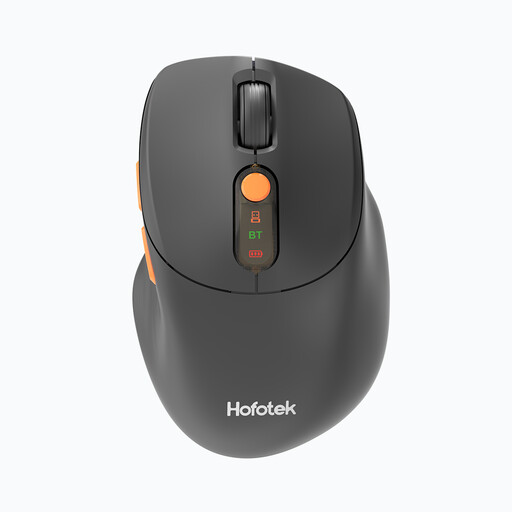 No image available
For working quietly alongside others and switching between devices; according to the product description, you can connect up to three devices via 2.4 GHz wireless and Bluetooth.
Multiple DPI settings; powered by one AA battery.
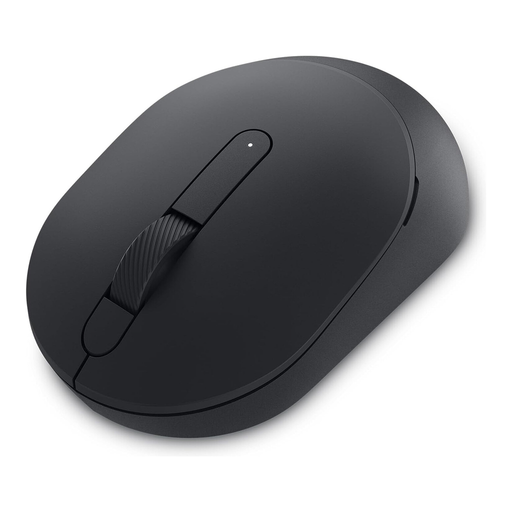 No image available
For quiet operation and switching between paired devices: Bluetooth and 2.4 GHz wireless are listed as connection options.
Requires a USB-A port and one AA battery for wireless use.
 No image available
For long documents and switching between multiple devices; the stated shape is specifically designed for right-handed users.
Bluetooth, connection to up to three devices, Quiet Clicks and a MagSpeed scroll wheel; 8K DPI sensor according to the product name.
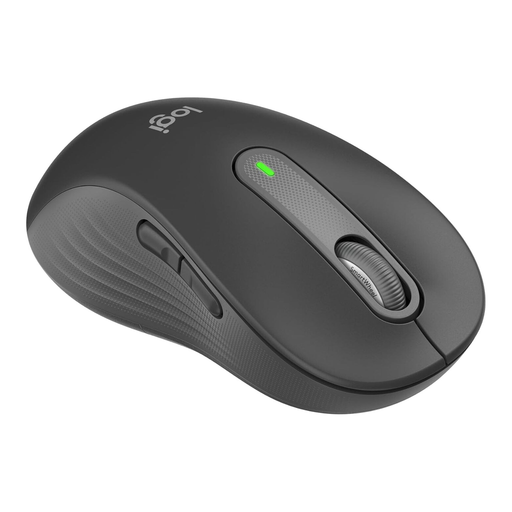 No image available
For a left-handed person with large hands; this version isn’t designed to suit different handedness equally.
Bluetooth, Logi Bolt, SilentTouch, SmartWheel and customisable side buttons; powered by one AA battery.
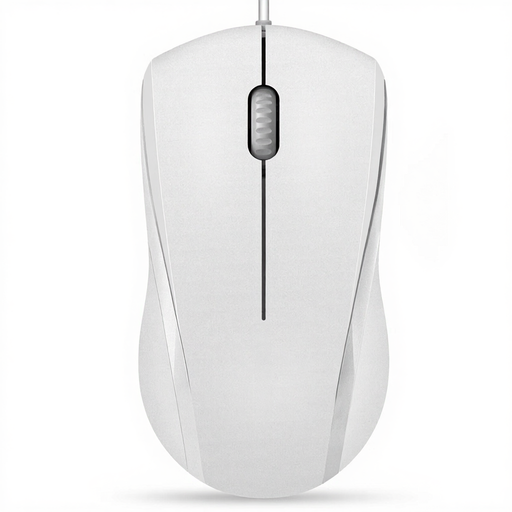 No image available
For a fixed workstation where left- and right-handed users can share the same symmetrical mouse; the cable limits where you can position it.
USB cable, 1000 DPI and three buttons. The buttons are described as quiet, but the middle click is specifically not.
Not necessarily: some models support Bluetooth channels as well as a USB receiver. Check that each computer supports your chosen connection, and whether you’re allowed to pair it or plug in a receiver.
Connect the devices using the channels supported by the specific model, and test the switch before the event. Device channels don’t replace separate user accounts or personal settings on a shared computer.
Before buying, check whether the mouse uses replaceable batteries or a rechargeable battery. The German Environment Agency (Umweltbundesamt) advises that used batteries and rechargeable batteries must not be put in household waste. Instead, take them to collection boxes in shops or municipal collection points.
When monitoring the market, Germany’s Federal Network Agency lists CE marking, product and manufacturer identification, instructions in German and a declaration of conformity among the points to check. A brand listing or shop description alone doesn’t confirm that every individual item offered meets these requirements.