Working at a cramped desk
If there’s barely any room to move your hand alongside your keyboard and laptop, you could compare a compact mouse with a stationary trackball.


If desk space is your main concern, a stationary trackball could be a good fit. If you prefer the familiar movement of a mouse and need to navigate long spreadsheets, consider a compact mouse. For longer sessions, the shape that suits your hand may matter more than a particularly small casing. Before you buy, check the scroll direction, connectivity and software compatibility – no design is automatically right for every hand.
If there’s barely any room to move your hand alongside your keyboard and laptop, you could compare a compact mouse with a stationary trackball.
If you often navigate long lists and wide spreadsheets, check how vertical and horizontal scrolling work before you buy.
If you use your input device for long periods, the shape that suits your hand and your posture may matter more than having the smallest possible casing. Logitech says the Lift suits small to medium-sized hands; the brand also offers a separate left-handed version.
A good fit if: You have room to move it and want a familiar way to navigate spreadsheets and web pages. Logitech describes the MX Anywhere 3S as compact and says you can scroll horizontally by holding down a side button while turning the wheel.
Worth noting: Compact doesn’t mean the mouse stays still as you move the cursor. Logitech says the compatible Logi Bolt receiver is not included with the standard MX Anywhere 3S.
A good fit if: There’s hardly any room to move a mouse from side to side. Kensington describes the Orbit Wireless with Scroll Ring as ambidextrous.
Worth noting: Kensington describes the ring as being for vertical scrolling. Using the ball feels different from moving a conventional mouse, and the ball and its socket may need cleaning.
A good fit if: Hand shape and grip are your main priorities for longer sessions. Logitech says the Lift suits small to medium-sized hands and offers a left-handed version.
Worth noting: You still need to move a vertical mouse across the desk. Check that it suits your hand and handedness; the manufacturer’s description is no guarantee that it will prevent discomfort.
| What matters | What to look for when buying | Who should pay particular attention |
|---|---|---|
| Room to move | Measure the space beside your keyboard and consider whether a ball-controlled mouse could work for you. | If you work at a cramped desk but can still move a mouse, or are considering a stationary trackball, think about the amount of space you actually need. Around 36% of consumers put available desk space first. |
| Spreadsheet navigation | Check vertical and horizontal scrolling, as well as how the controls work in your spreadsheet application. | If you often work through lots of rows and columns, the navigation should suit the way you work. Around 29% of consumers prioritise navigating spreadsheets. |
| Hand fit | Check the size of your hand, your handedness, which buttons you can reach and where the mouse will sit on your desk. | If you expect to spend long sessions at your computer, make sure the shape and buttons suit your hand. Around 21% of consumers prioritise hand fit. |
| Connectivity and switching between devices | Check Bluetooth support, available USB ports and what’s included with the exact version. | If you switch between devices, choose a connection that works with your computer and the way you use it. Around 14% of consumers put connection flexibility first. |
Even a small, conventional mouse needs to move across the desk to control the cursor; a trackball stays in place.
Compare the space you need to move your hand, not just the size of the casing.
According to Logitech, scrolling horizontally with the MX Anywhere 3S requires you to hold down a side button and turn the wheel. The scroll ring on the Kensington Orbit is described as being for vertical scrolling.
Check how the controls work in your spreadsheet application and whether you can still use the button mapping you need.
Logitech says the compatible Logi Bolt receiver isn’t included with the standard MX Anywhere 3S. If you need one, you may have to buy it separately.
Before placing your order, check the connection options and what’s included with the exact version.
According to Logitech, the Lift is designed for small to medium-sized hands. Handedness, posture and your desk set-up also play a part.
Check your hand size, handedness, grip and reach to the buttons before choosing a shape.
For this comparison, the compact MX Anywhere 3S and the vertical Lift offer two different shapes for different priorities.
The Orbit Wireless with Scroll Ring is a trackball option if there’s little room to move a mouse.
The MW 8C ADVANCED is a compact mouse for buyers who want to choose between Bluetooth and a wireless receiver.
The following Joybuy mice offer options for basic navigation, switching between devices and ergonomically shaped designs.
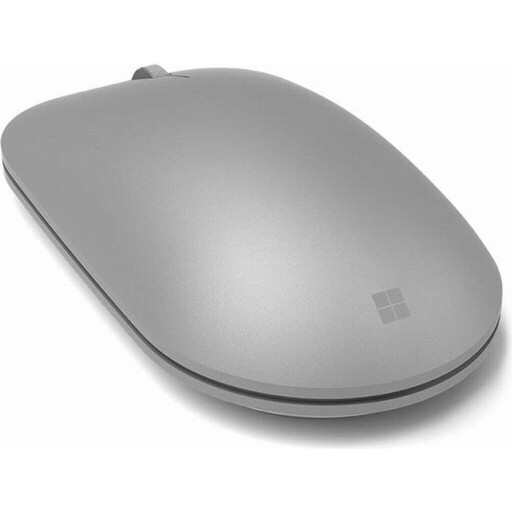 No image available
An option if you’re looking for a Bluetooth mouse for basic spreadsheet navigation.
Bluetooth connectivity.
 No image available
An option if you want to choose between Bluetooth and 2.4 GHz wireless and adjust the cursor speed.
The product title lists several adjustable DPI settings, an ergonomic design and an AA battery.
 No image available
An option if you’re looking for a mouse with scrolling features for longer or wider spreadsheets and a Bluetooth connection.
The product title lists 8K DPI, a MagSpeed scroll wheel, Quiet Clicks and an ergonomic shape. The product description says the casing is designed for right-handed use.
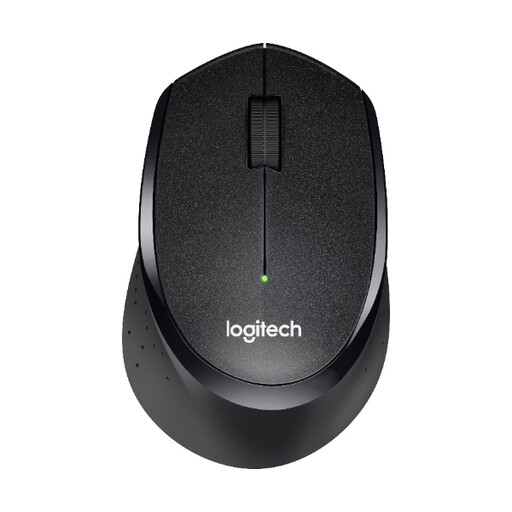 No image available
An option if you’re looking for a mouse with a standard scroll wheel and a USB wireless receiver.
The product title lists a nano USB receiver, 1000 DPI and three buttons. According to the product description, the shape is designed for right-handed use.
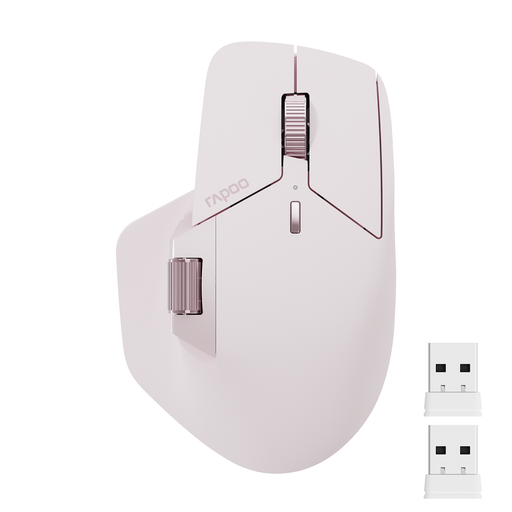 No image available
An option if you switch between several devices and want to use programmable buttons.
The product title lists Bluetooth 5.0, 2.4 GHz wireless, support for up to four devices and eleven programmable buttons.
No. Excel also offers scroll bars and keyboard shortcuts for navigation. Logitech says that to scroll horizontally with the MX Anywhere 3S, you need to hold down a side button and turn the wheel; changing the button mapping may disable this feature.
Kensington describes the Orbit Wireless as plug-and-play for Mac and PC; the accompanying software provides additional customisation. Kensington recommends cleaning the ball and its socket if dirt builds up, particularly if the cursor starts to stick.
Check what’s included before placing your order: according to Logitech, the compatible Logi Bolt receiver isn’t included with the standard MX Anywhere 3S. For consumer purchases in Germany, online orders generally come with a 14-day right to cancel from the date of delivery, as explained by the Verbraucherzentrale; your statutory rights if a product is faulty are separate from a manufacturer’s voluntary guarantee.
Germany’s ASR A6 sets out requirements for display-screen workstations within its scope; this doesn’t create a blanket requirement for private buyers to choose a particular type of mouse. The German Environment Agency says that electrical and electronic waste must not go in household rubbish, and that removable batteries should be collected separately before disposal.