For teams with existing film files
If you need to play local videos with audio and possibly subtitles, check the original files on the specific device. LG Germany and Sony Germany both note that format and codec support varies by model.


For occasional, supervised screenings, a TV may be suitable, provided the video, audio and subtitle formats you use work on the specific model; LG Germany notes that codec limitations vary by model. For regular, longer or unattended screenings, a professional display with a documented operating time and playback scheduling is a better option to investigate: Philips lists 18/7 operation and scheduled playback for the 55BDL3650Q/00, while Samsung lists 24/7 operation for the LH55QMCEBGCXEN. You should also check screen size, power consumption and film rights separately.
If you need to play local videos with audio and possibly subtitles, check the original files on the specific device. LG Germany and Sony Germany both note that format and codec support varies by model.
If films need to run to a schedule during opening hours or for extended periods, playback scheduling and documented operating time matter. Philips and Samsung list these features and operating specifications for specific signage models.
The right screen size depends on where it will be installed and where visitors will be viewing it from. You should also check subtitles using the actual film files. The German Environment Agency identifies screen size as an important factor in power consumption.
A good fit if: Volunteers start and supervise occasional screenings, and a test with your existing files is successful.
Bear in mind: A USB port and file extension alone don’t guarantee that the codec, audio and subtitles will work; they also don’t confirm that the TV can run an exhibition automatically. LG Germany explains that playback requirements vary by model.
A good fit if: Films need to run to a schedule or throughout longer opening hours.
Bear in mind: Operating time applies to the specific model: Philips lists 18/7 operation and scheduled playback for the 55BDL3650Q/00, while Samsung lists 24/7 operation for the LH55QMCEBGCXEN. These manufacturer specifications don’t replace testing your film files.
A good fit if: A playback or subtitle feature you need isn’t confirmed to work on the built-in player, and you’re considering an external media player.
Bear in mind: You’ll need to plan for the extra equipment, power supply and operation. Check separately that the player and its connections are suitable for your specific files.
When playing locally stored volunteer films in a museum, these are the four main buying decisions to weigh up.
| Buying consideration | What to check | Who is it most relevant to? |
|---|---|---|
| Playing film files | Check the video and audio formats supported by the specific model; test original files with subtitles. | If our films need to play with their audio and subtitles, I check compatibility with the specific model. Around 36% of consumers put file compatibility first. |
| Scheduled and extended operation | Set the daily running time; check the specific model’s playback scheduling and documented operating time. | If films need to start repeatedly during opening hours, I want to avoid having to start them manually wherever possible. Around 29% of consumers prioritise the operating process. |
| Visibility and subtitles | Consider the location and viewing positions; show the actual subtitles. | If visitors need to see the picture and subtitles from different positions, I check their readability on site. Around 21% of consumers put visibility and subtitles first. |
| Power consumption and ongoing costs | Compare energy data for the specific model with the planned operating hours; choose a size that suits the location. | For longer operating times, I want to compare power consumption based on intended use rather than choosing by screen size alone. Around 14% of consumers prioritise ongoing costs. |
An unsupported codec can prevent playback even when there’s a USB port.
Check representative original files, including their audio and subtitles, on the model you plan to use or against its model-specific documentation.
Adapting files or checking a separate media player may involve extra setup.
A TV label doesn’t confirm a particular operating time or automatic start-up sequence.
First decide on the daily running time and operating process, then compare the documented features of the specific model.
The German Environment Agency identifies screen size as an important factor in power consumption.
Choose a suitable size for the location and compare the energy data for the specific model.
Different rights may apply to a film and the music used in it.
Before a public screening, make sure you have the necessary permissions and usage rights for the specific films and their music.
The Q-Line is a signage option for museums looking to play local content to a schedule; the specifications refer to the 55BDL3650Q/00 model.
The range includes TVs such as the GU55U8079HUXZG as well as professional signage models such as the LH55QMCEBGCXEN; these are different types of device.
The 55UA75006LA TV is an option for supervised screenings; LG Germany lists it as a 55-inch 4K LCD model.
Another TV option if documentation on your specific local film files is important when choosing a model.
The Joybuy products below are TVs that may be suitable for playing local museum films. Check that the specific model supports your files and that its operating process suits your screening times.
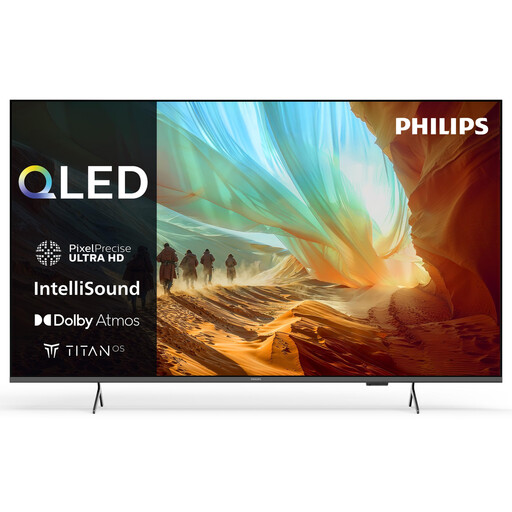 No image available
As a 75-inch TV, this model could be suitable for a large-format display; check how your original files play on the specific device.
Specifications: 75 inches, 4K, QLED, Dolby Atmos, Titan OS, HDR10 and HLG, Direct LED, Wi-Fi and Bluetooth, 3 HDMI ports.
 No image available
This 77-inch TV is an option for screenings; check that its size suits the location and viewing positions, and test your film files.
Specifications: 77 inches, 4K, OLED, 120 Hz, energy class D, 2026 model, webOS.
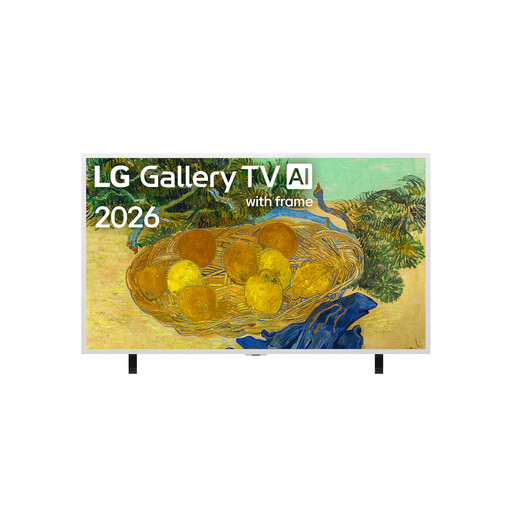 No image available
The screen size is listed as 55 inches; check whether this size is suitable for screenings at your intended location.
Specifications: 55 inches, 4K, Mini LED, Gallery Series.
No. LG Germany lists the file extension and codec as separate playback requirements; Sony Germany directs users to the formats supported by their specific model. Test the film and audio using an original file.
Check which file system and subtitle formats the specific device supports. If you’re using separate subtitles, test the file name and codec compatibility with an original file too.
Compare the energy consumption of the specific model against your planned operating hours and electricity tariff. Factor in extra playback equipment or installation only if you actually need them.
Not automatically. The German Patent and Trade Mark Office (DPMA) explains that copyright holders can grant usage rights; for music used in a film, GEMA states that permissions are required. Check the rights for each film and the specific public screening.
GEMA has different tariffs for one-off and regular screenings of films with sound. The right tariff for the museum depends on how often you screen films and how music is used; check your specific situation with GEMA.