With tall windows, first check the TV’s position and how it handles reflections in the intended location: RTINGS points out that high brightness does not automatically eliminate direct reflections. For groups, viewing angles and screen size matter too. Test your existing film files, including their audio, using the playback method you plan to use. For public screenings, you’ll need to check film and music rights separately – buying a TV does not grant them.
Who is this selection for?
Screening films in front of tall windows
If you show films during the day, check how the windows appear on screen – especially in dark scenes. RTINGS highlights reflection handling as a separate factor to consider when assessing a TV for a bright room.
Groups with seats off to the side
If your audience won’t all be sitting directly in front of the screen, the seats at the sides matter too. Sony lists a model-specific viewing-angle feature for the BRAVIA 9; what matters most is testing the actual TV in the room where you plan to use it.
Screenings run by different people
If several volunteers will be starting existing files, straightforward controls and a tested playback method are important. Sony notes that unsupported codecs can prevent playback.
What should you consider when buying?
| Consideration |
What to check when buying |
Who it matters most to |
| Light from windows |
TV position and window angle; assess the picture in typical daylight using both dark and bright film scenes. |
If I’m showing films during the day in front of tall windows, I want to see how distracting reflections are, especially in dark scenes. Around 42% of consumers put light from windows first. |
| Seats off to the side |
Check the viewing distance and the seats at the sides; assess the screen size and picture from those positions. |
If viewers are sitting to the side, I want them to be able to make out the film from their seats. Around 25% of consumers say that seats at the sides are their main concern. |
| Playing film files |
Test an existing file, including its audio; if needed, check the HDMI player you plan to use too. |
If I need to show existing films, I want to know in advance whether the picture and audio work with the playback method I plan to use. Around 17% of consumers prioritise film playback. |
| Regular use |
Compare the EU energy label with your expected usage; if you’re considering OLED, take long periods of static images into account too. The European Commission displays energy consumption on the label in kWh per 1,000 hours of operation. |
If screenings are frequent, I want to estimate electricity consumption based on the planned usage and consider long periods of still images. Around 16% of consumers prioritise running costs. |
Common pitfalls
-
Assuming peak brightness means good visibility in daylight
An advertised peak HDR brightness figure alone doesn’t tell you how noticeable direct or indirect reflections will be in film scenes.
Check the TV’s position and screen surface at the planned screening time, using typical film scenes.
-
Assuming “Smart TV” means every film file will play
A USB port alone doesn’t guarantee that the video and audio codecs in an existing file will be supported.
Test a representative file, including its audio, using the playback method you plan to use. If you’ll be using an external player, check its connection and controls too.
-
Confusing buying a TV with getting permission to screen films
The right to use the TV and the rights to a film and its music are separate matters.
Before a public screening, check the rights for the specific film, any music used and the planned screening format. The DPMA explains that usage rights can be granted through licence agreements; GEMA lists separate tariffs for one-off and regular screenings of films with sound.
-
Overlooking long periods of still images when choosing a display
LG describes image retention as a possible risk with OLED if static images are displayed for extended periods. This is a different use case from showing moving films and doesn’t justify a blanket statement about every OLED model.
Consider how long logos, menus or pause screens will remain on display. If that’s part of your setup, compare LCD options too.
Key TV brands at a glance
Sony
The BRAVIA 9 is a Mini LED option to consider when assessing reflections and seats at the sides.
- Sony lists X-Anti Reflection and X-Wide Angle as features of the BRAVIA 9.
- Manufacturer specifications don’t show how the TV will perform in your particular museum space. For USB files, check the details for the exact model.
Samsung
Samsung lists the QN90F as a Mini LED option and the S95F as an OLED option, both with Glare-Free technology.
- The manufacturer lists anti-glare technology as a feature of both models.
- Consider the display technology and use with long periods of still images separately. The manufacturer’s specifications aren’t a direct comparison in your museum space.
TCL
The 65Q8C is a QD Mini LED option; TCL describes its screen surface as having a low-reflection film.
- This screen-surface specification relates to the specific model.
- A peak HDR brightness figure doesn’t automatically tell you how bright whole film scenes will appear or how the screen will handle direct reflections from windows.
LG
The 65QNED93A6A is a Mini LED option with webOS 25 and a remote control listed by the manufacturer.
- You can assess the controls and playback method with different people running screenings.
- The specifications for this model don’t confirm how well it handles reflections in a museum space.
Panasonic
The W95A range is another Mini LED option; Panasonic lists built-in Fire TV.
- You can include the range as another option when looking for a model.
- There’s no evidence of specific anti-glare performance for this range; check the exact model and its availability before choosing.
TV models for film screenings
The following Joybuy models cover a range of screen sizes and Smart TV platforms for film screenings in groups. Check each model separately for its suitability in direct daylight and its ability to play your specific film files.
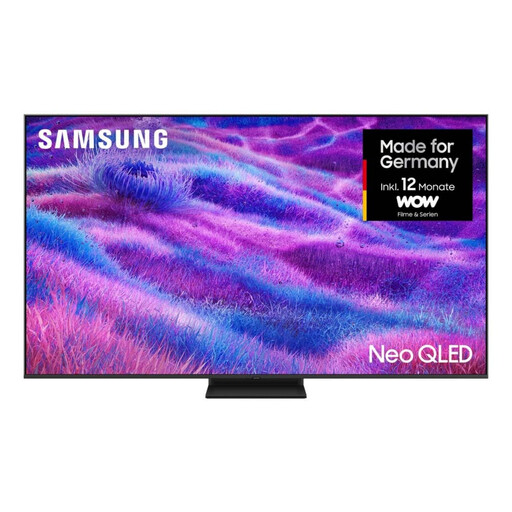 No image available
Samsung QN80F 85-inch Neo QLED Mini LED Smart TV
The stated 85-inch screen size may work well for group screenings; check visibility from the seats furthest away.
85 inches; 4K; Mini LED; Tizen; four HDMI ports.
Joybuy
 No image available
KOORUI K65N3UQ-T8 65-inch 4K UHD QLED Smart TV
If a 65-inch screen suits your space, check whether it’s large enough for the seats you have in mind.
65 inches; 4K UHD; QLED; Tizen OS; remote control.
Joybuy
 No image available
TCL 75T8D 75-inch QD Mini LED 4K Smart TV
The 75-inch screen may suit larger groups; assess the viewing distance and visibility from seats at the edges of the room.
75 inches; QD Mini LED; 4K; Google TV.
Joybuy
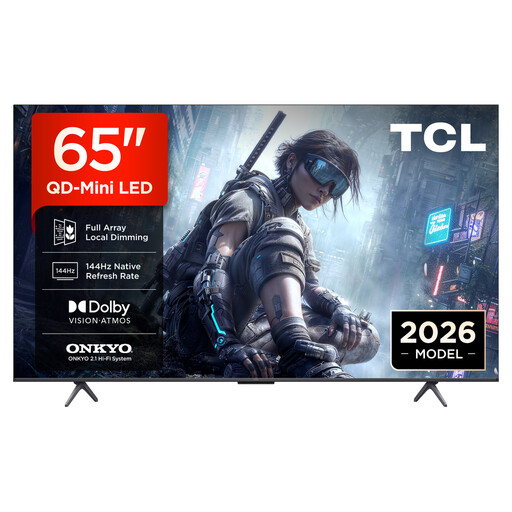 No image available
TCL 65T8D 65-inch QD Mini LED 4K Smart TV
If a 65-inch screen suits the room, compare the picture from the back and sides.
65 inches; QD Mini LED; 4K HDR; Google TV.
Joybuy
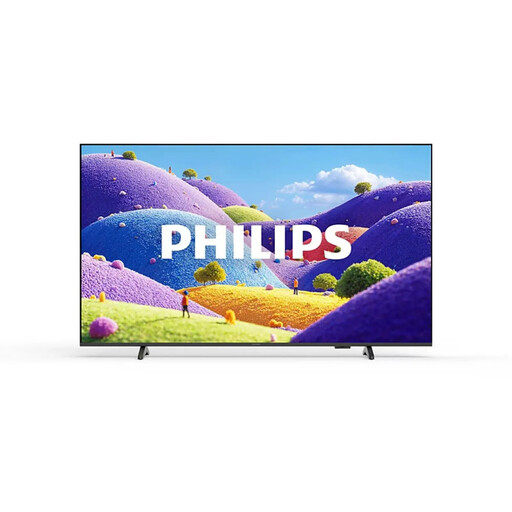 No image available
Philips 75PUS7061/12 75-inch 4K UHD LED TV
For a group screening, you can use the 75-inch screen size to check whether the picture suits the viewing distance.
75 inches; 4K UHD; Titan OS; 3 HDMI and 2 USB ports.
Joybuy
Frequently asked questions
Can I simply play the museum’s existing films from a USB stick?
A USB port alone doesn’t guarantee that you can. Check the video and audio codecs supported by the specific TV model, and test an actual film file with its audio. Sony notes that files using unsupported codecs won’t play; an external HDMI player may be an alternative.
How do I compare the TVs’ energy consumption?
Compare the figures on the EU energy labels on a like-for-like basis. The European Commission lists energy consumption in kWh per 1,000 hours of operation and includes HDR figures too. For your own estimate, also consider how many hours you expect to use the TV and your current electricity tariff.
Can volunteer-made films be shown publicly in a museum without any further checks?
You can’t assume so just because volunteers made the films. Check the usage rights for the specific film and any music used, as well as the screening format. The DPMA explains how licence agreements can grant usage rights; GEMA lists separate tariffs for one-off and regular screenings of films with sound. What applies in each case depends on the film, music and screening.
How should I clean an anti-glare screen?
Follow the instructions for the specific TV model, as coatings may have their own care requirements. Sony recommends using a clean microfibre cloth for its OLED and LCD TVs and advises against spraying liquid directly onto the screen.


