Home office with too few LAN ports
If you want to connect your server, computer and router by cable, first check that the switch has enough ports for all your devices and the connection to your existing network.


Choose a switch based on the network ports on your server and work devices, and include the connection to your existing network when calculating how many ports you need. Gigabit may be enough if you simply need more ports; 2.5GbE or 10GbE only makes sense if the devices involved and the connection between them support that speed. VLAN and PoE serve different purposes from a faster backup connection.
If you want to connect your server, computer and router by cable, first check that the switch has enough ports for all your devices and the connection to your existing network.
If you regularly back up large amounts of data locally, check that both your server and at least one frequently used client support 2.5GbE.
For VLAN configuration, a planned 10GbE connection or PoE devices, check the features of the exact model and the ports on the rest of your network equipment.
First check the network connection you need, then count all the ports. Only choose additional features such as VLAN or PoE if you have a specific need for them.
| What you need | What to check before buying | Who will find this most important? |
|---|---|---|
| Backup connection speed | Check the network port speeds on the server and client, as well as the connection between them. | If I transfer large backups locally, I want to know whether both the server and client support 2.5GbE. Around 40% of consumers prioritise the potential speed of the backup connection. |
| Number of ports and where you’ll place the switch | Count your server, clients, uplink and any planned additions, and consider where you’ll place the switch. | I need enough ports for my wired devices and want to place the switch somewhere that works in my home office. Around 30% of consumers prioritise extra LAN ports. |
| VLAN configuration | Check the VLAN capabilities of the exact model and the configuration of the rest of your network equipment. | If I need to assign devices to separate network segments, I need the right management features. Around 20% of consumers prioritise VLAN configuration. |
| Planned 10GbE connection | Check the port type at both ends and the exact switch model; RJ45 and SFP+ are different. | If I’m planning a specific upgrade to 10GbE, I want to make sure the other device supports the connection type I intend to use. Around 10% of consumers prioritise this kind of upgrade. |
A faster switch port won’t make a slower device at the other end any faster. Also, 10G-RJ45 and 10G-SFP+ are different connection types.
Check the ports on your server and clients against the exact switch model before choosing a port speed.
A faster connection may require compatible network cards, cabling or SFP+ components.
The connection to your existing network will usually use one port too. So, on a five-port switch with one uplink, four ports remain for your devices.
List your server, clients, uplink and planned additions before deciding how many ports you need.
A VLAN-capable Gigabit switch, an unmanaged 2.5GbE model and a PoE switch all serve different purposes.
Choose the features you need individually and check they’re available on the exact model, rather than assuming one feature means it has another.
The German Federal Office for Information Security points out that backed-up data must also be recoverable.
Test the recovery process once your setup is in place. Choosing a switch doesn’t replace this step.
A suitable backup and recovery process can take time and may require additional storage media.
TP-Link Germany offers straightforward Gigabit and 2.5GbE desktop switches, as well as configurable Gigabit models.
QNAP offers models for 2.5GbE devices and mixed 2.5GbE/10GbE RJ45 networks.
NETGEAR Germany offers the MS305, a five-port model for a straightforward upgrade to 2.5GbE.
D-Link Germany offers the DMS-105 as a compact 2.5GbE option.
The Zyxel XMG100 series is worth considering if you want to combine 2.5GbE with PoE or a 10G-SFP+ port.
This selection includes switches for connecting a home office backup server by cable, including Gigabit models and devices with 2.5GbE and management features.
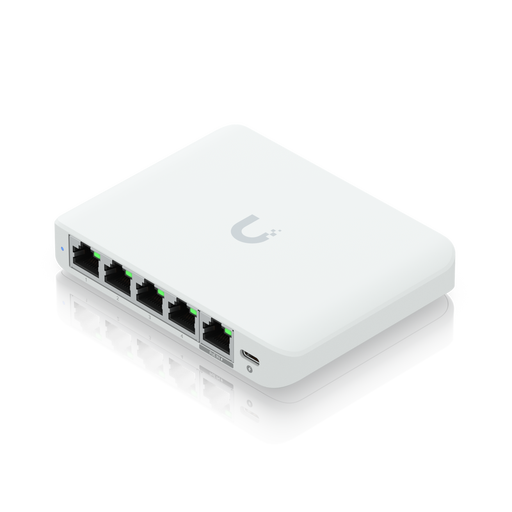 No image available
An option for a planned 2.5G Ethernet connection; check that PoE and the management features suit your existing setup.
2.5G Ethernet (100/1000/2500); desktop design.
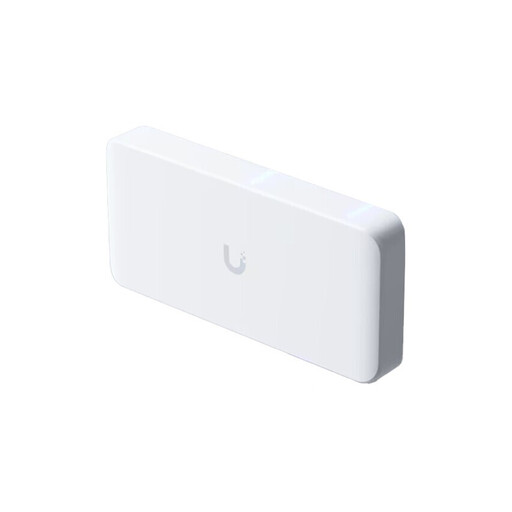 No image available
For a setup with several 2.5GbE devices and a planned 10GbE uplink; check that the ports match the devices at the other end.
The product name specifies a 10GbE uplink. A power supply isn’t included and is sold separately.
 No image available
For extra Gigabit ports and compatible PoE+ devices; not suitable for a 2.5 or 10GbE connection.
Four PoE+ ports; stated PoE budget: 60 W. Fanless metal casing.
 No image available
For a managed Gigabit setup with several wired devices; if you need VLANs, check the features of the exact model.
Eight Gigabit RJ45 ports and two SFP slots.
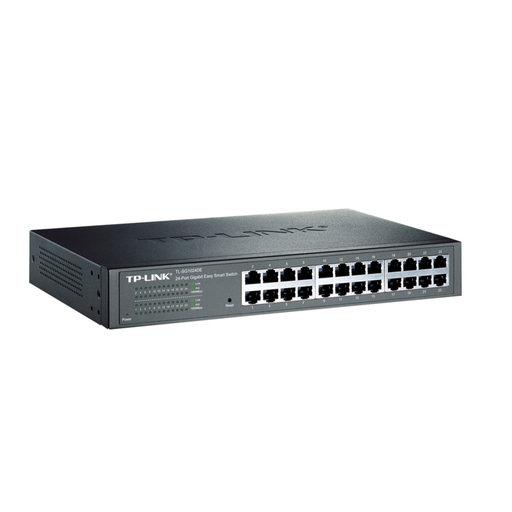 No image available
For a managed Gigabit setup; check that the number of ports and configuration features meet your network’s needs.
Gigabit Ethernet (10/100/1000).
Connect the switch to your router or existing network equipment, then connect the server to a free switch port. Connect your wired clients to suitable ports too, then check the negotiated connection speed. This doesn’t guarantee a particular backup speed.
No. The German Federal Office for Information Security recommends backing up data regularly and points out that it must also be possible to restore it. Check your backup process and recovery separately from your choice of switch.
Depending on your existing setup, you may need compatible network cards, cabling or SFP+ components. Check the ports at both ends and remember that 10G-RJ45 and 10G-SFP+ are different.
Before a device covered by the German Electromagnetic Compatibility Act is placed on the market, it must meet the applicable requirements and follow the prescribed conformity assessment procedure, including CE marking. CE marking alone doesn’t prove that a particular product listing meets every requirement. As part of its market surveillance, the German Federal Network Agency checks matters including marking and product identifiability.